Export & Productivity

Export iPhone reminders for planning and records.

Turn reminders into useful exported files for review, planning, reporting, and backup.

Export Reminders app icon
Export RemindersTop 30 days
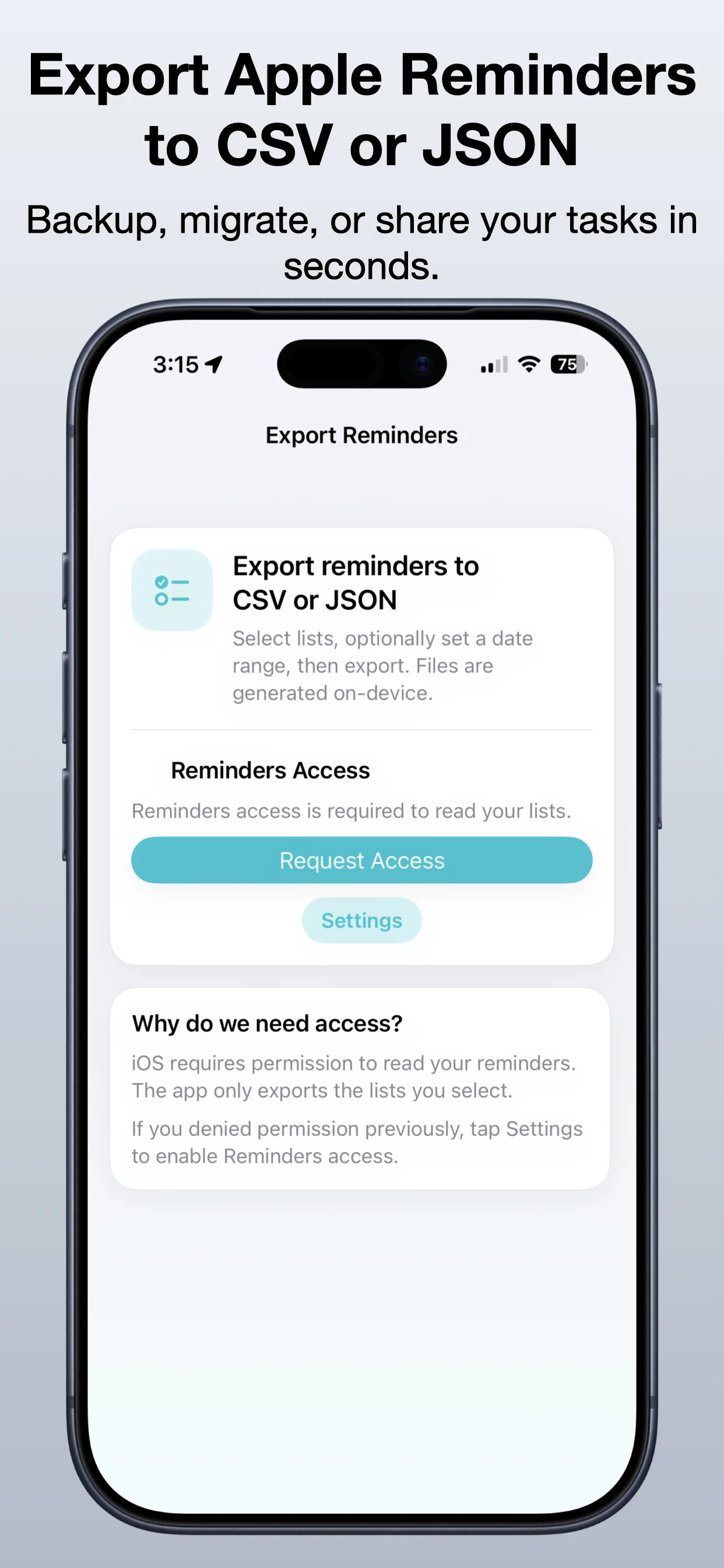
Export Reminders screenshot preview
What it does

Built around one clear job.

Export Reminders helps turn iPhone reminders into useful CSV or JSON files for planning, reporting, review, and backup.

  • Export reminders to CSV or JSON
  • Choose the reminder list you need
  • Save lists for review or backup
  • Use exported data in planning workflows

See Export Reminders in action.

A focused walkthrough of exporting reminders lists, choosing a format, and saving the result for later use.

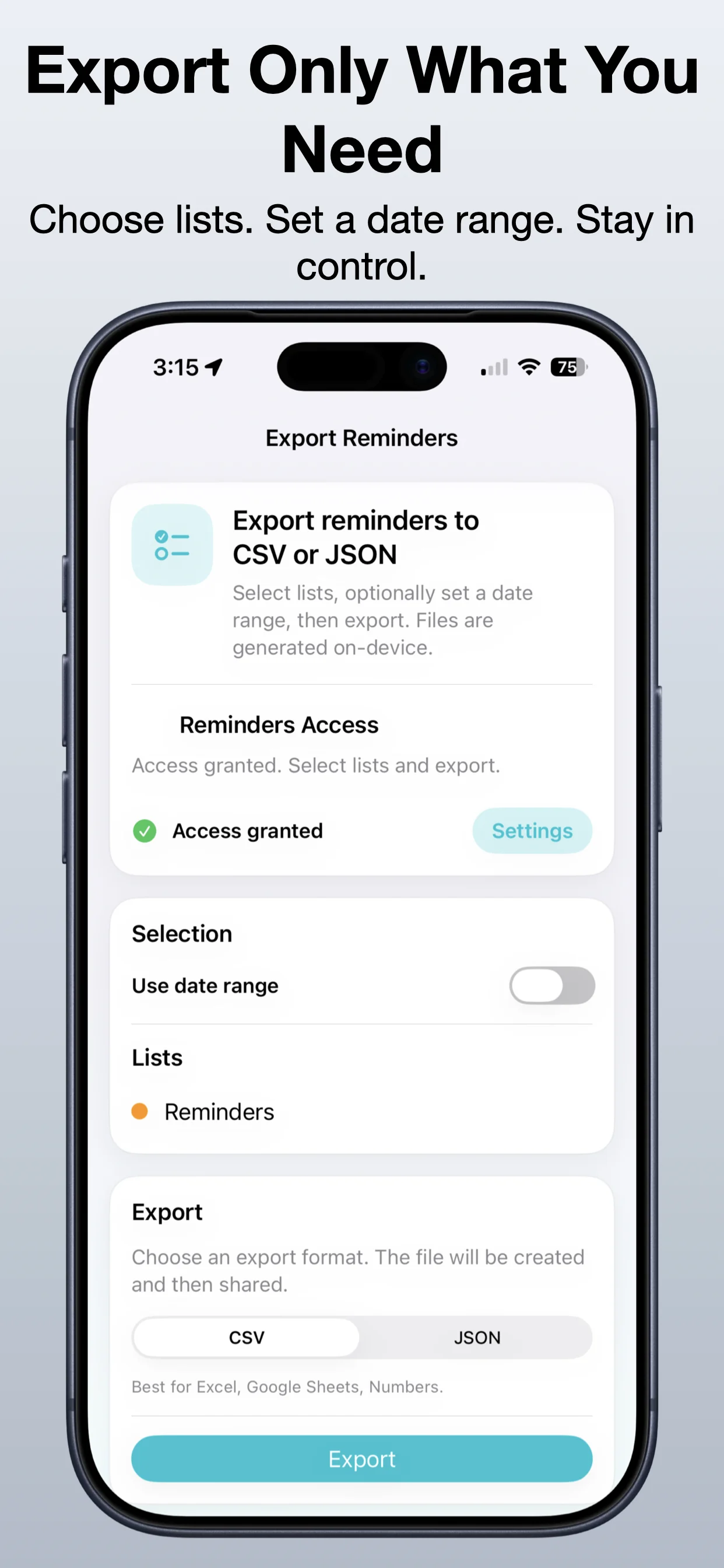
Export Reminders screenshot 1: Start from your reminders lists
Start from your reminders lists

Open the export workflow and choose the reminders data you want.

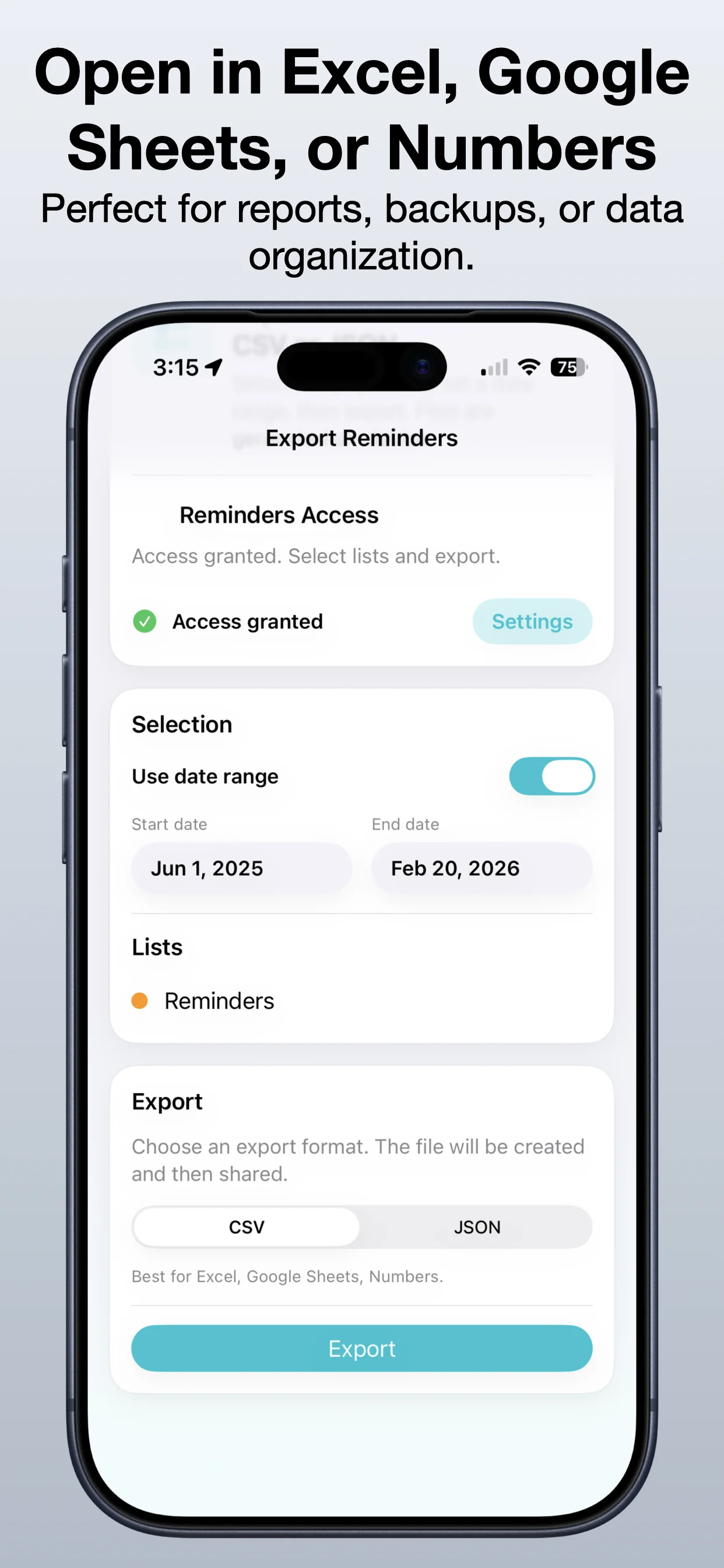
Export Reminders screenshot 2: Select the right list
Select the right list

Focus on the reminders list that matters for the export.

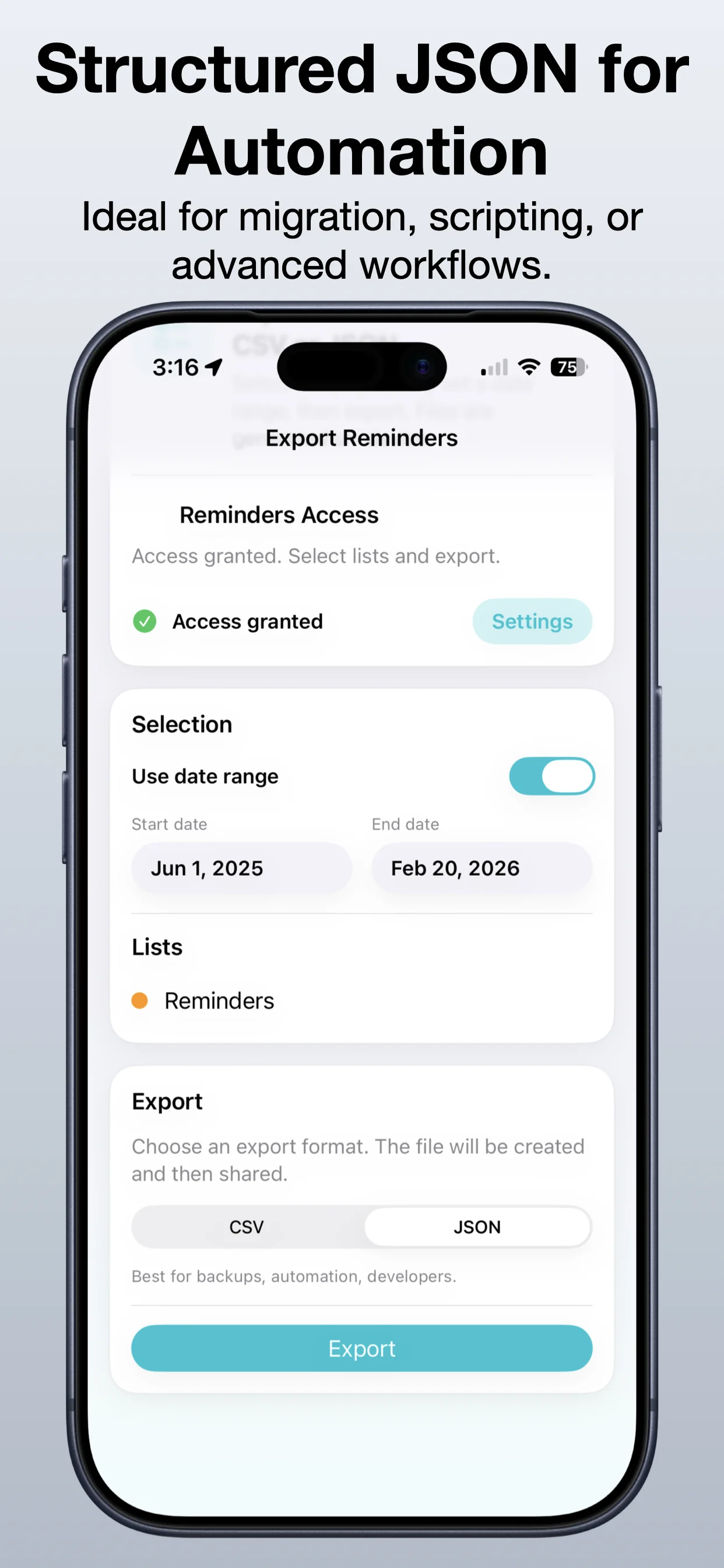
Export Reminders screenshot 3: Choose CSV or JSON
Choose CSV or JSON

Pick the file format that fits spreadsheets or structured data workflows.

Export Reminders screenshot 4: Review the export result
Review the export result

Check the output before sending it elsewhere.

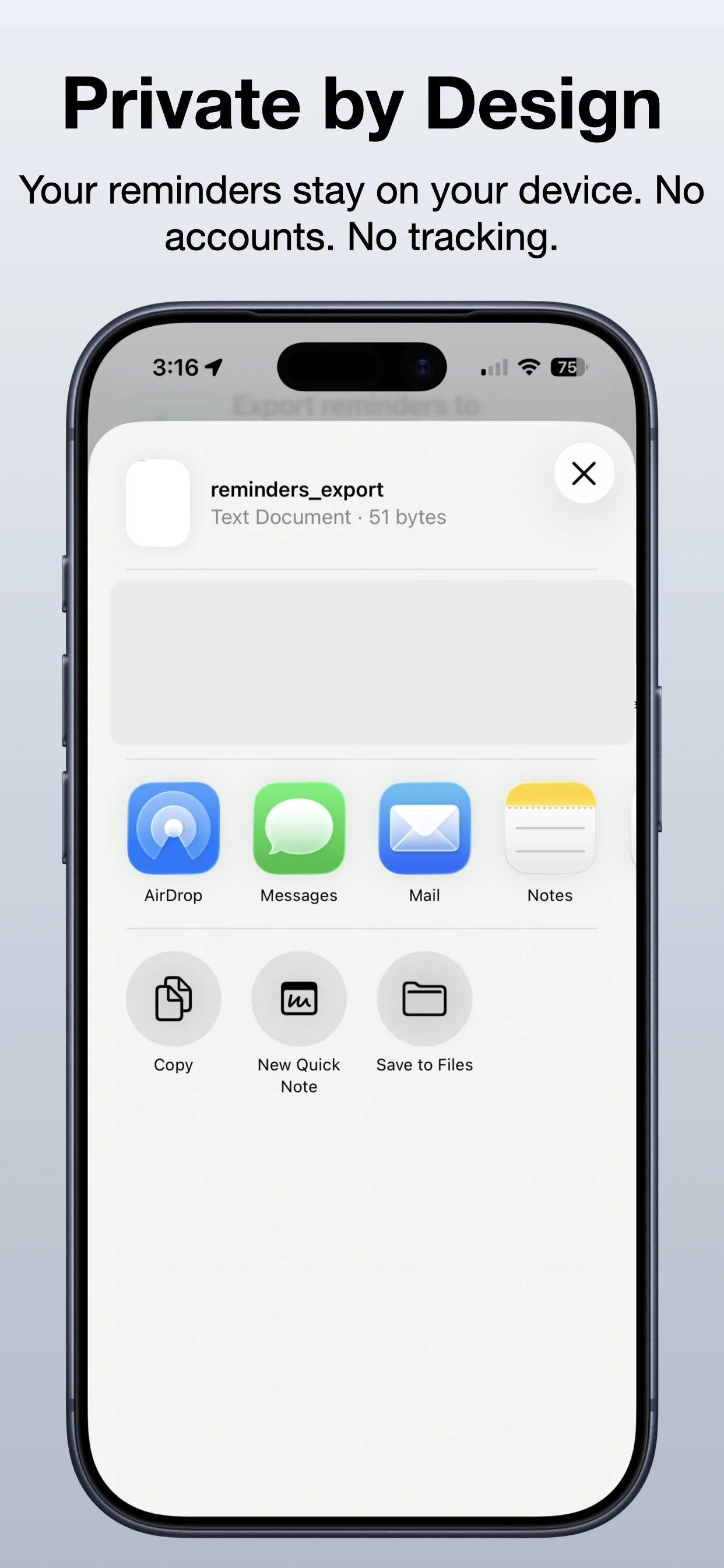
Export Reminders screenshot 5: Save or share the file
Save or share the file

Keep the final export for records, planning, or backup.

Get Export Reminders

Download the app from the App Store.

Open →

Read the reminders export guide

Learn how to preserve reminder lists before switching phones or reorganizing.

Open →

Explore Export Data Suite

Bundle related OpsOh export tools for calendar, reminders, contacts, and data workflows.

Open →
Who is Export Reminders for?

Export Reminders is for iOS users who want a focused, practical way to complete this workflow without unnecessary complexity.

Is this part of the OpsOh app catalog?

Yes. This app is part of the growing OpsOh catalog of focused iOS apps.

Where can I get support?

Use the support page for this app or email support@opsoh.com.