Export & Productivity

Export your iPhone calendar to CSV.

Save calendar events to CSV for spreadsheets, records, backups, planning, and personal organization.

Export Calendar app icon
Export CalendarPopular
Export Calendar screenshot preview
What it does

Built around one clear job.

Export Calendar helps turn iPhone calendar events into clean CSV or ICS files for planning, records, backups, spreadsheets, and sharing.

  • Export calendar events to CSV or ICS
  • Select specific calendars before exporting
  • Use exported files in spreadsheets and records
  • Save or share the final file from iPhone

See Export Calendar in action.

A focused walkthrough of the export flow, from selecting calendars to saving or sharing the final file.

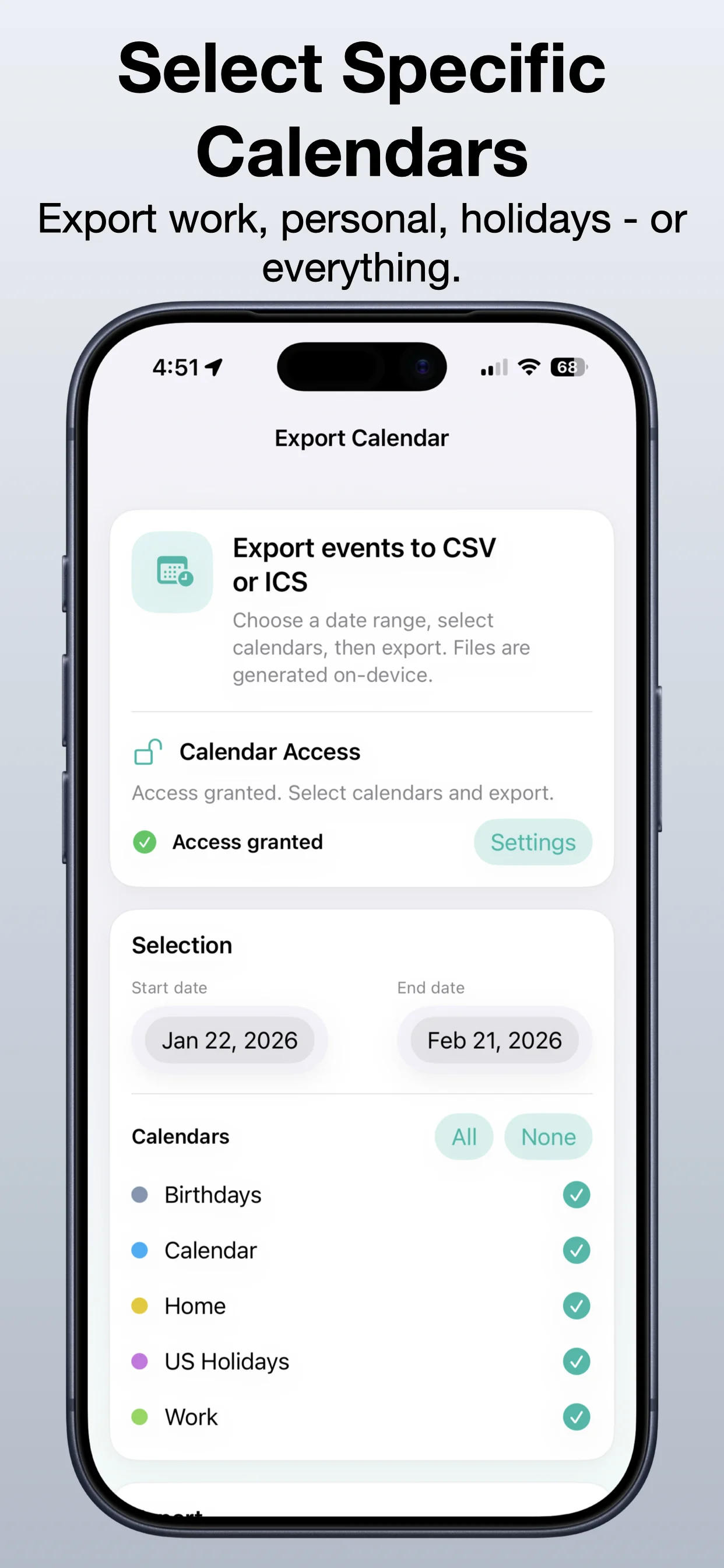
Export Calendar screenshot 1: Start with your calendar overview
Start with your calendar overview

Open Export Calendar and begin from a simple, focused export workflow.

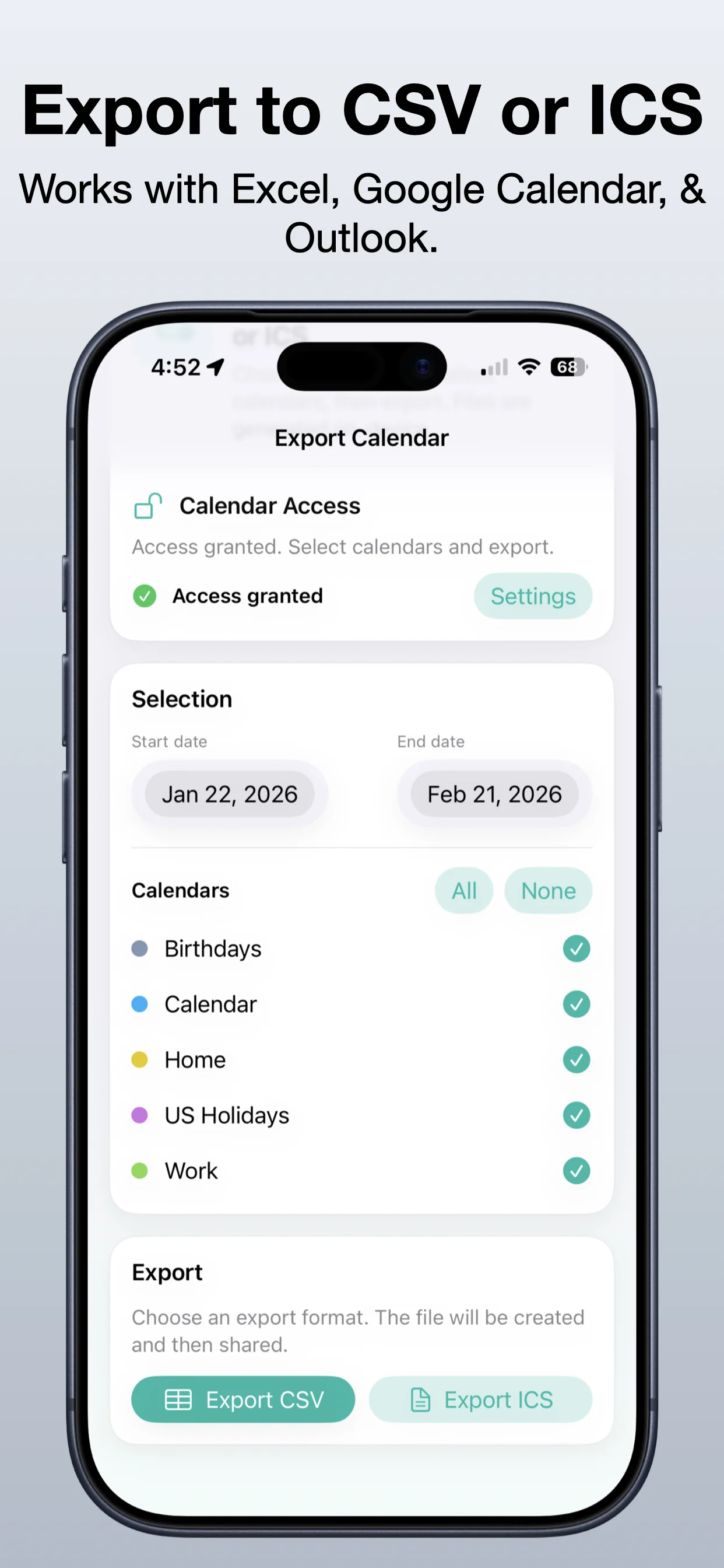
Export Calendar screenshot 2: Select the calendars you need
Select the calendars you need

Choose one or more calendars before creating the export file.

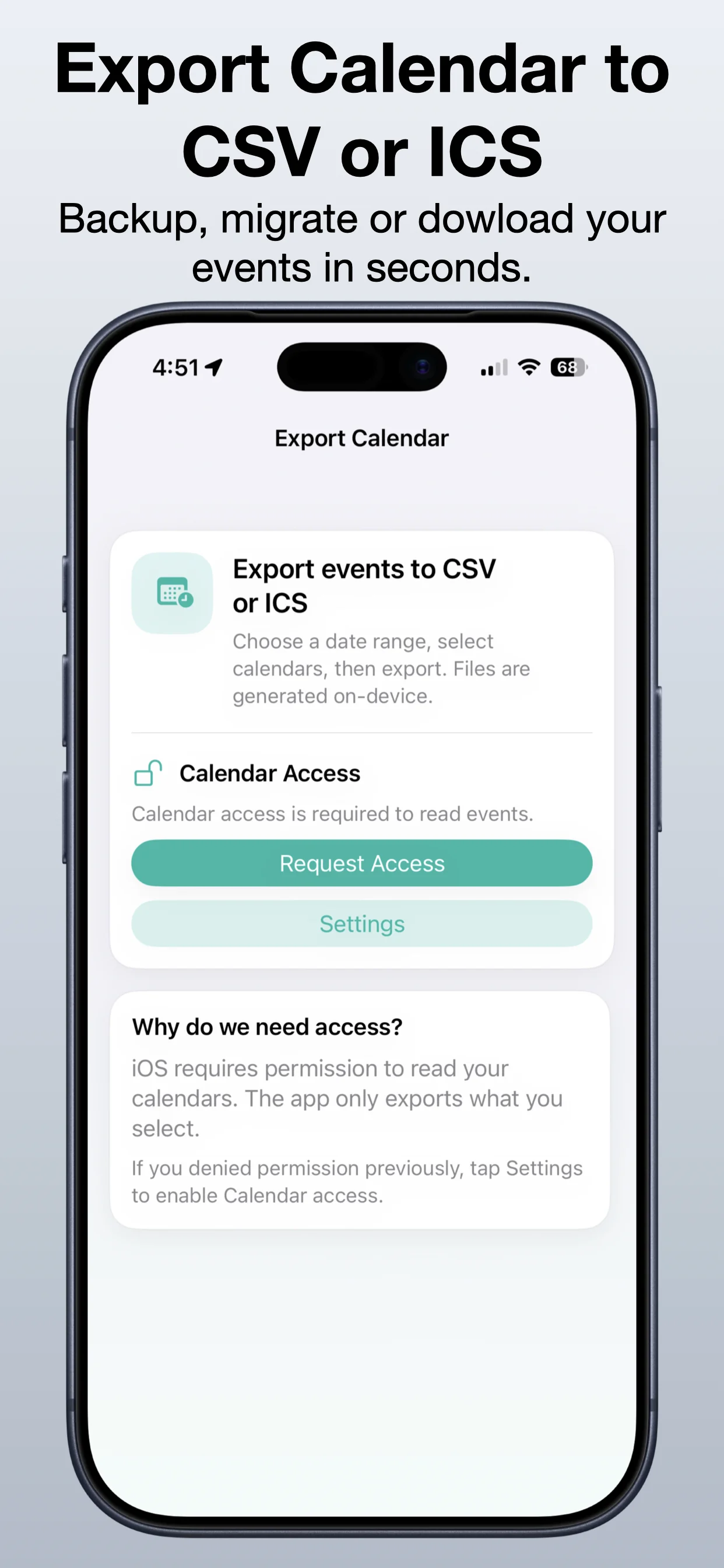
Export Calendar screenshot 3: Choose CSV or ICS output
Choose CSV or ICS output

Pick the export format that best fits spreadsheets, records, or sharing.

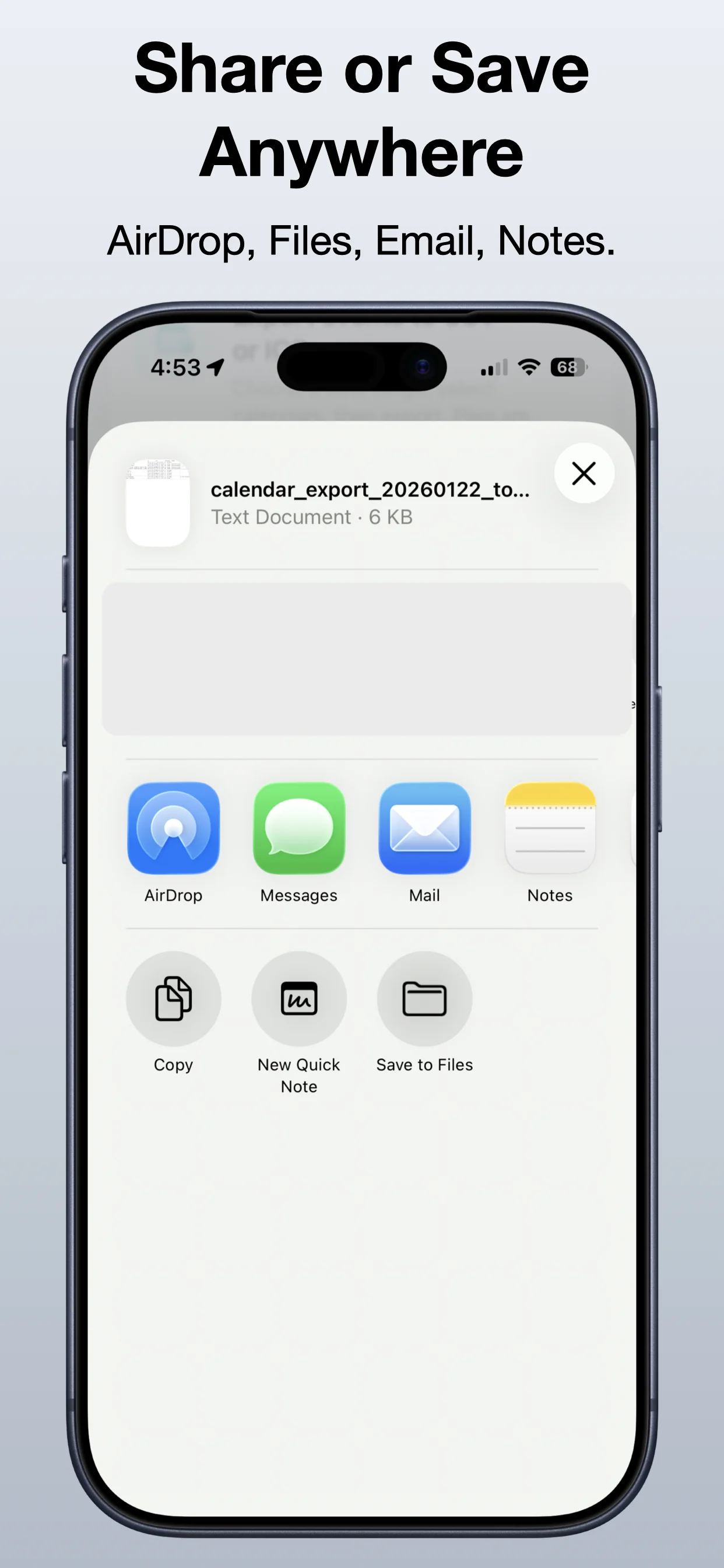
Export Calendar screenshot 4: Share or save anywhere
Share or save anywhere

Save the exported file or send it where you need it next.

Get Export Calendar

Download the app from the App Store.

Open →

Read the calendar export guide

Learn how calendar exports work and when CSV or ICS makes sense.

Open →

Explore Export Data Suite

Bundle related OpsOh export tools for calendar, reminders, contacts, and data workflows.

Open →
Who is Export Calendar for?

Export Calendar is for iOS users who want a focused, practical way to complete this workflow without unnecessary complexity.

Is this part of the OpsOh app catalog?

Yes. This app is part of the growing OpsOh catalog of focused iOS apps.

Where can I get support?

Use the support page for this app or email support@opsoh.com.