Export & Productivity

Export iPhone contacts for records and spreadsheets.

Create useful contact exports for backup, review, reporting, or spreadsheet workflows.

Export Contacts App Store screenshot preview
Export Contacts app iconExport ContactsOpsOh app
What it does

Built around one clear job.

Create useful contact exports for backup, review, reporting, or spreadsheet workflows.

Export contact recordsPrepare contact files for reviewUse contacts in spreadsheet workflowsKeep contact backups more portable
See Export Contacts in action.

A focused walkthrough of the app experience using App Store screenshots.

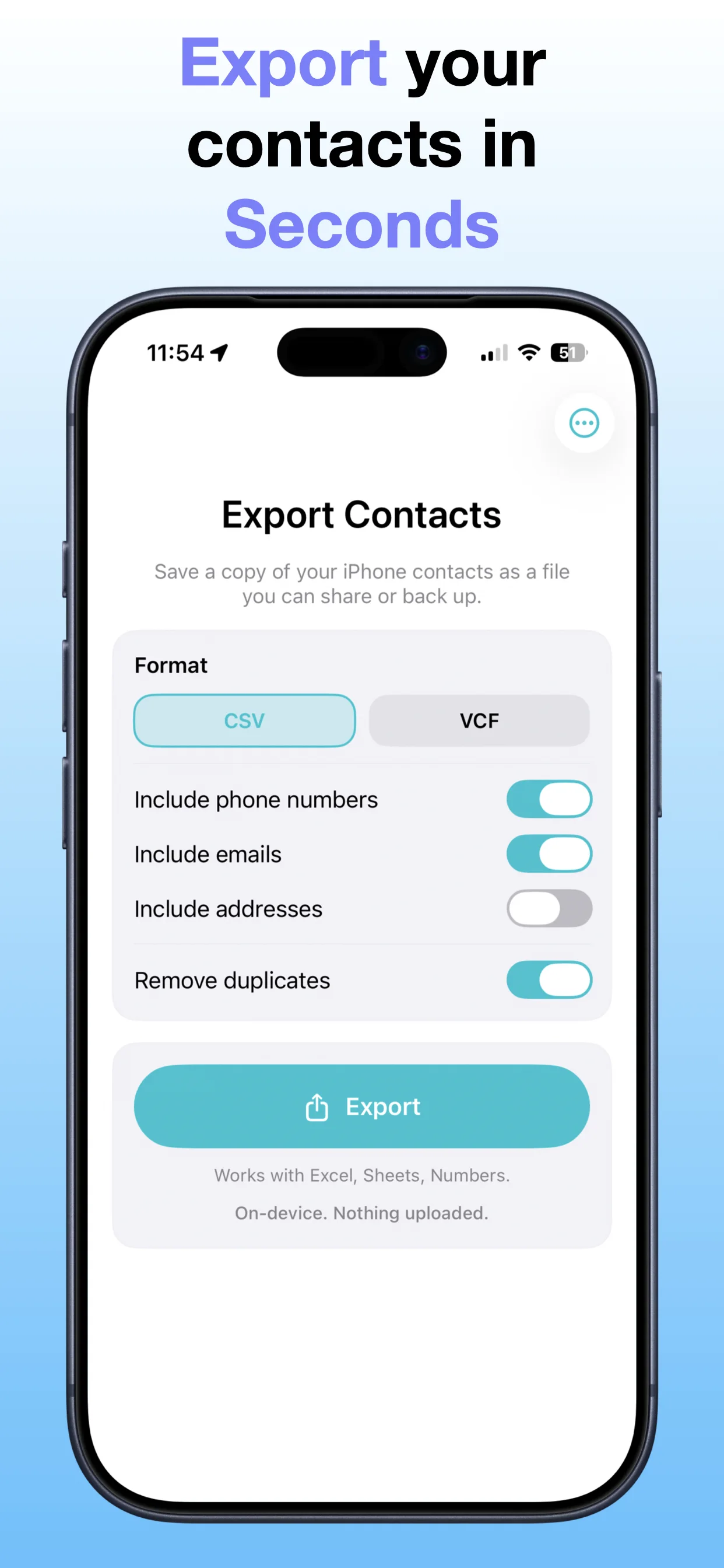
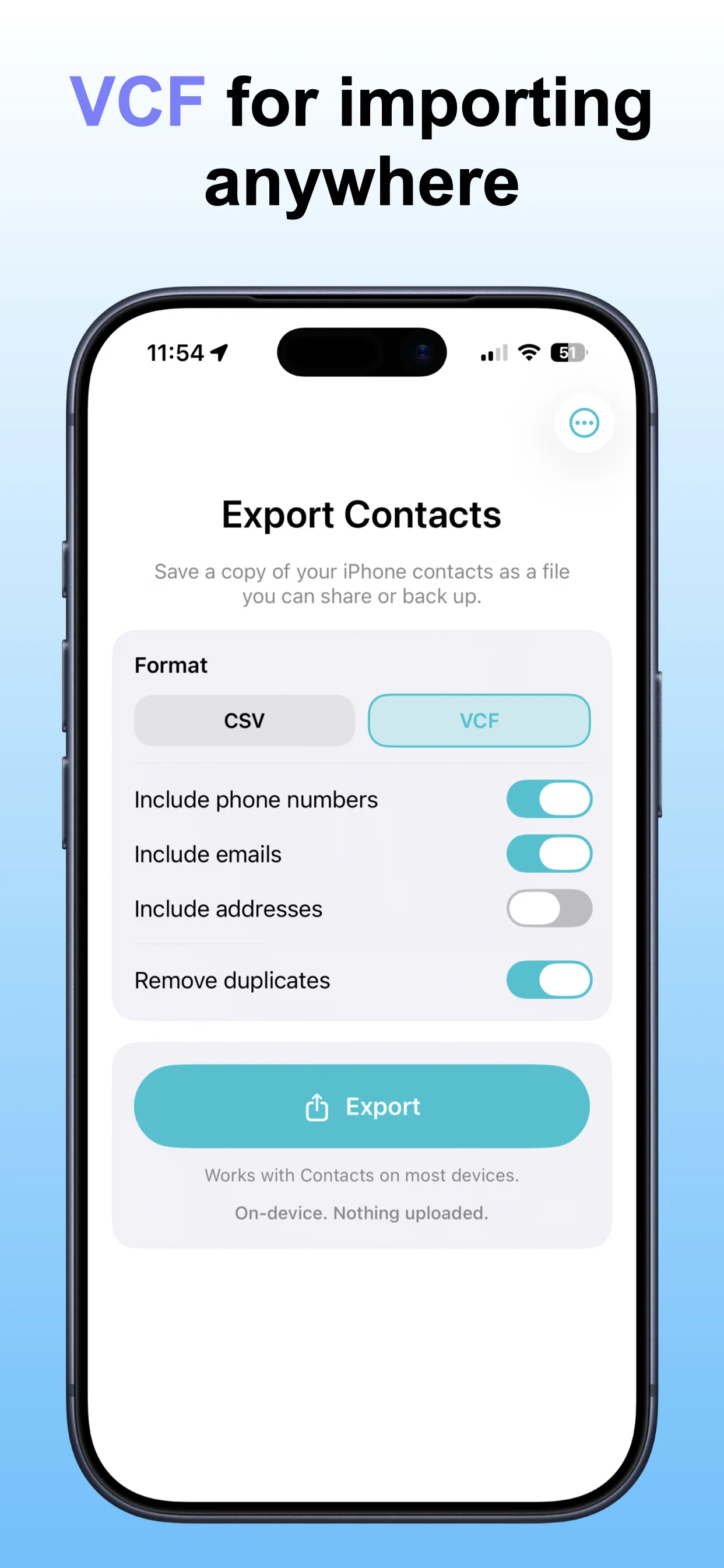
Export Contacts screenshot: Export contact records
Export contact records

Create a contact export for backup, records, or spreadsheets.

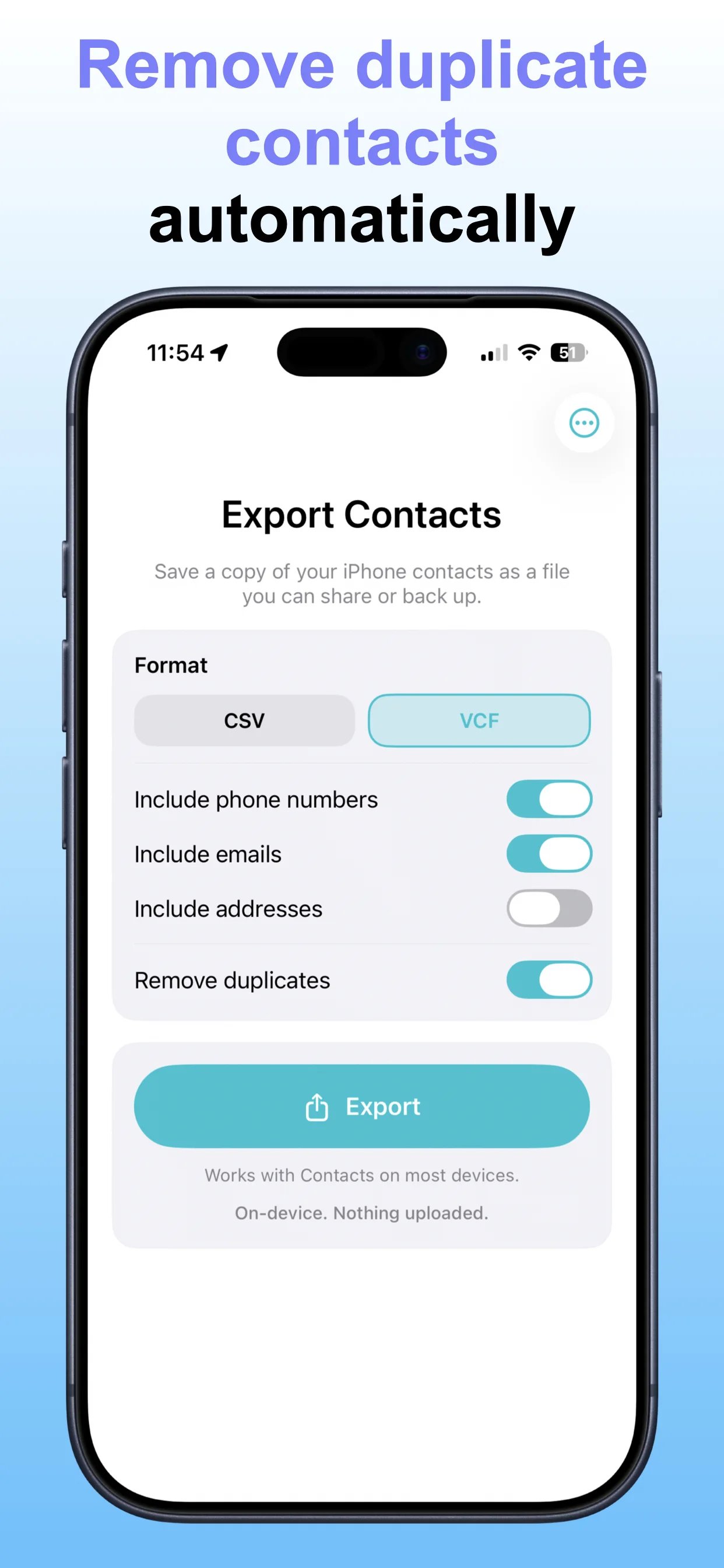
Export Contacts screenshot: Choose export format
Choose export format

Pick the format that fits your workflow.

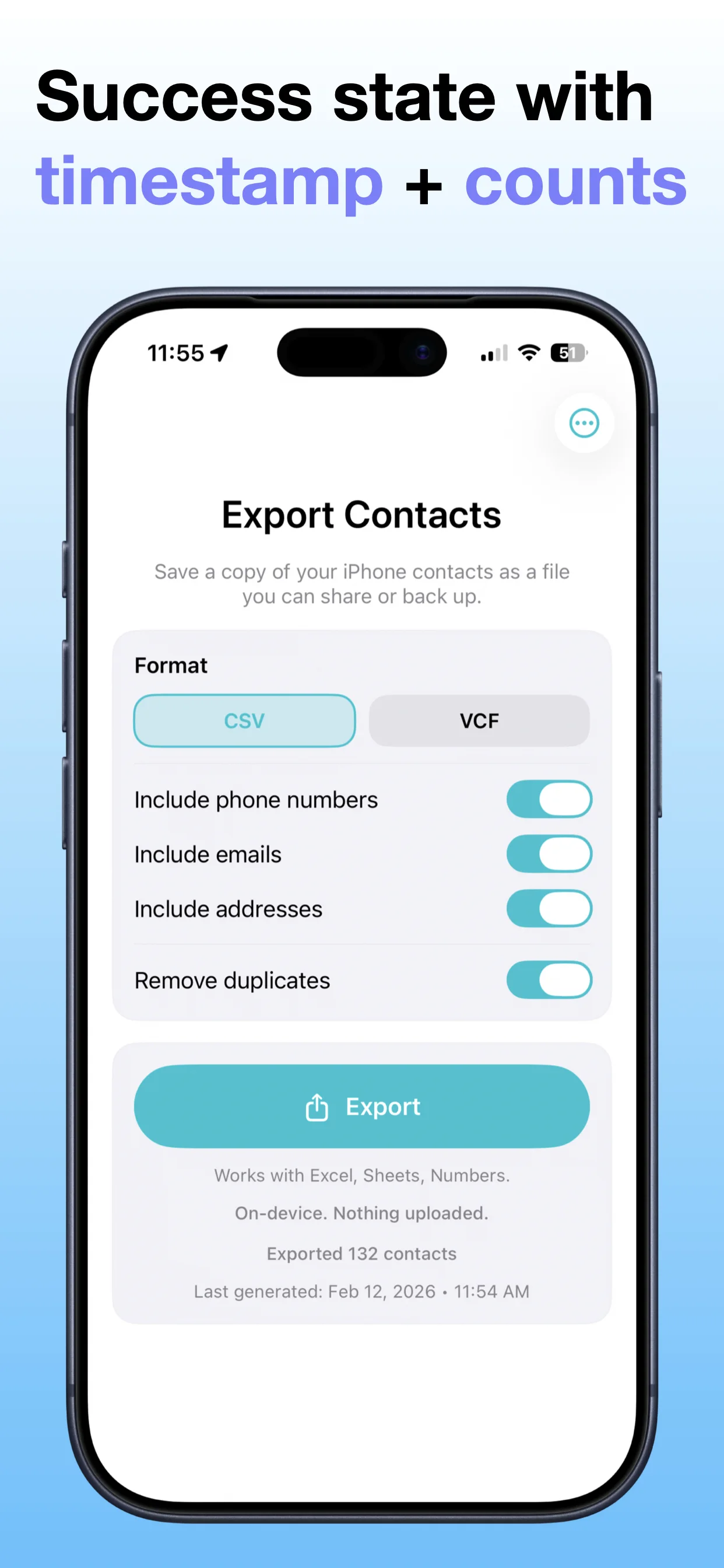
Export Contacts screenshot: Review contacts
Review contacts

Check what will be included before exporting.

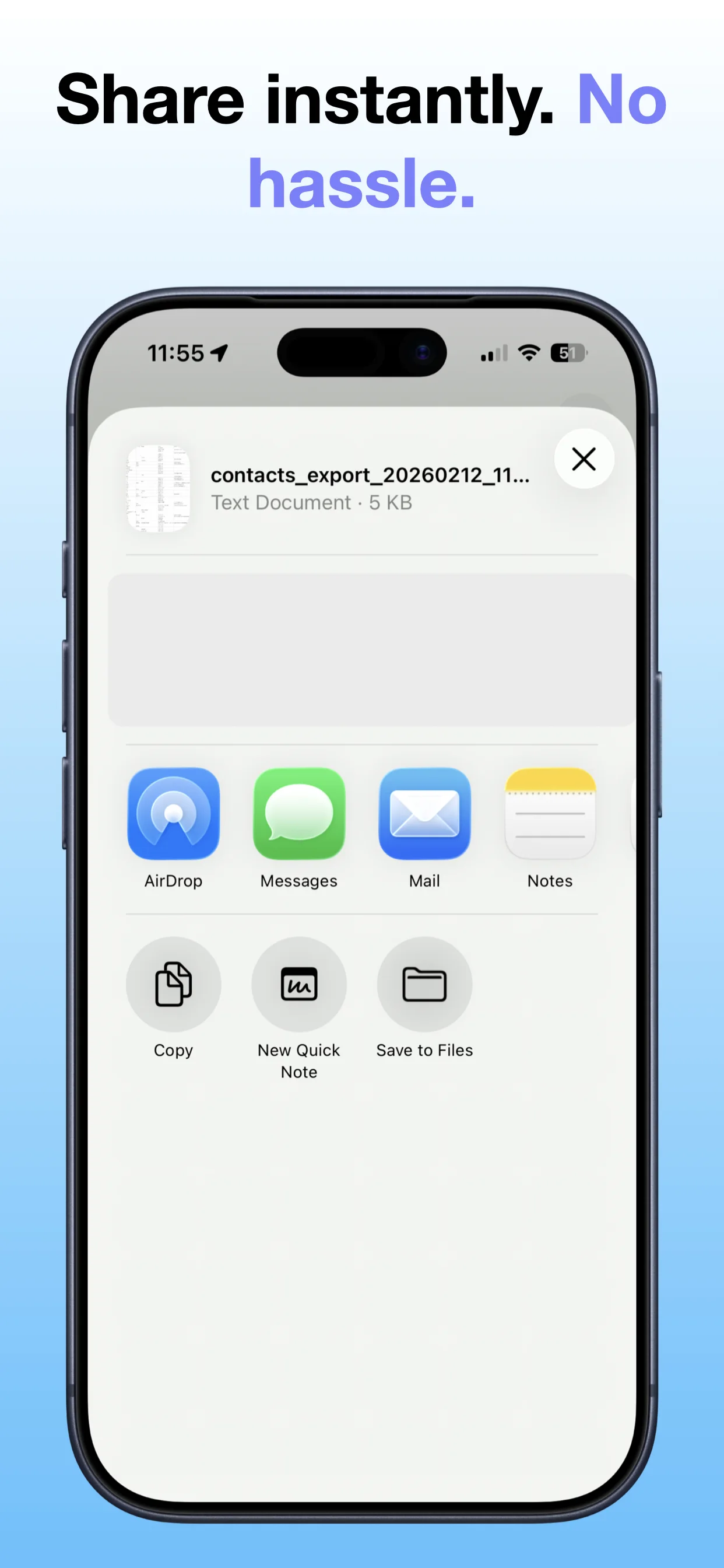
Export Contacts screenshot: Save or share
Save or share

Send the exported contact file where it needs to go.

Export Contacts screenshot: Keep contacts portable
Keep contacts portable

Use exported contacts for personal records or planning.

Get the app

Open the App Store listing or OpsOh developer catalog.

Open →

Browse bundles

See related OpsOh apps grouped into workflow bundles.

Open →

Contact support

Get help with OpsOh apps and product questions.

Open →