Photos & Media

Export photo location data from iPhone.

Work with photo location details for travel records, organization, and personal archives.

Photo Location Export app icon
Photo Location ExportTop 30 days
Photo Location Export screenshot preview
What it does

Built around one clear job.

Photo Location Export helps work with location details from iPhone photos for travel records, organization, mapping, and personal archives.

  • Extract photo location details
  • Work with selected images
  • Keep travel and archive data organized
  • Export useful location records

See Photo Location Export in action.

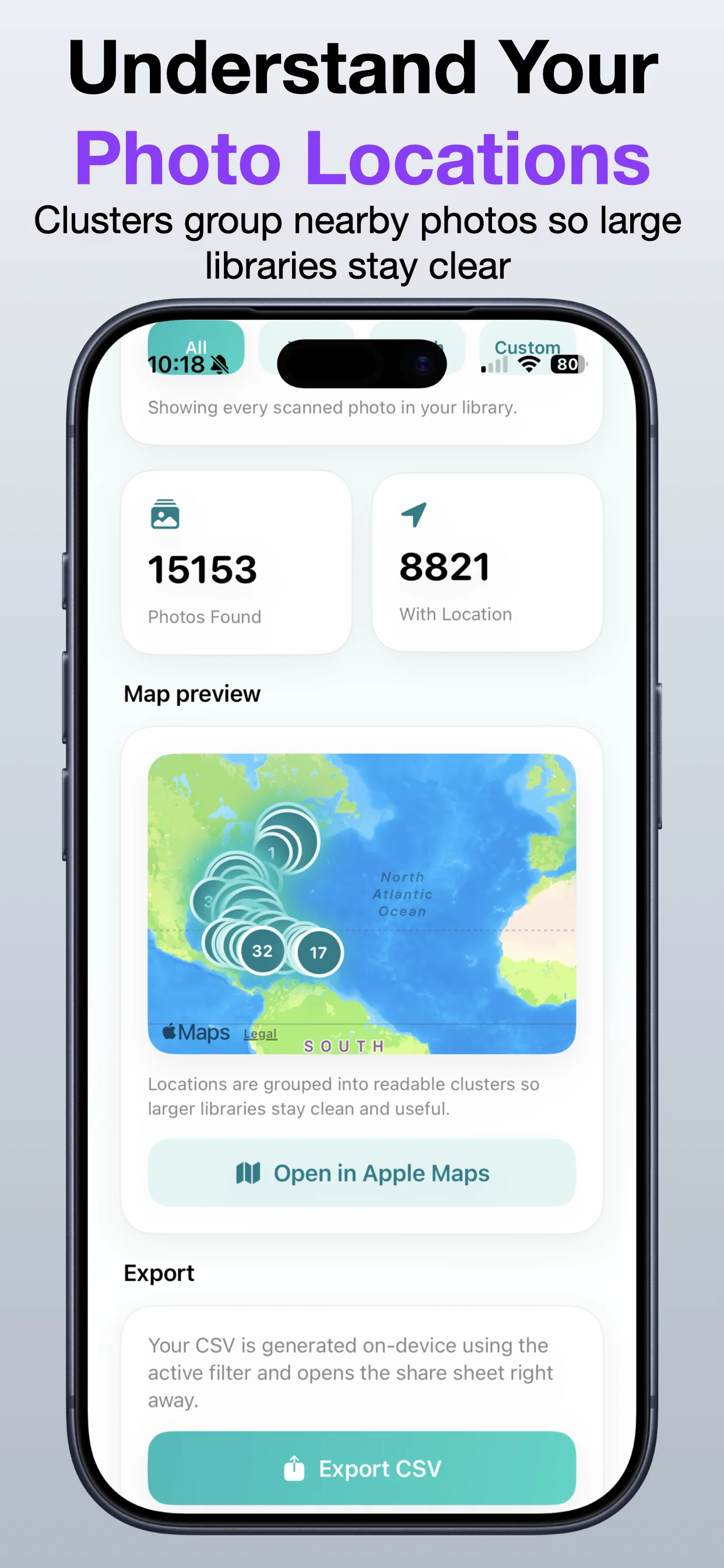
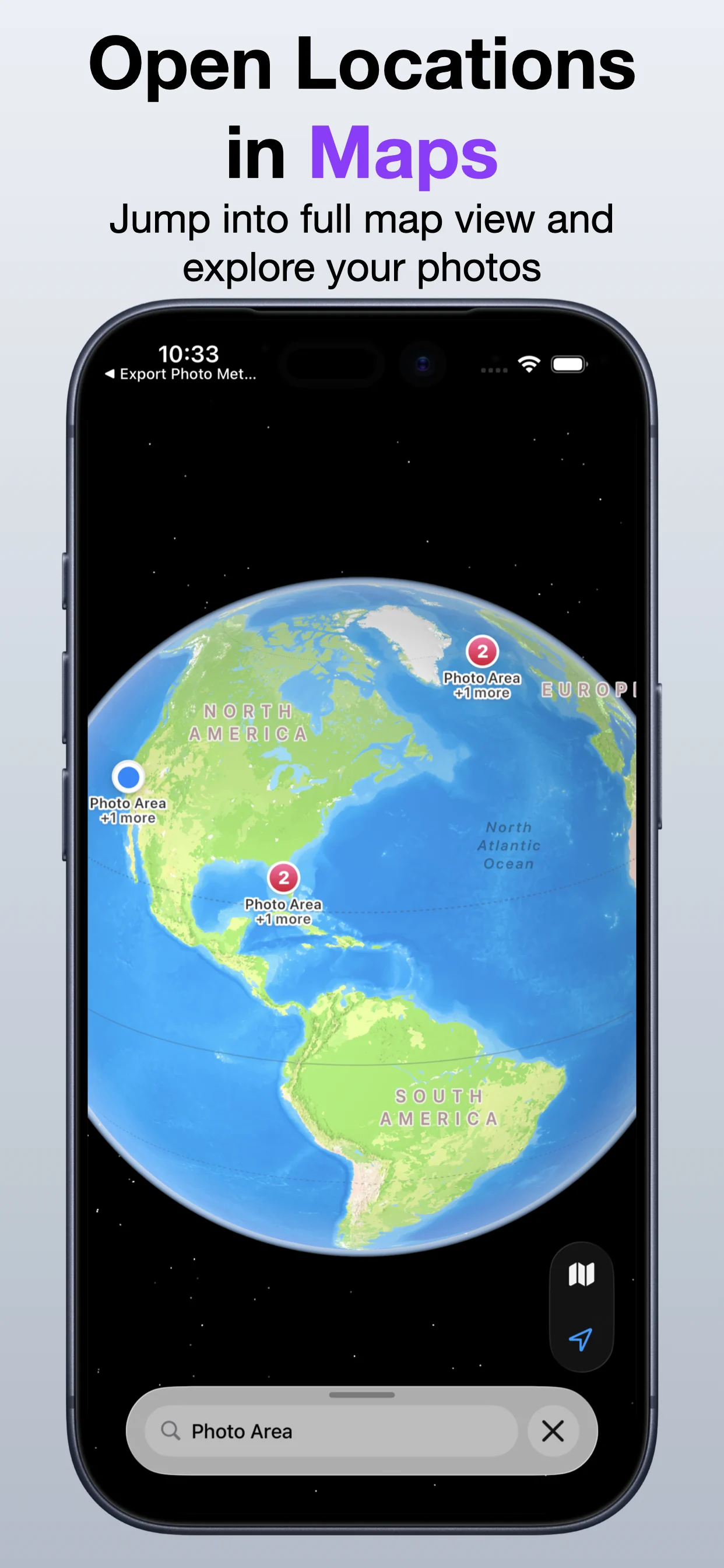
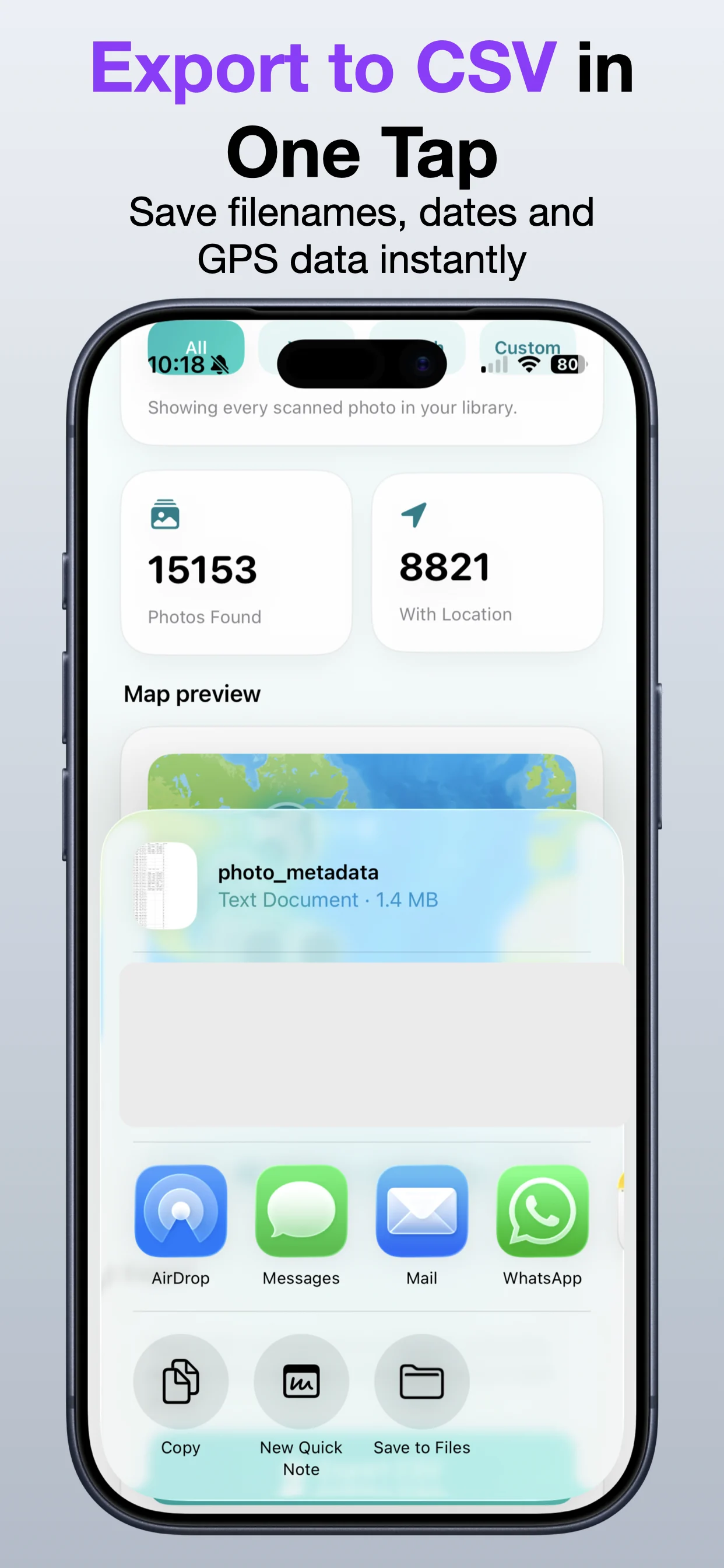
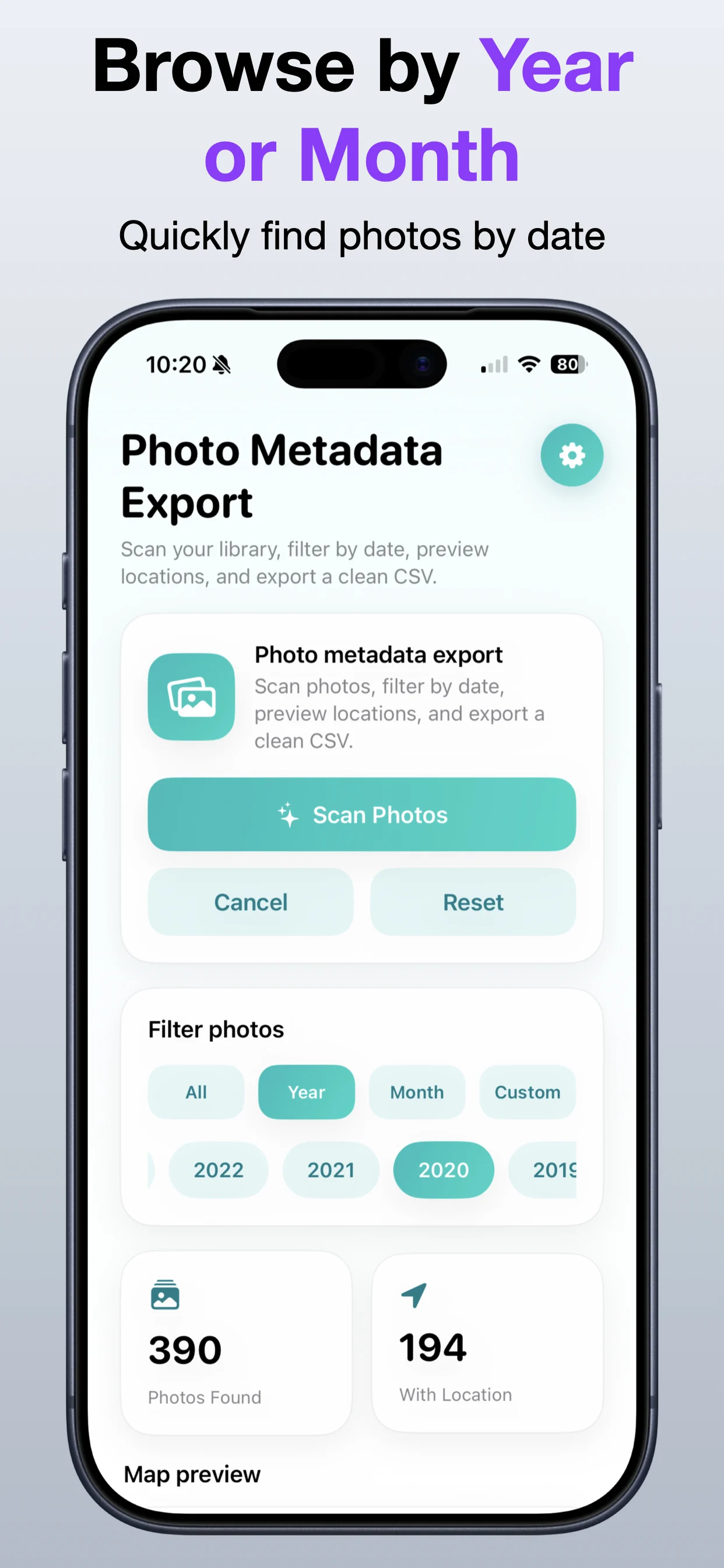
A visual walkthrough of extracting location information from photos and exporting that data in a usable format.

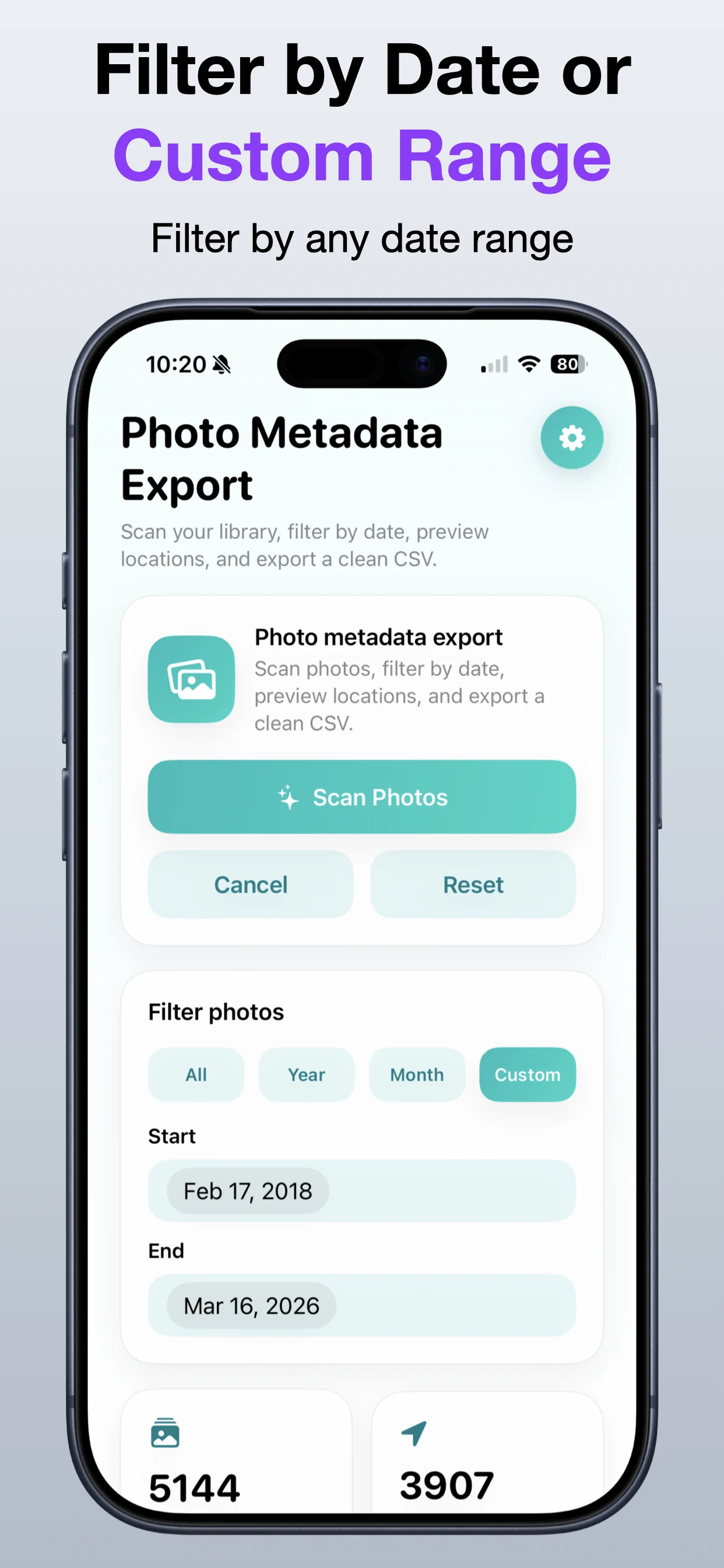
Photo Location Export screenshot 1: Start from your photo library
Start from your photo library

Select the images that contain the location information you need.

Photo Location Export screenshot 2: Choose the relevant photos
Choose the relevant photos

Work with one trip, album, or specific set of images.

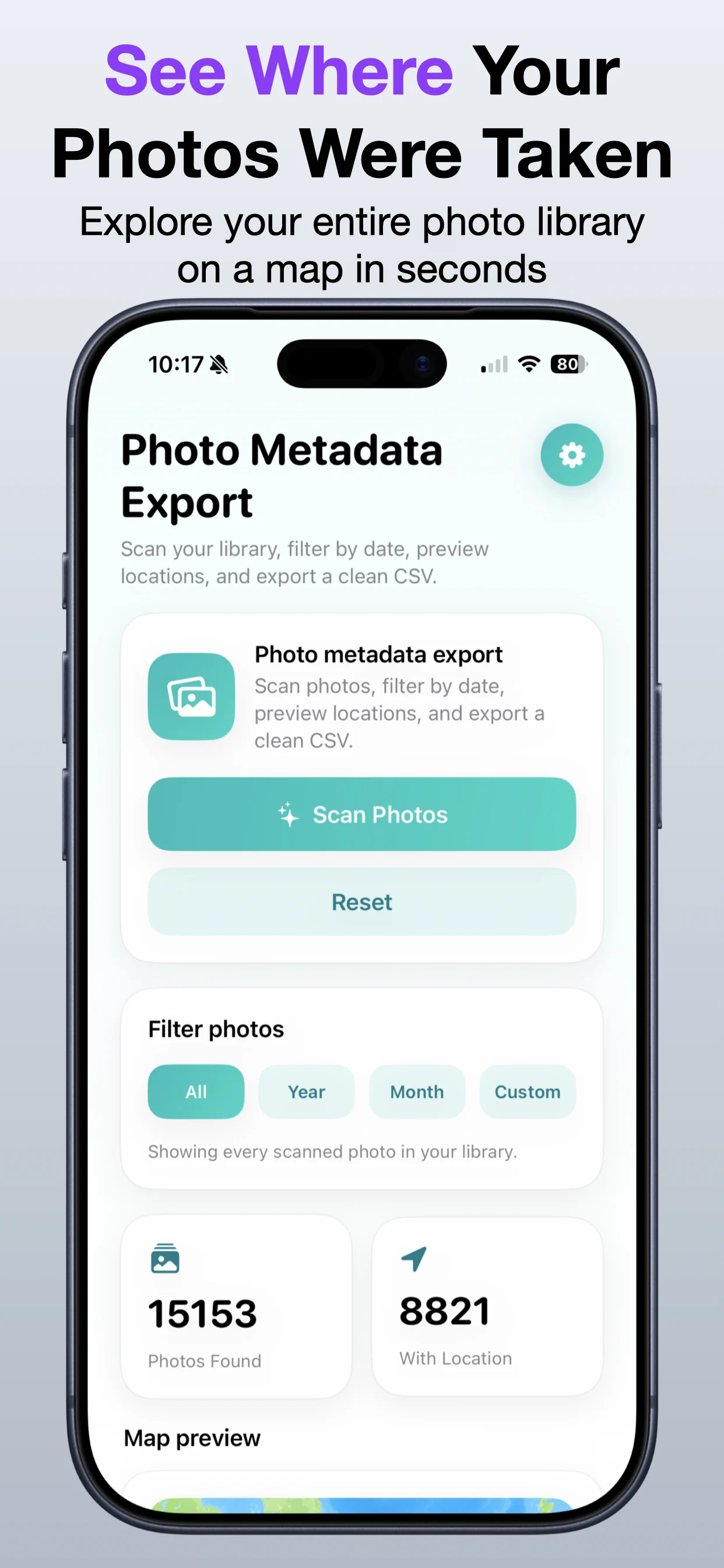
Photo Location Export screenshot 3: Preview extracted location data
Preview extracted location data

Review coordinates and place information before exporting.

Photo Location Export screenshot 4: Keep metadata organized
Keep metadata organized

Turn photo location information into a more useful output.

Photo Location Export screenshot 5: Export the final result
Export the final result

Save or share the extracted location data.

Photo Location Export screenshot 6: Use the output wherever needed
Use the output wherever needed

Keep a reusable record for travel, mapping, or organization.

Get Photo Location Export

Download the app from the App Store.

Open →

Read the photo location guide

Learn how iPhone photo location data can be reviewed and exported.

Open →

Explore Photo Organization Suite

Bundle related OpsOh photo tools for naming, location, and organization workflows.

Open →
Who is Photo Location Export for?

Photo Location Export is for iOS users who want a focused, practical way to complete this workflow without unnecessary complexity.

Is this part of the OpsOh app catalog?

Yes. This app is part of the growing OpsOh catalog of focused iOS apps.

Where can I get support?

Use the support page for this app or email support@opsoh.com.