Files & Storage

Find large files and clean up storage.

Spot storage-heavy files and make your iPhone easier to manage.

File Cleaner app icon
File CleanerPopular
File Cleaner screenshot preview
What it does

Built around one clear job.

File Cleaner helps find storage-heavy files, review downloads, and clean up clutter so iPhone storage is easier to understand and manage.

  • Review storage-heavy files
  • Find downloads and clutter
  • Inspect before deleting
  • Make iPhone storage easier to manage
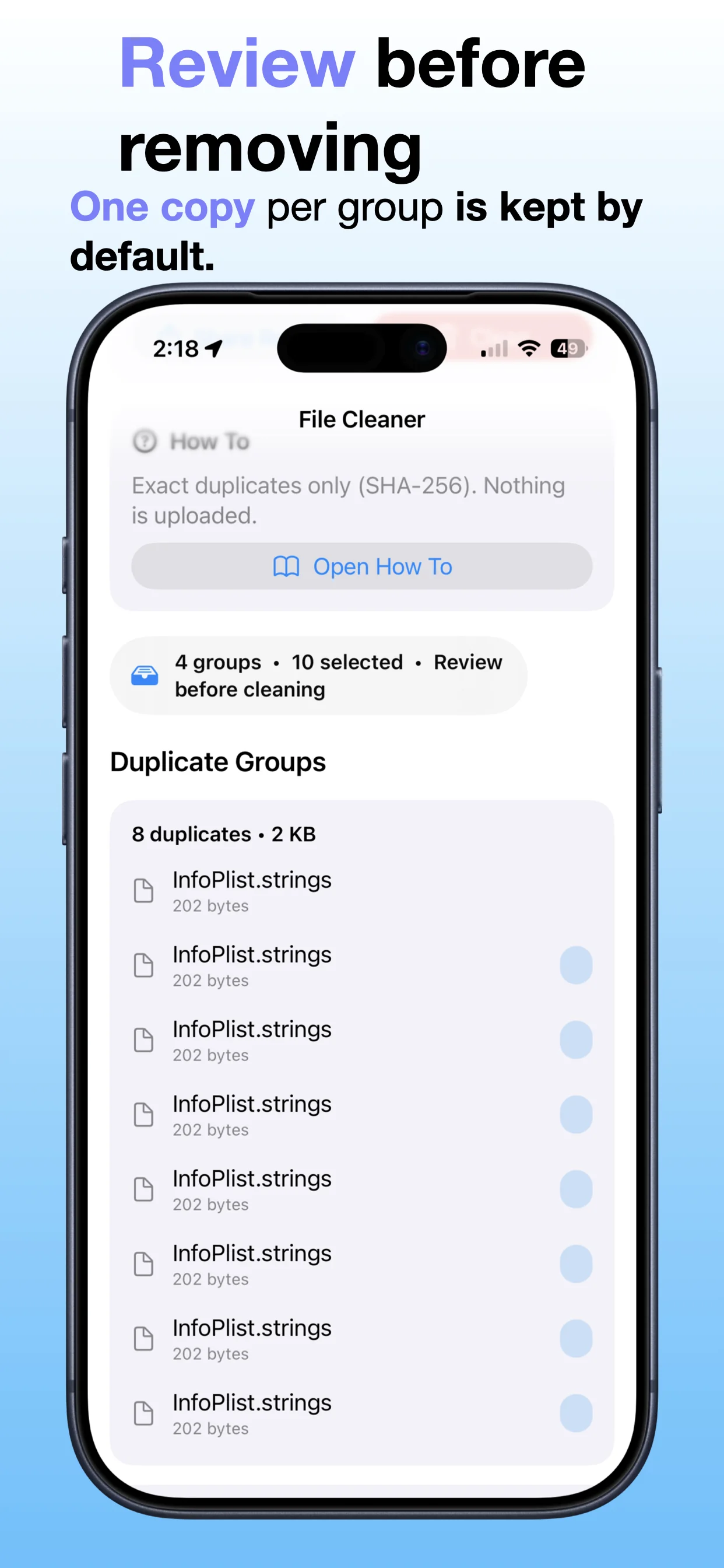
See File Cleaner in action.

A practical look at how File Cleaner helps identify files, review storage usage, and clean up space on iPhone.

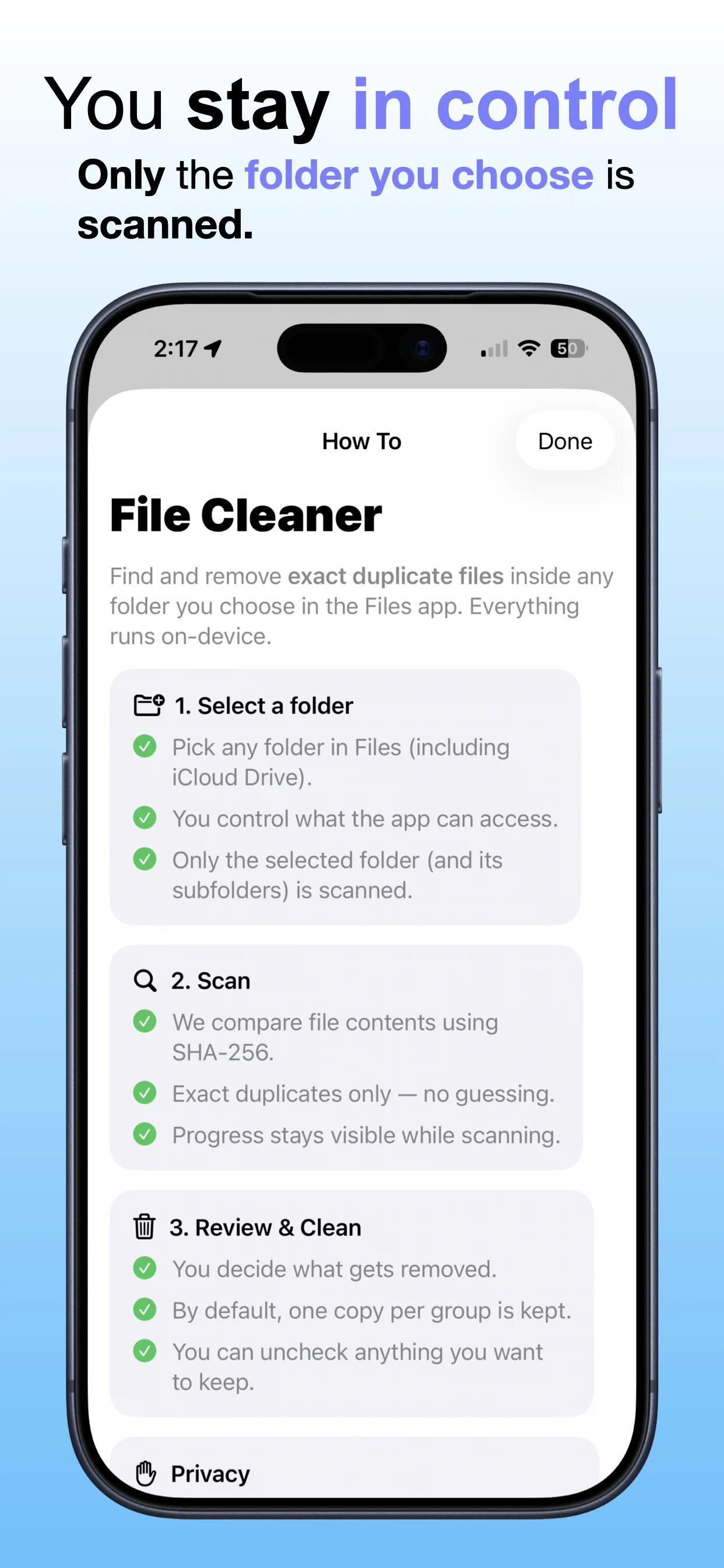
File Cleaner screenshot 1: See what is taking space
See what is taking space

Review storage-heavy files and downloaded content more clearly.

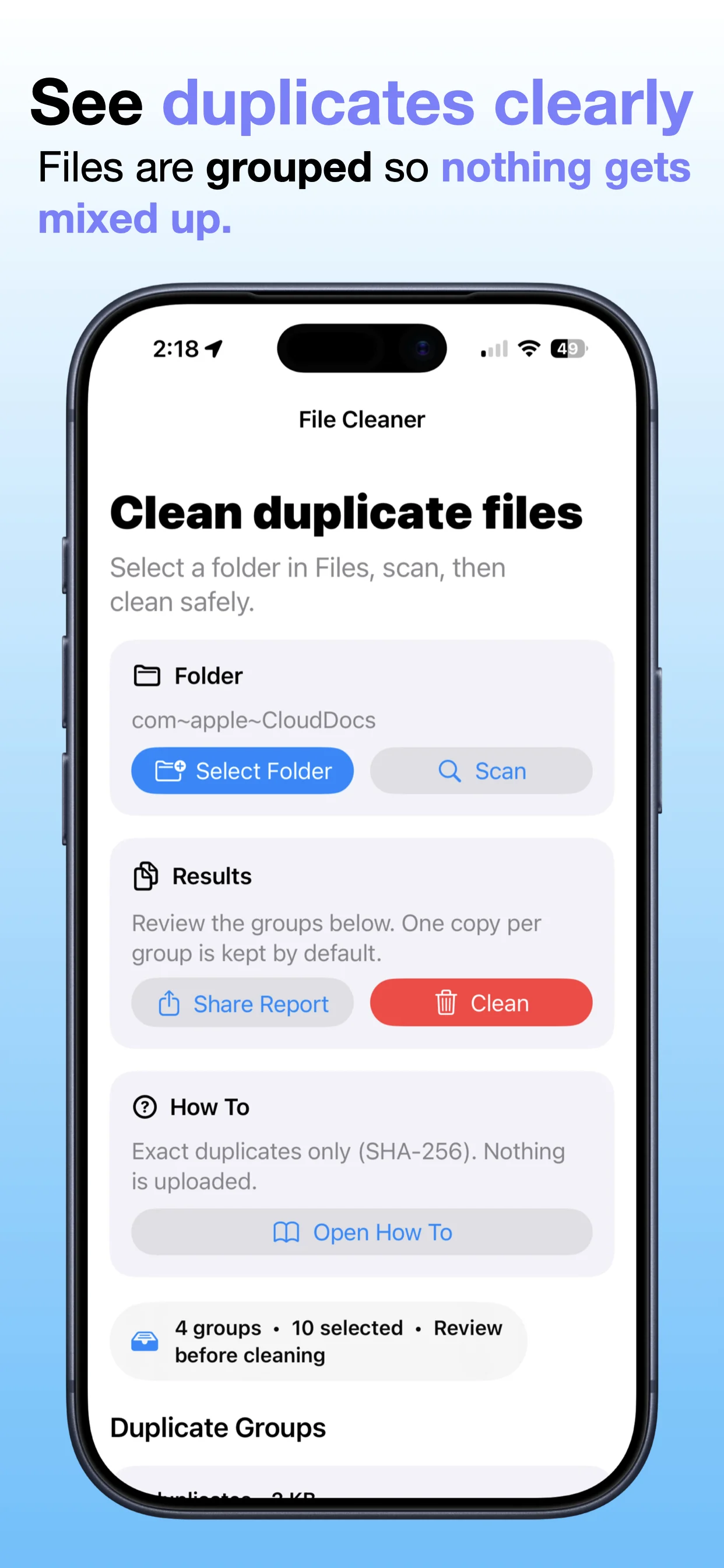
File Cleaner screenshot 2: Browse files more efficiently
Browse files more efficiently

Inspect files before deciding what to keep or delete.

File Cleaner screenshot 3: Find large or unwanted items
Find large or unwanted items

Spot files that may be wasting space on iPhone.

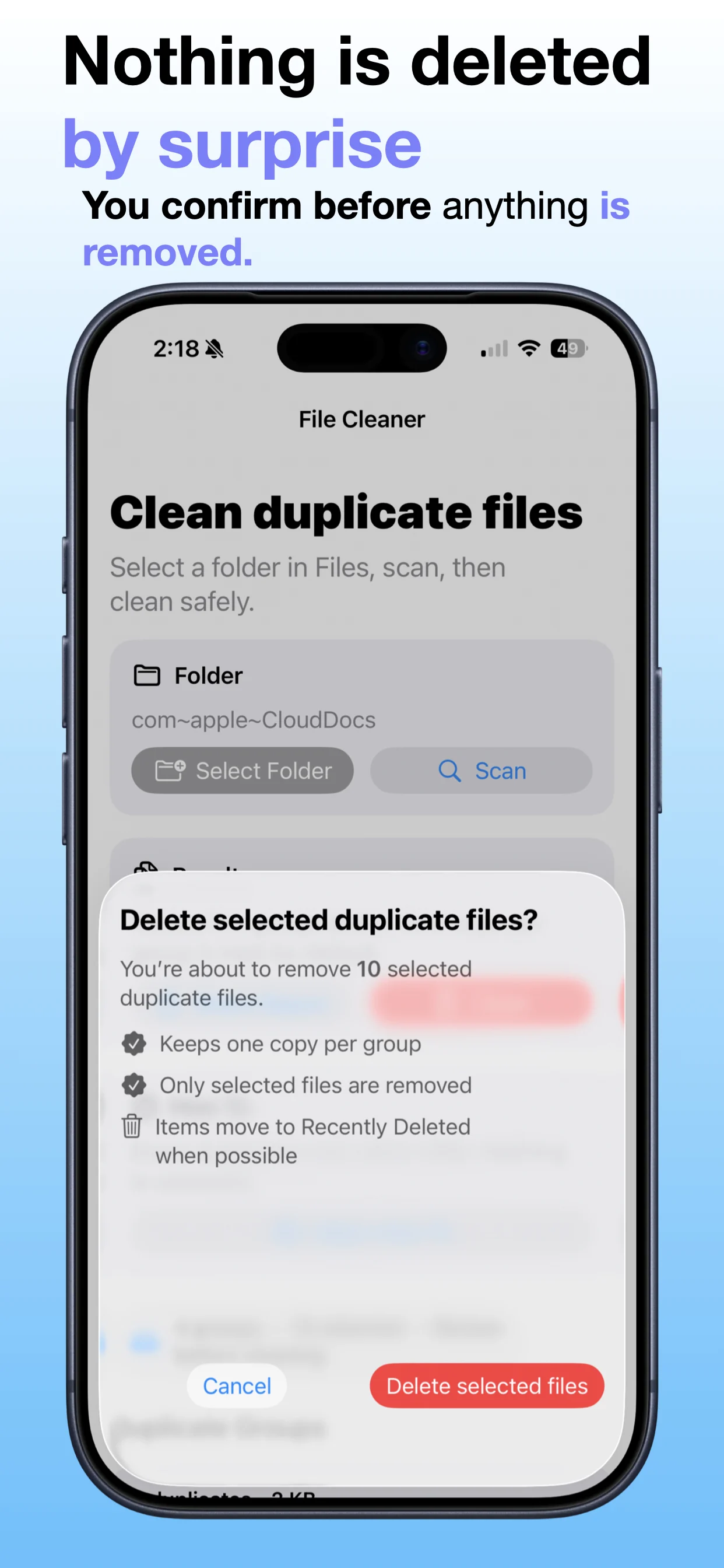
File Cleaner screenshot 4: Select what to remove
Select what to remove

Choose the files you no longer need.

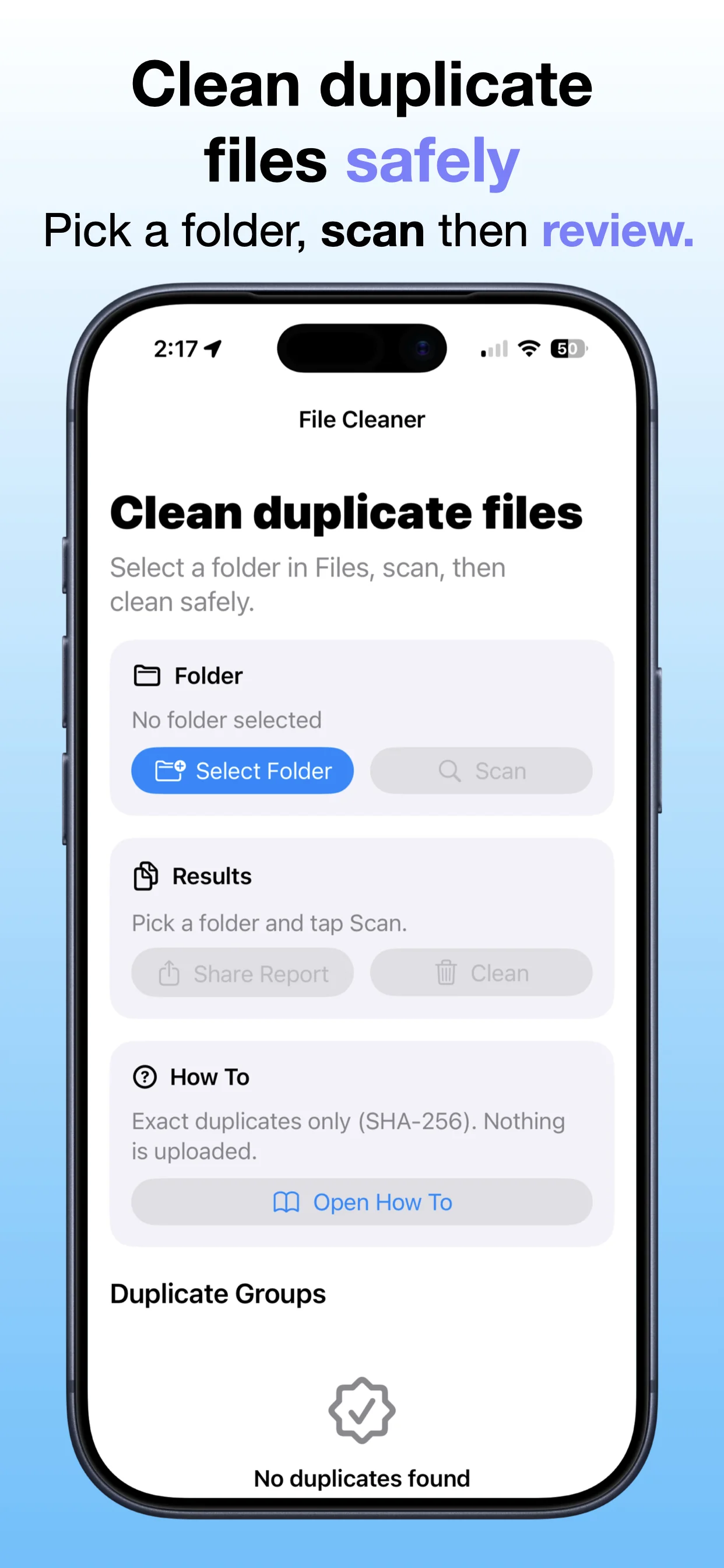
File Cleaner screenshot 5: Clean up with confidence
Clean up with confidence

Free up space with a workflow built around clarity and review.

Get File Cleaner

Download the app from the App Store.

Open →

Read the large files guide

Learn a simple workflow for finding large files on iPhone.

Open →

Browse file and cleanup apps

Explore other OpsOh tools for storage, documents, and cleanup workflows.

Open →
Who is File Cleaner for?

File Cleaner is for iOS users who want a focused, practical way to complete this workflow without unnecessary complexity.

Is this part of the OpsOh app catalog?

Yes. This app is part of the growing OpsOh catalog of focused iOS apps.

Where can I get support?

Use the support page for this app or email support@opsoh.com.