
Photos & Media

Clean up screenshot clutter.

Find and remove screenshots from your photo library when they are no longer useful.

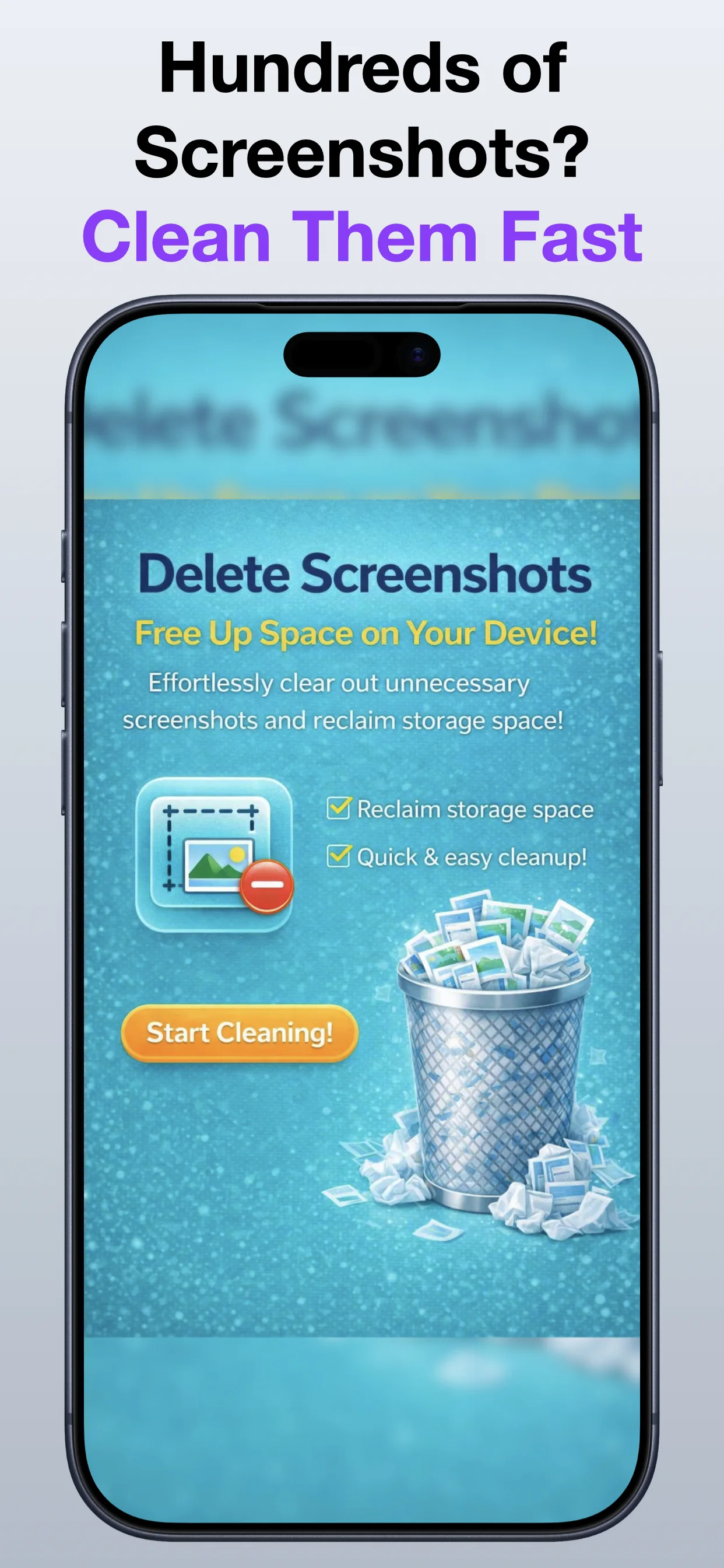
Delete Screenshots App Store screenshot preview
Delete Screenshots app iconDelete ScreenshotsOpsOh app
What it does

Built around one clear job.

Find and remove screenshots from your photo library when they are no longer useful.

Find screenshots in the libraryReview selected screenshotsDelete only what you chooseKeep photo cleanup focused
See Delete Screenshots in action.

A focused walkthrough of the app experience using App Store screenshots.

Delete Screenshots screenshot: Find screenshot clutter
Find screenshot clutter

Locate screenshots that may no longer need to stay in your photo library.

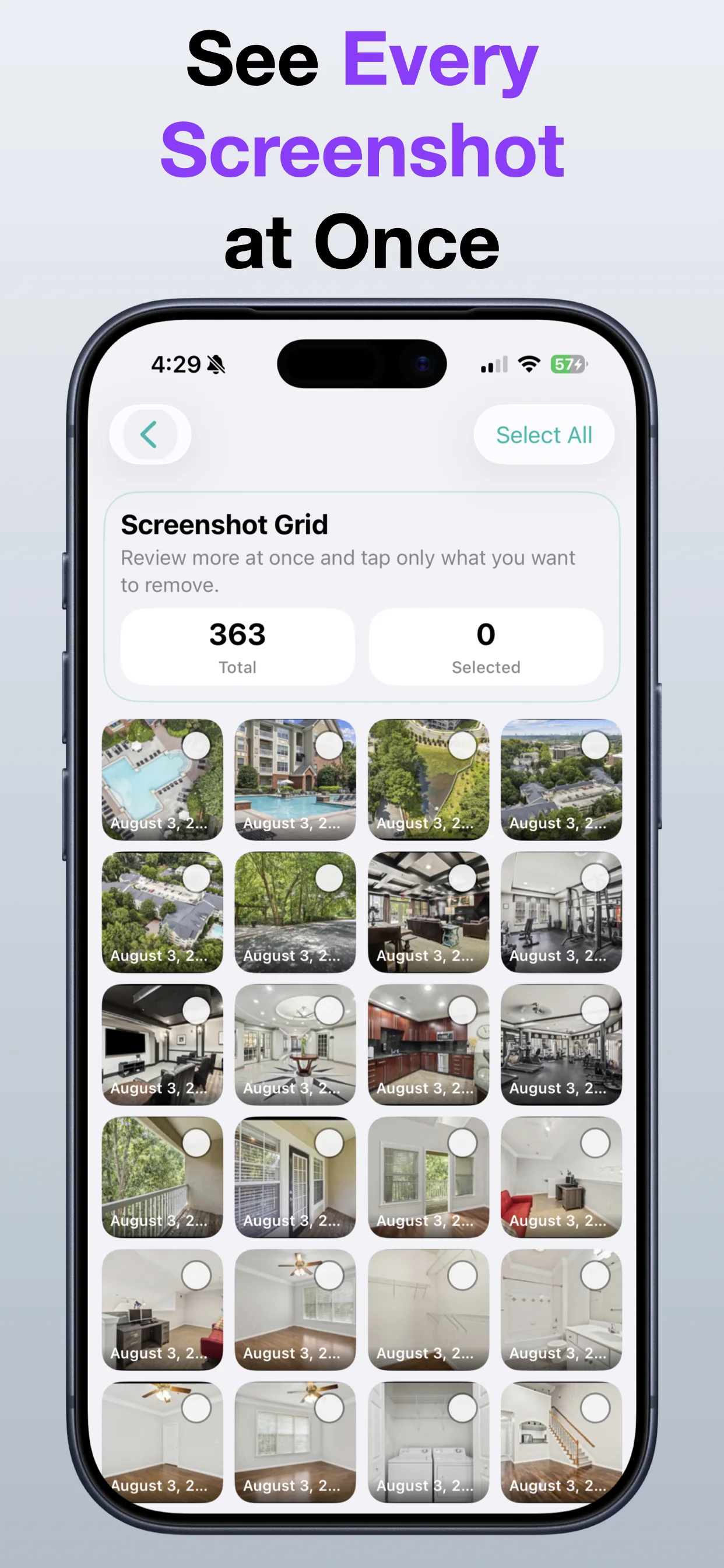
Delete Screenshots screenshot: Review selected screenshots
Review selected screenshots

Check screenshot groups before removing them.

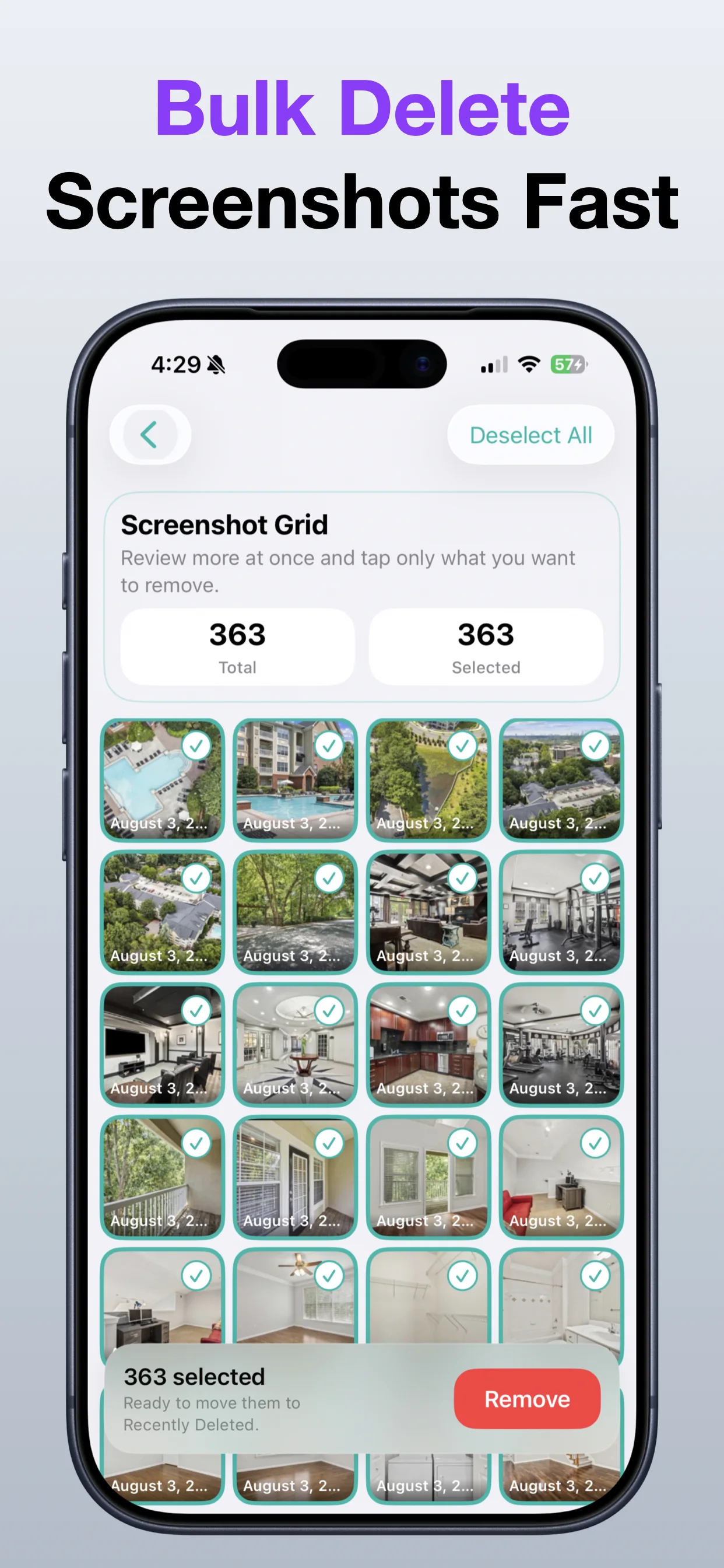
Delete Screenshots screenshot: Delete only what you choose
Delete only what you choose

Keep control over what gets removed.

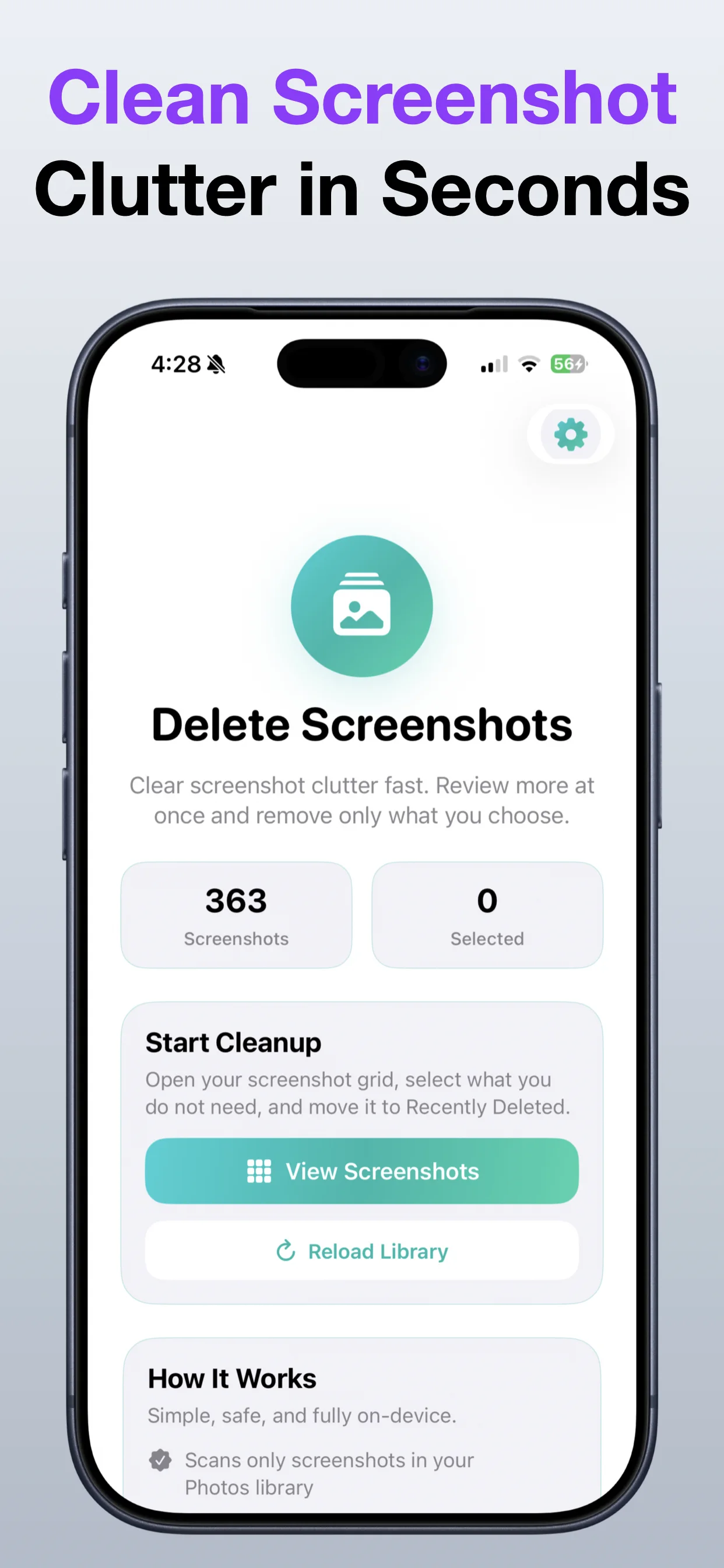
Delete Screenshots screenshot: Clean up faster
Clean up faster

Use a focused workflow for screenshot cleanup.

Get the app

Open the App Store listing or OpsOh developer catalog.

Open →

Browse bundles

See related OpsOh apps grouped into workflow bundles.

Open →

Contact support

Get help with OpsOh apps and product questions.

Open →