
Video Tools

Turn videos into GIFs without a watermark.

Create GIFs from video clips for sharing, messaging, or lightweight visual workflows.

Video to GIF – No Watermark App Store screenshot preview
Video to GIF – No Watermark app iconVideo to GIF – No WatermarkOpsOh app
What it does

Built around one clear job.

Create GIFs from video clips for sharing, messaging, or lightweight visual workflows.

Choose a video clipCreate a GIF outputAvoid watermark clutterShare lighter visual moments
See Video to GIF – No Watermark in action.

A focused walkthrough of the app experience using App Store screenshots.

Video to GIF – No Watermark screenshot: Choose a video
Choose a video

Select the video clip you want to turn into a GIF.

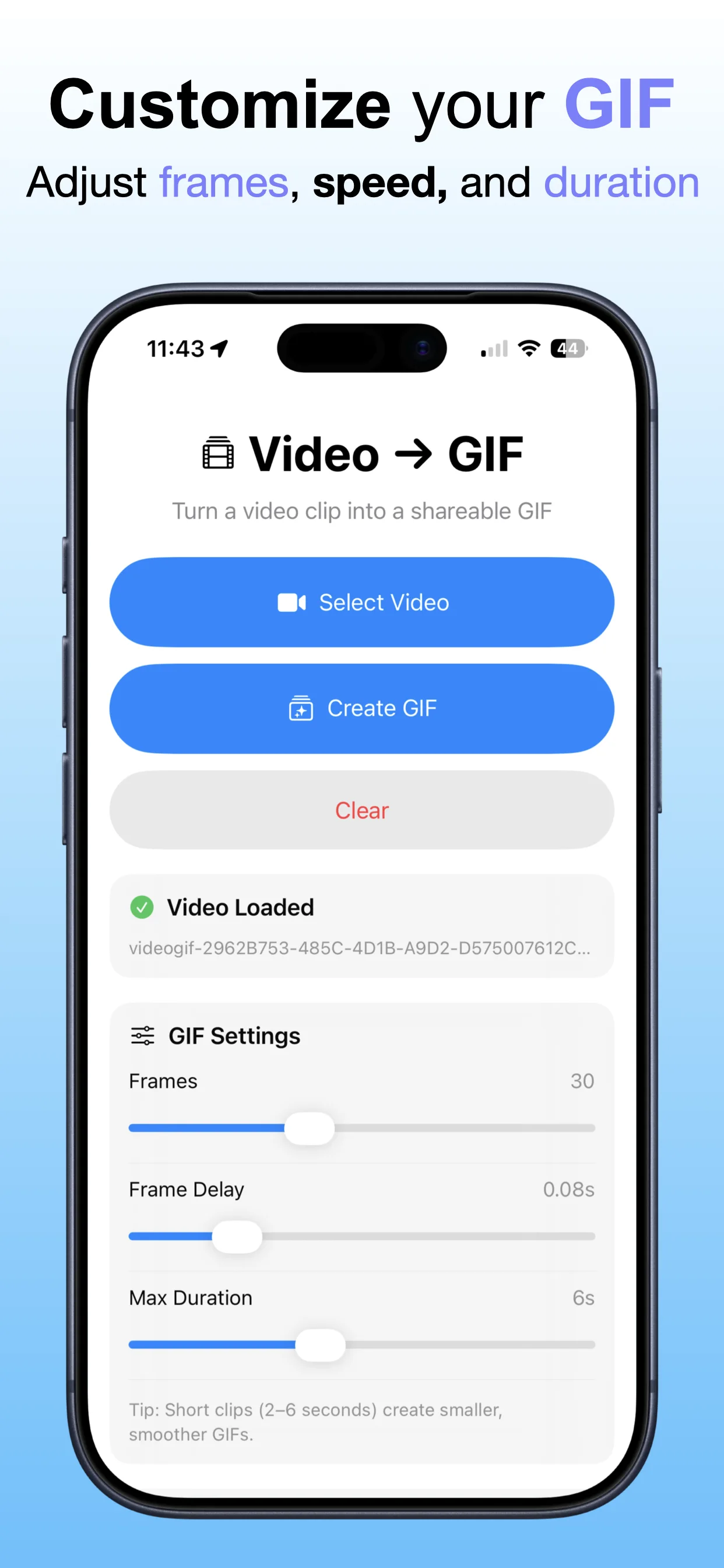
Video to GIF – No Watermark screenshot: Create a GIF
Create a GIF

Convert video moments into shareable GIF files.

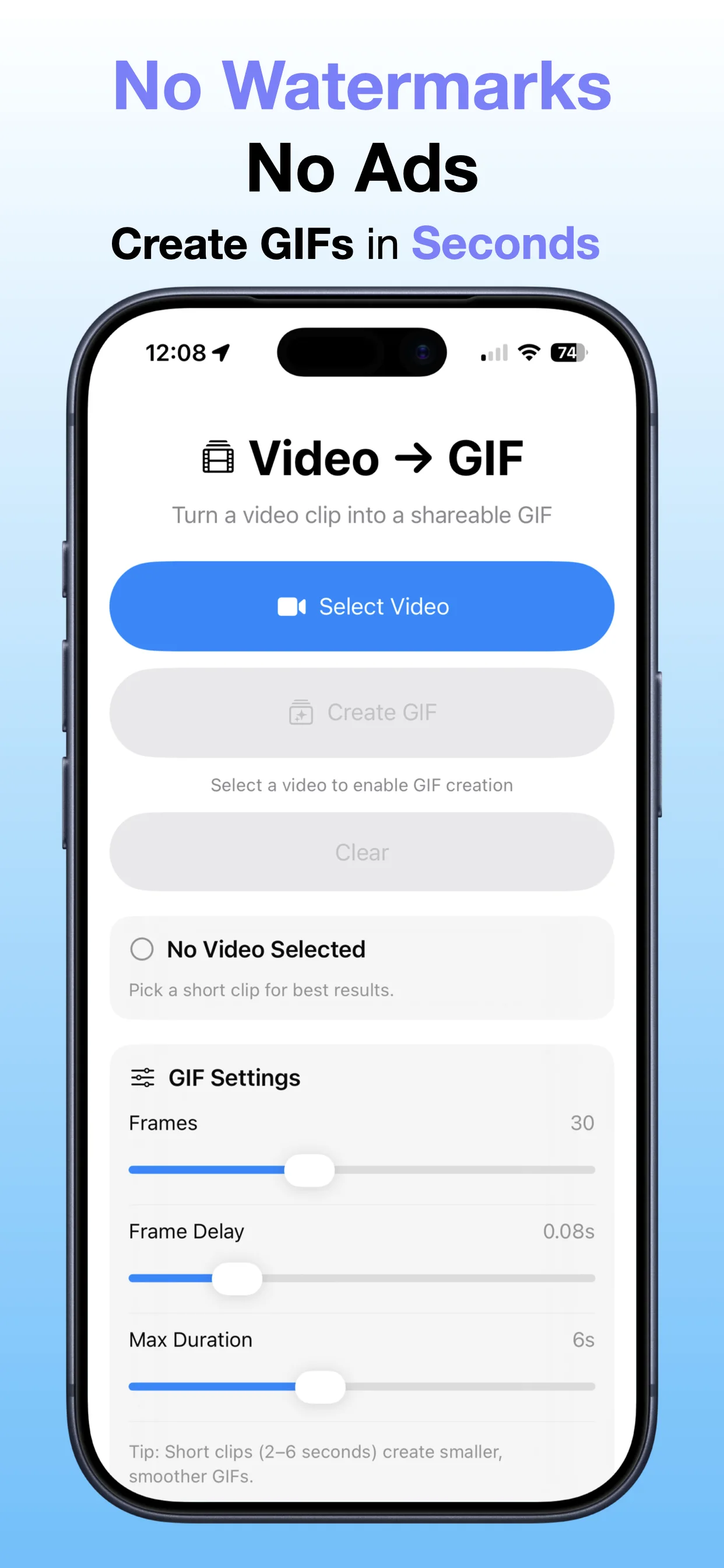
Video to GIF – No Watermark screenshot: No watermark output
No watermark output

Keep the exported GIF clean for sharing.

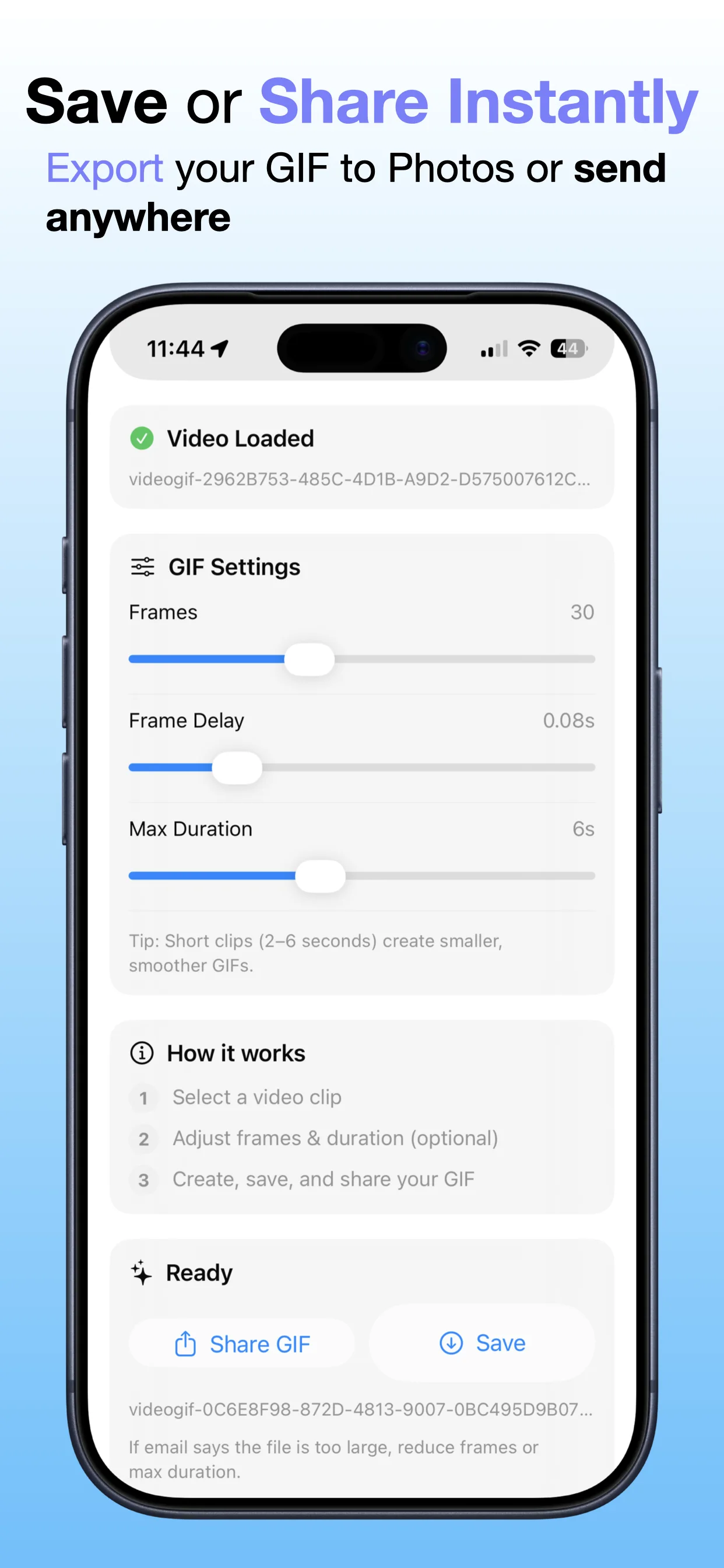
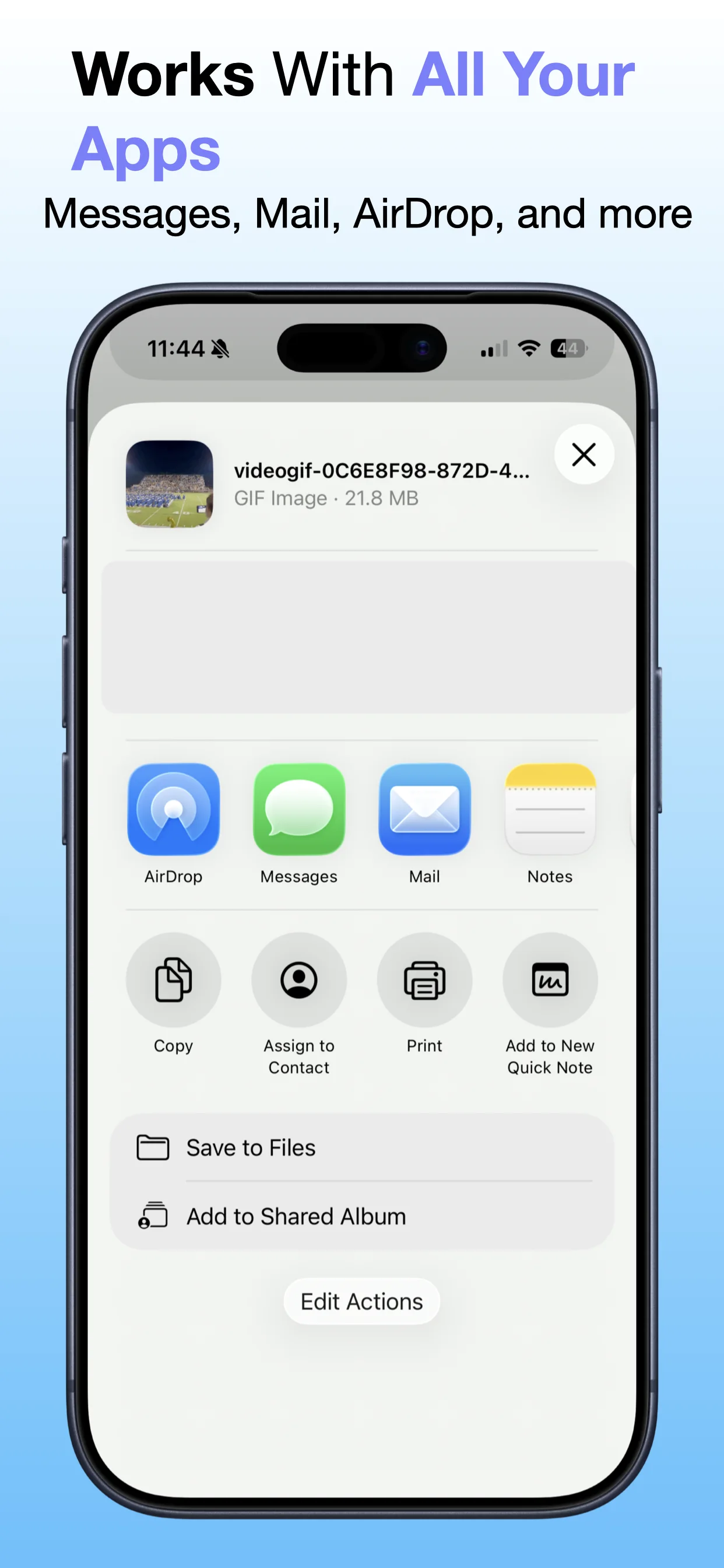
Video to GIF – No Watermark screenshot: Save or share
Save or share

Send the final GIF where you need it.

Get the app

Open the App Store listing or OpsOh developer catalog.

Open →

Browse bundles

See related OpsOh apps grouped into workflow bundles.

Open →

Contact support

Get help with OpsOh apps and product questions.

Open →