Photos & Media

Sort iPhone photos into albums.

Move selected photos into albums so personal, work, travel, or project images are easier to organize.

Sort Photos Into Album App Store screenshot preview
Sort Photos Into Album app iconSort Photos Into AlbumOpsOh app
What it does

Built around one clear job.

Move selected photos into albums so personal, work, travel, or project images are easier to organize.

Choose photos to organizeSend images into albumsGroup related photos togetherKeep albums easier to browse
See Sort Photos Into Album in action.

A focused walkthrough of the app experience using App Store screenshots.

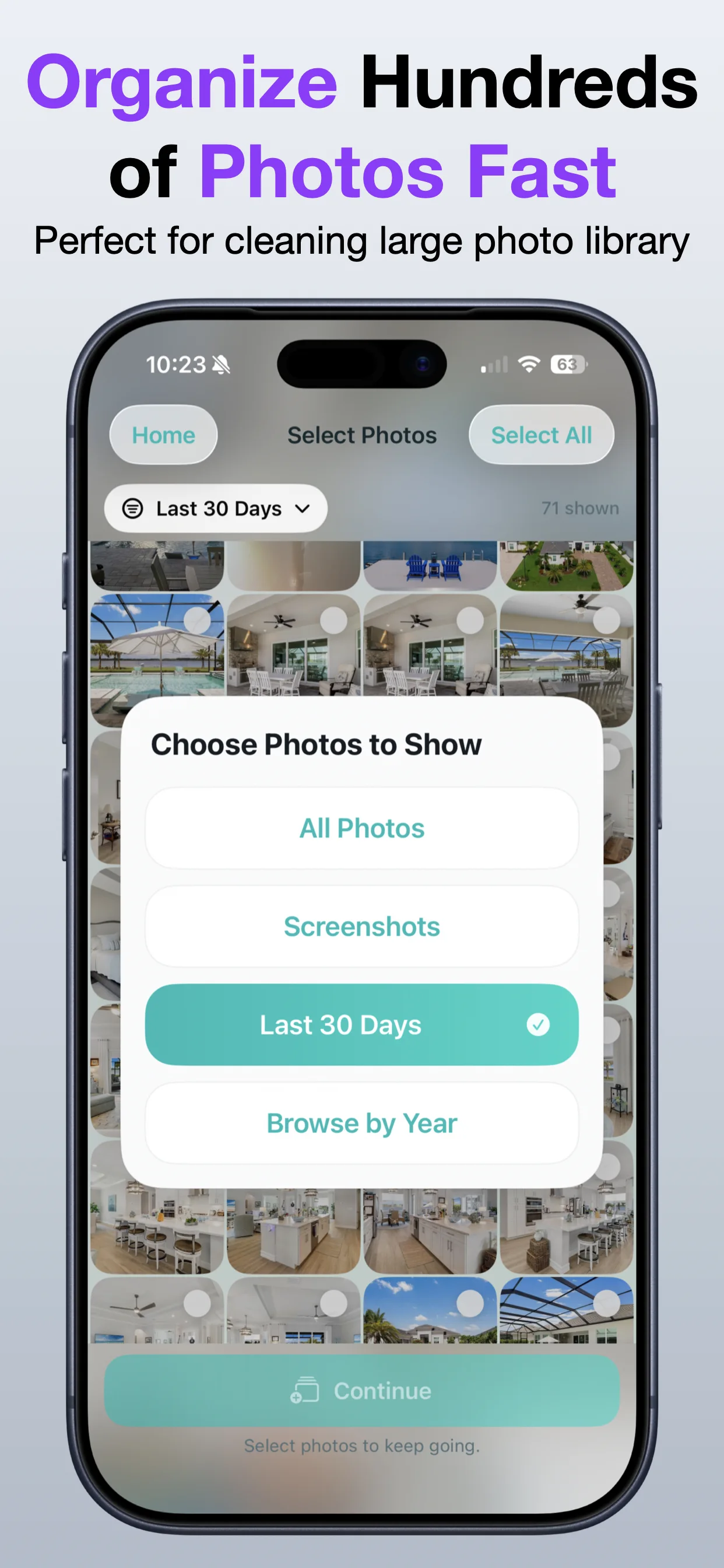
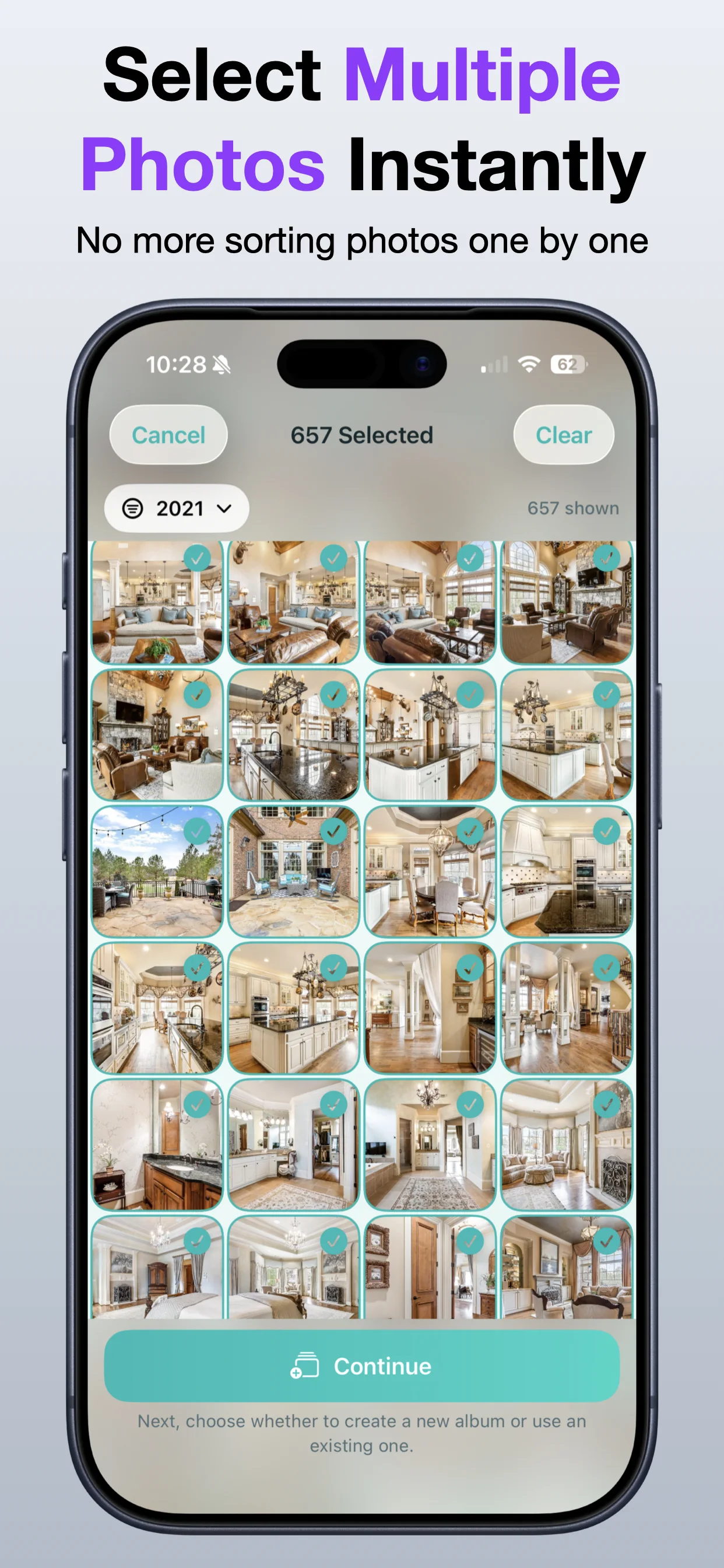
Sort Photos Into Album screenshot: Select photos to organize
Select photos to organize

Choose the images you want to sort into an album.

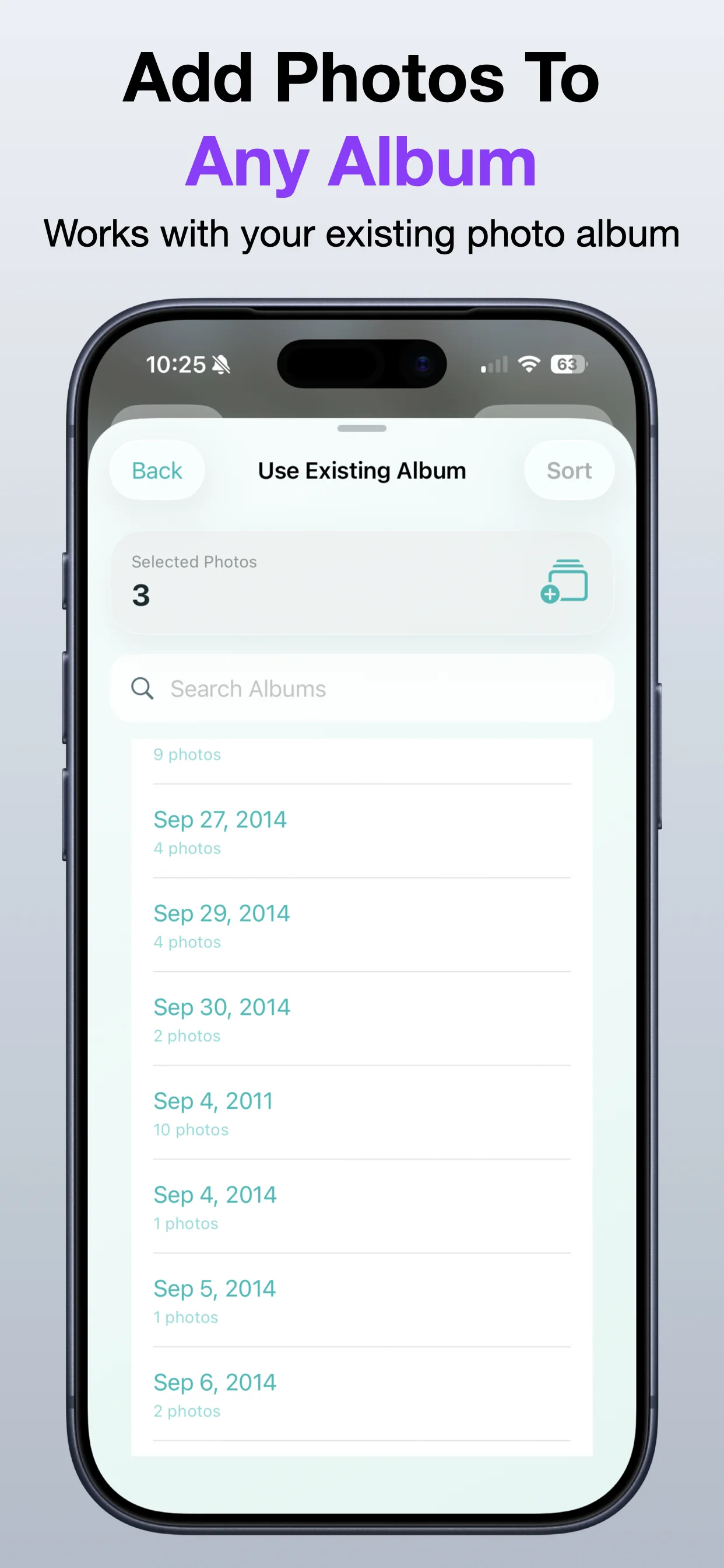
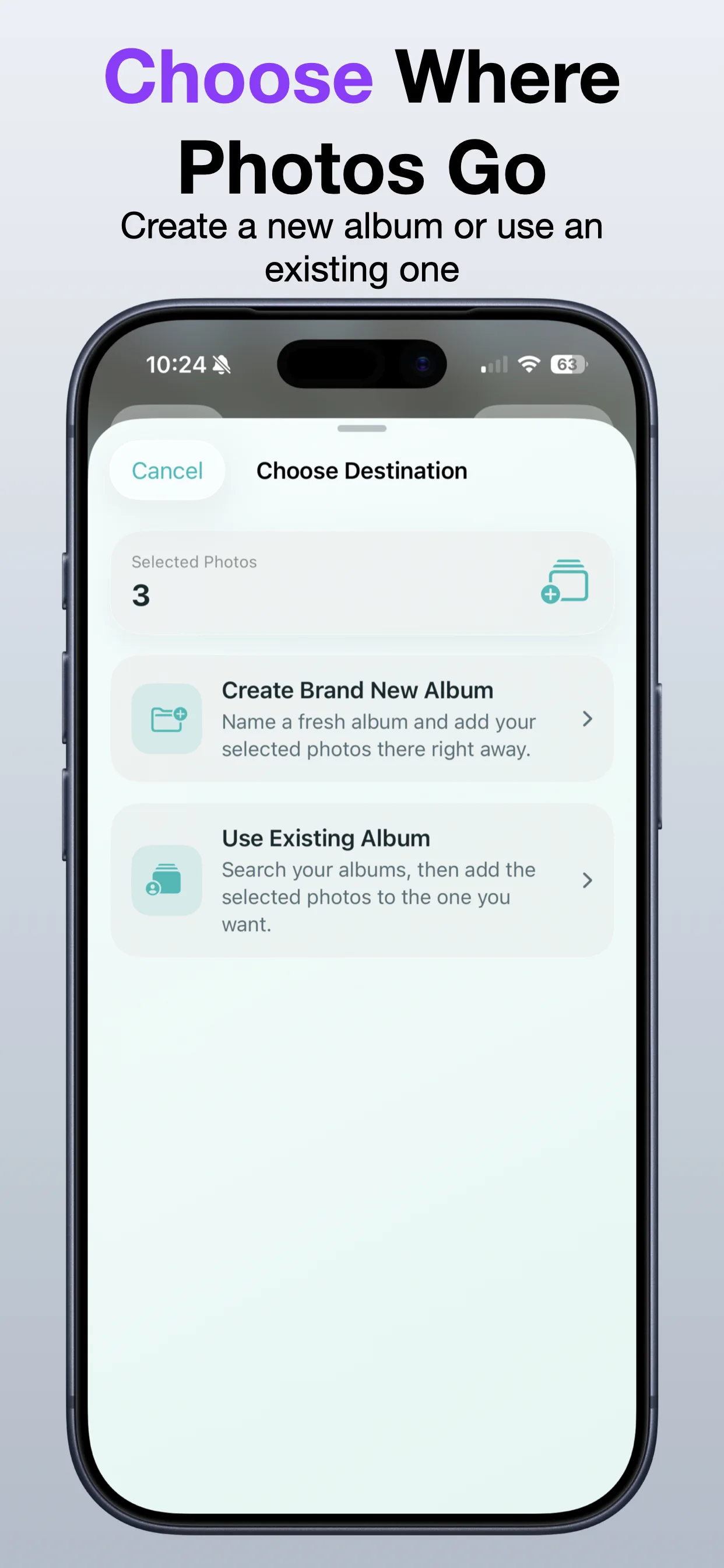
Sort Photos Into Album screenshot: Pick the destination album
Pick the destination album

Send selected photos to the album where they belong.

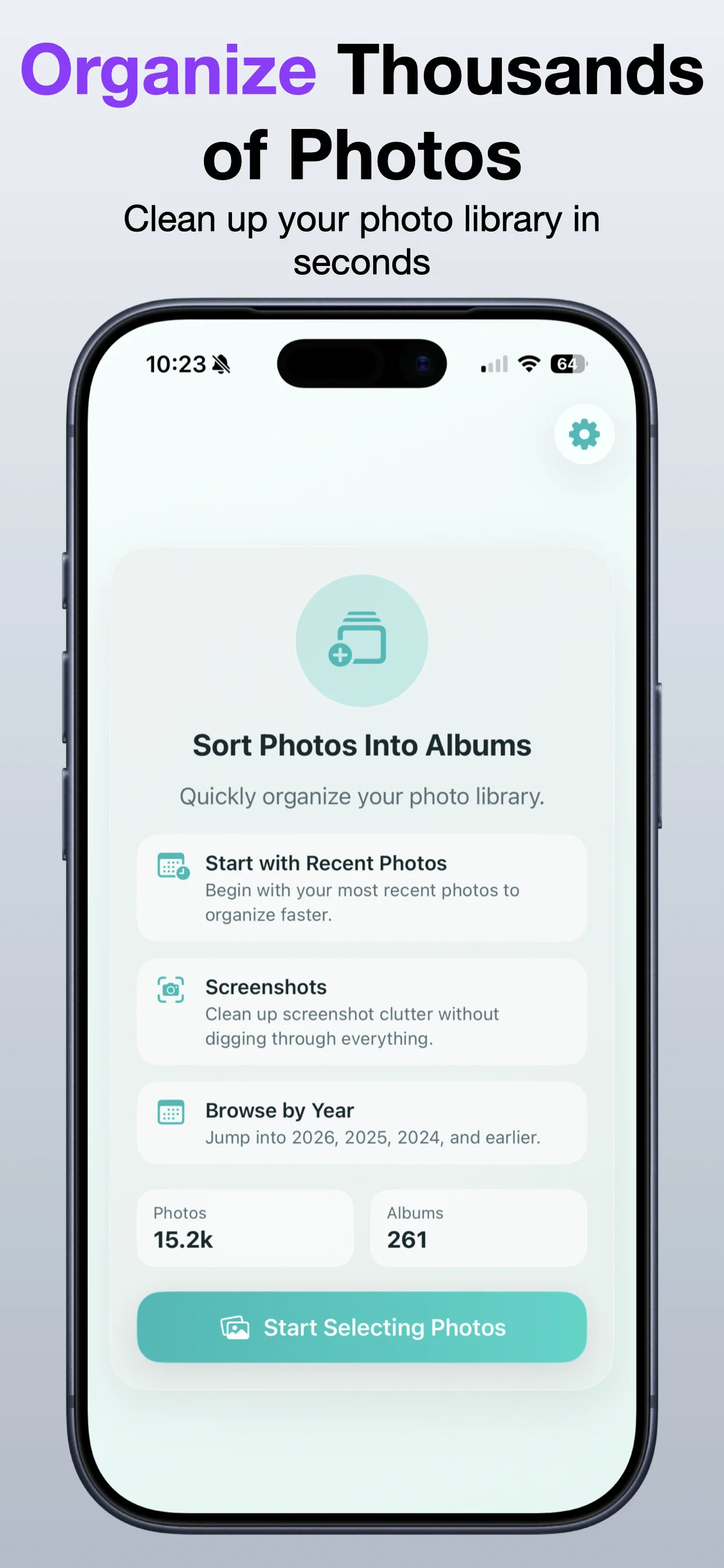
Sort Photos Into Album screenshot: Review the workflow
Review the workflow

Keep photo organization simple and direct.

Sort Photos Into Album screenshot: Organize project photos
Organize project photos

Group related images for records, travel, work, or personal use.

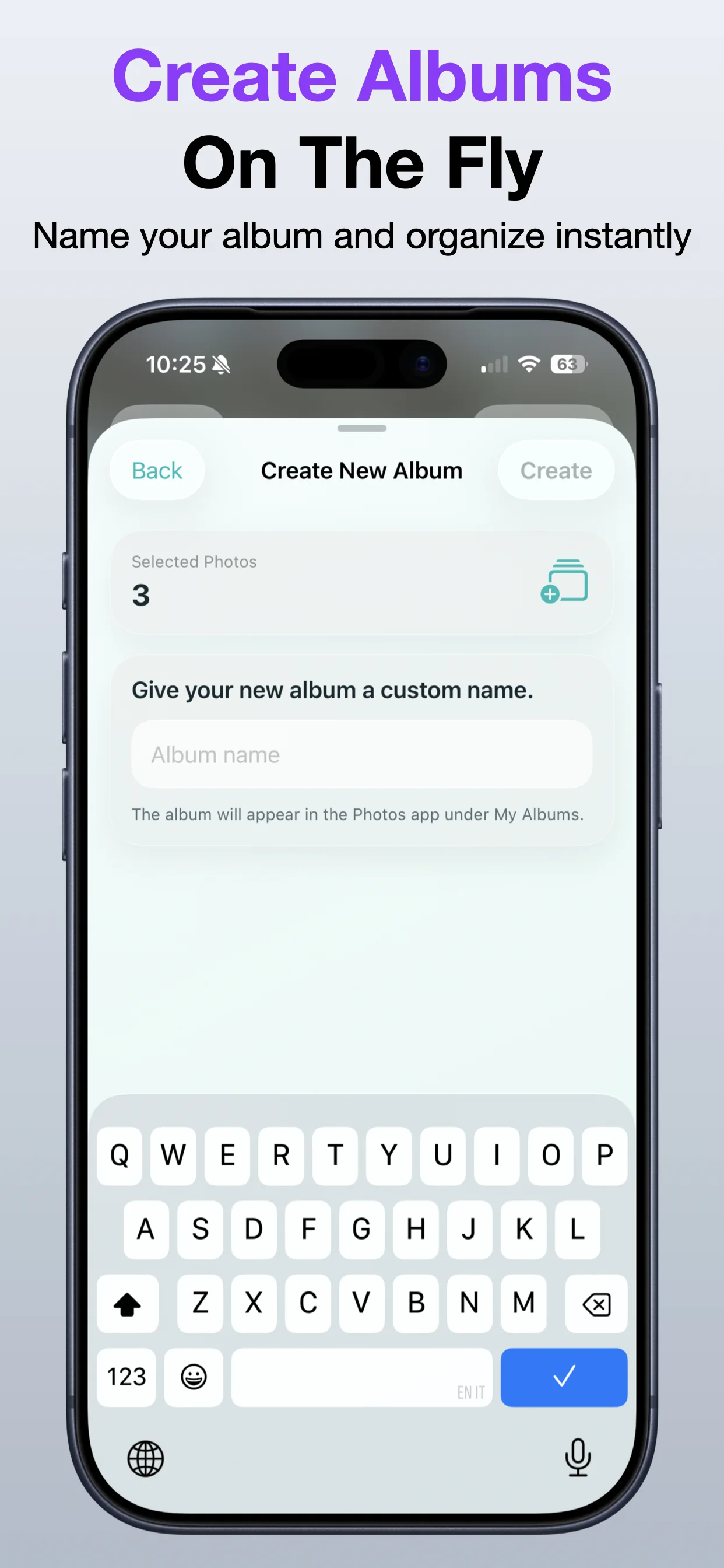
Sort Photos Into Album screenshot: Finish the album move
Finish the album move

Complete the sorting workflow from your iPhone.

Sort Photos Into Album screenshot: Keep albums cleaner
Keep albums cleaner

Use albums to make photo groups easier to find later.

Get the app

Open the App Store listing or OpsOh developer catalog.

Open →

Browse bundles

See related OpsOh apps grouped into workflow bundles.

Open →

Contact support

Get help with OpsOh apps and product questions.

Open →