

Built around one clear job.
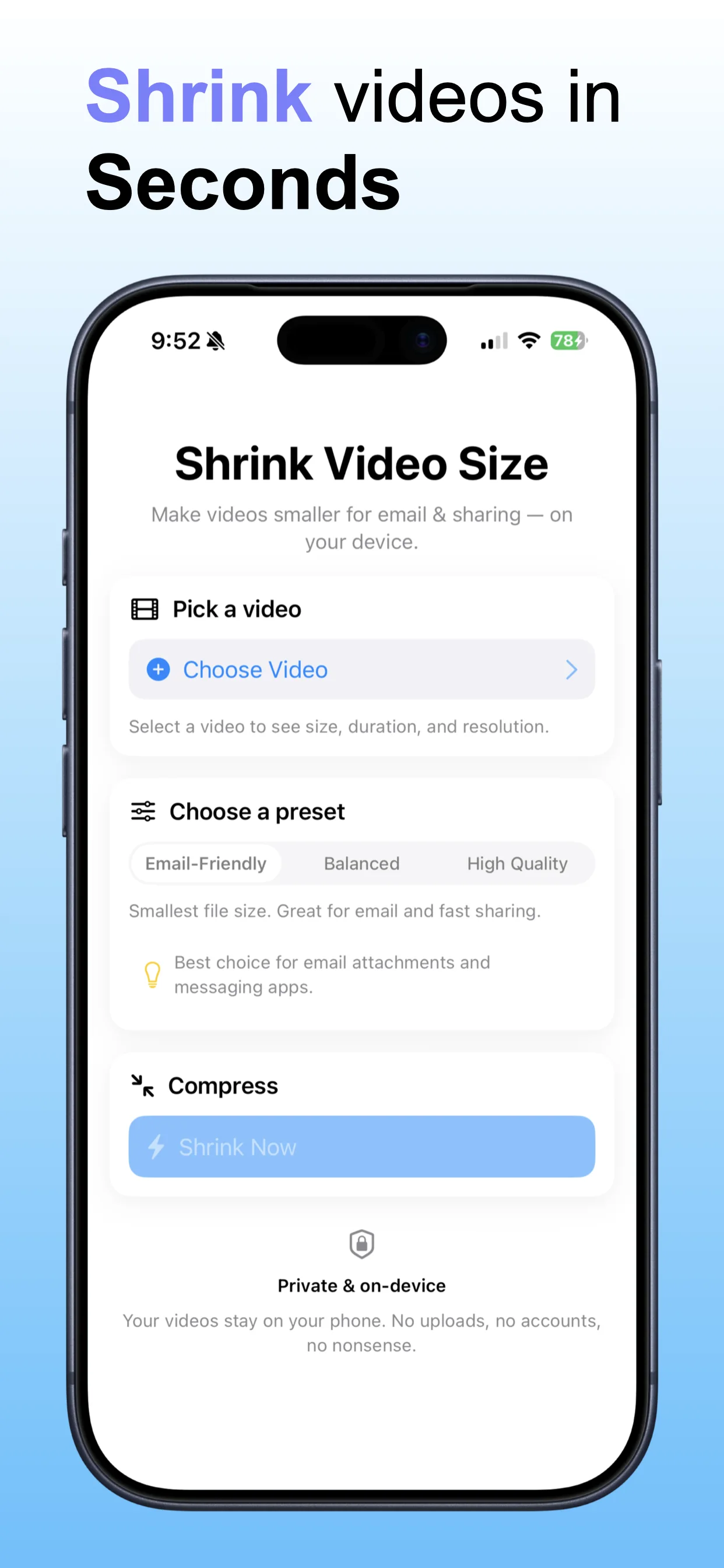
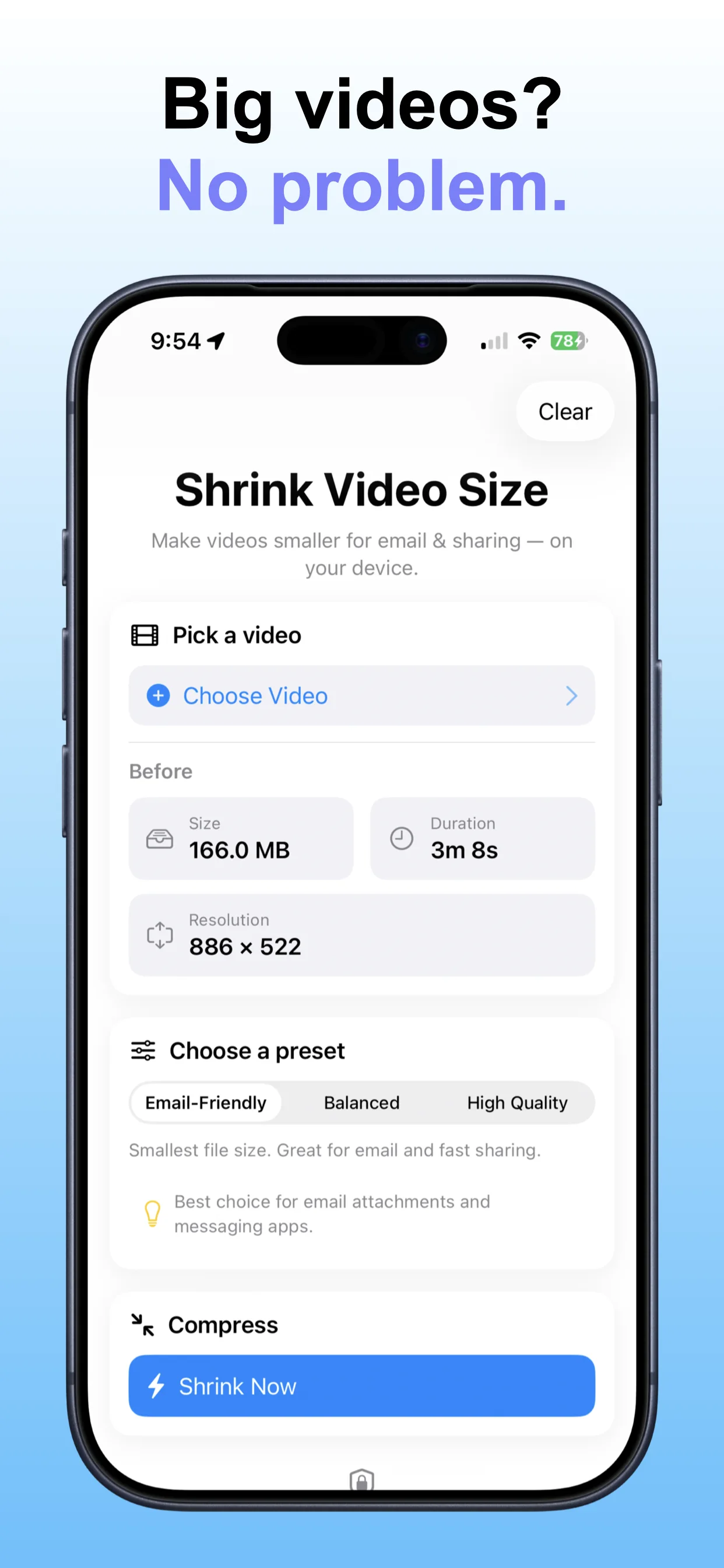
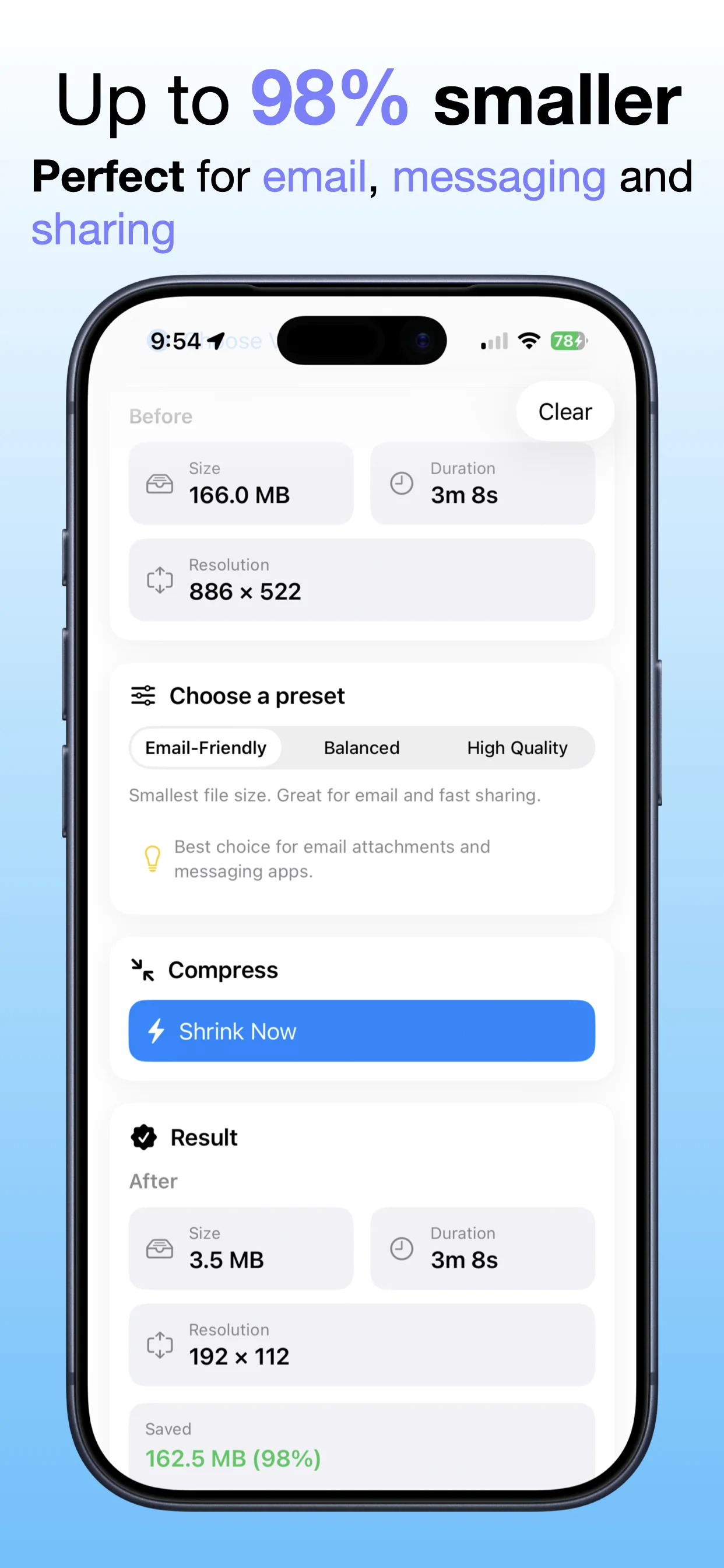
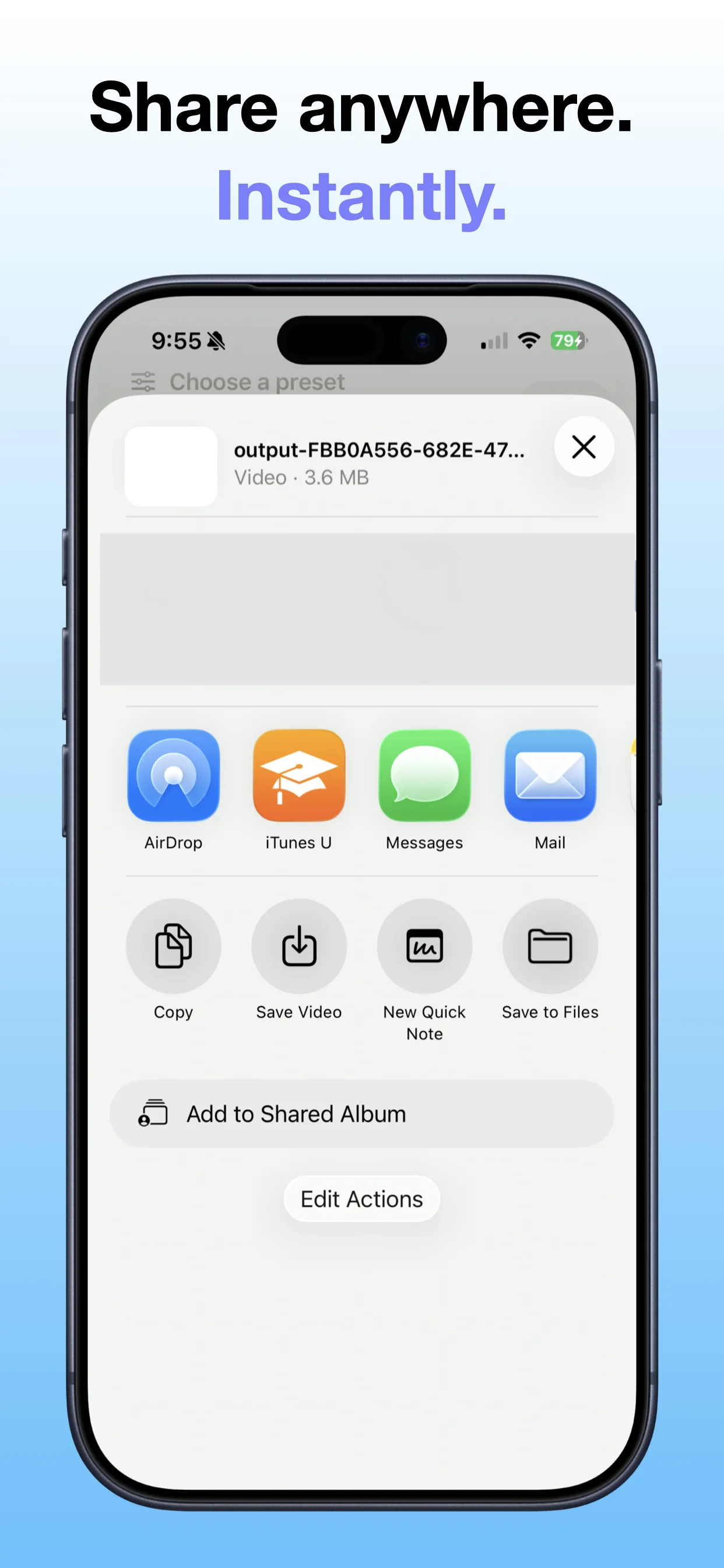
Shrink Video Size compresses iPhone video files so clips take less storage and are easier to share, send, or archive.
Choose videos to compressReduce video file sizeSave storage spaceShare smaller video files


Compress videos to reduce storage size and make media easier to share or keep.
 Shrink Video SizeOpsOh app
Shrink Video Size compresses iPhone video files so clips take less storage and are easier to share, send, or archive.
A focused walkthrough of the app experience using App Store screenshots.
Open the App Store listing or OpsOh developer catalog.
Open →See related OpsOh apps grouped into workflow bundles.
Open →Get help with OpsOh apps and product questions.
Open →