

Built around one clear job.
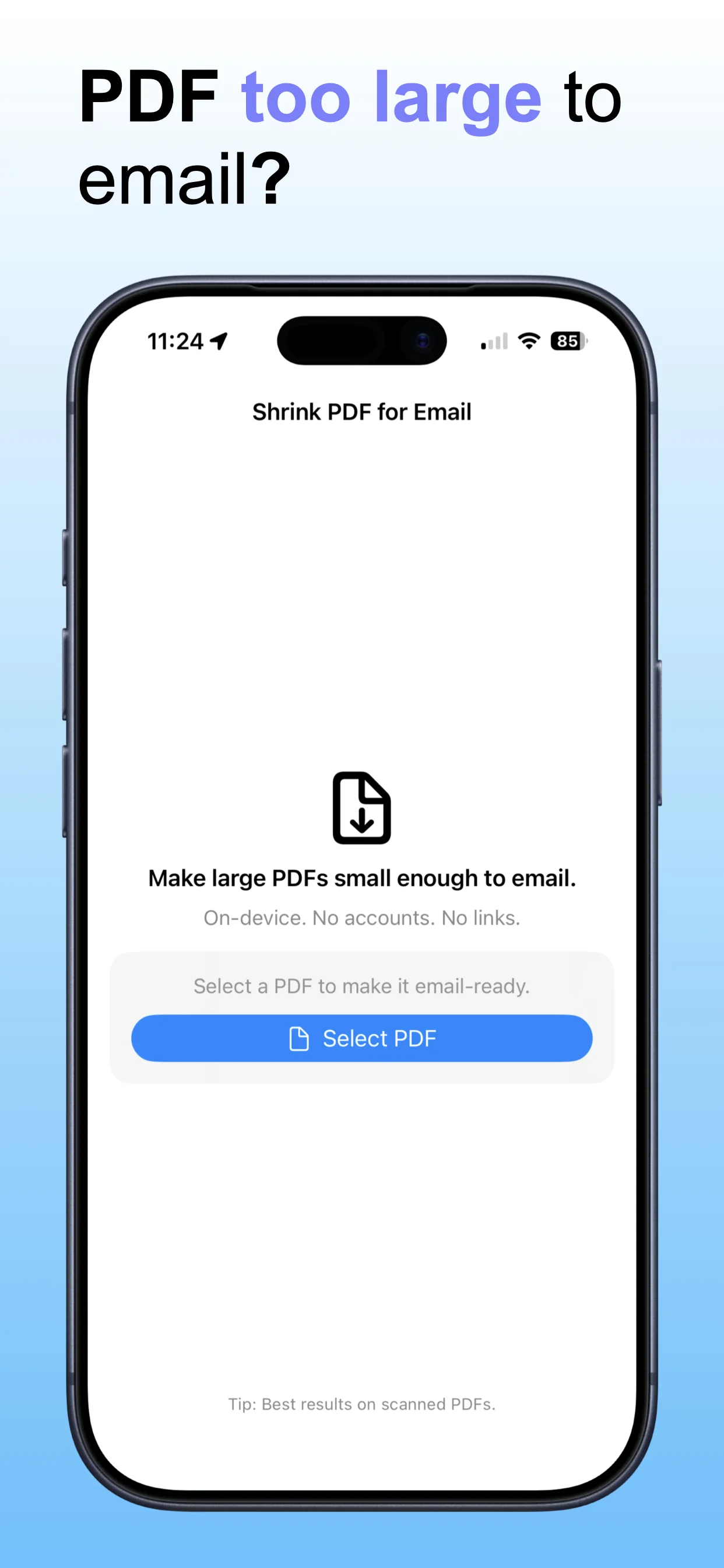
Shrink PDF Email compresses PDF files so they are small enough to email, upload, or share — without needing a desktop PDF editor.
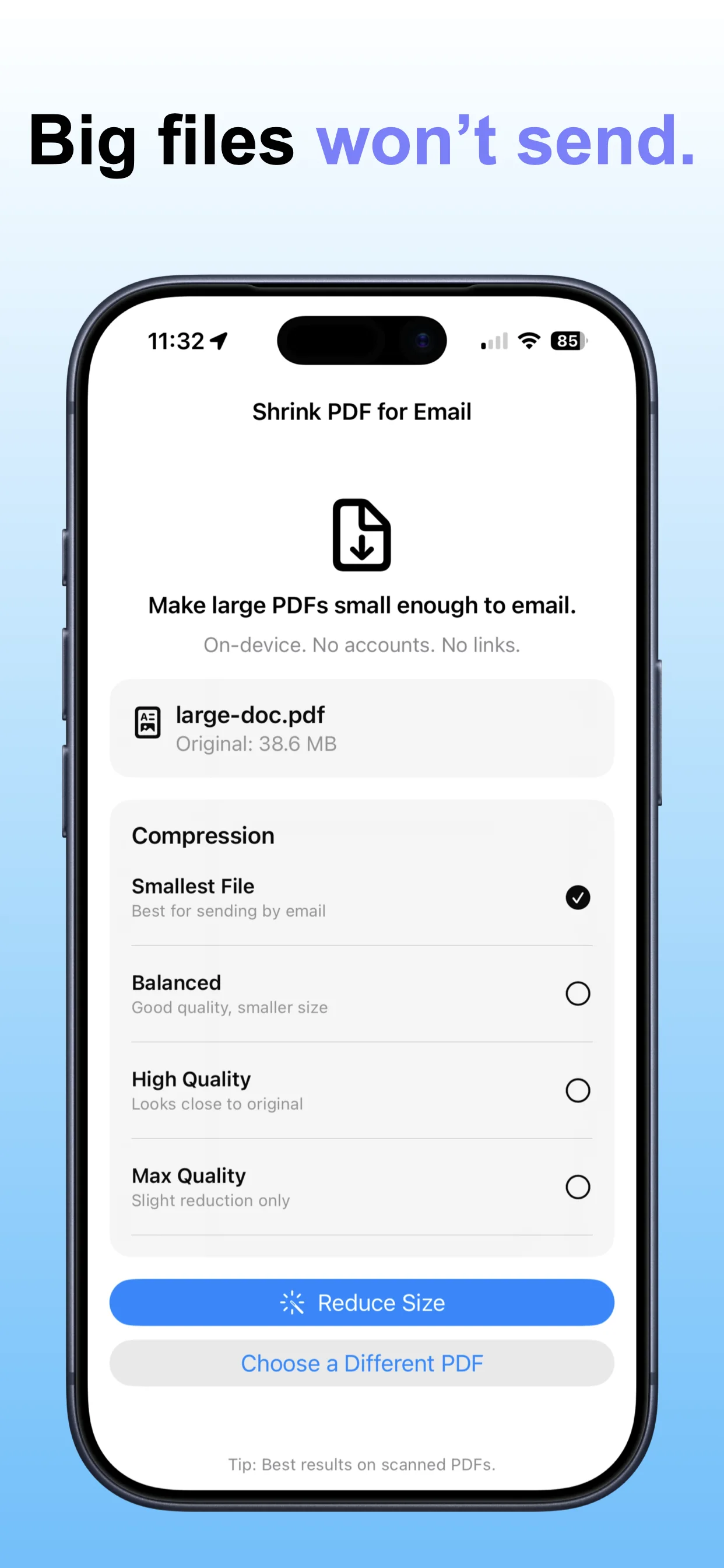
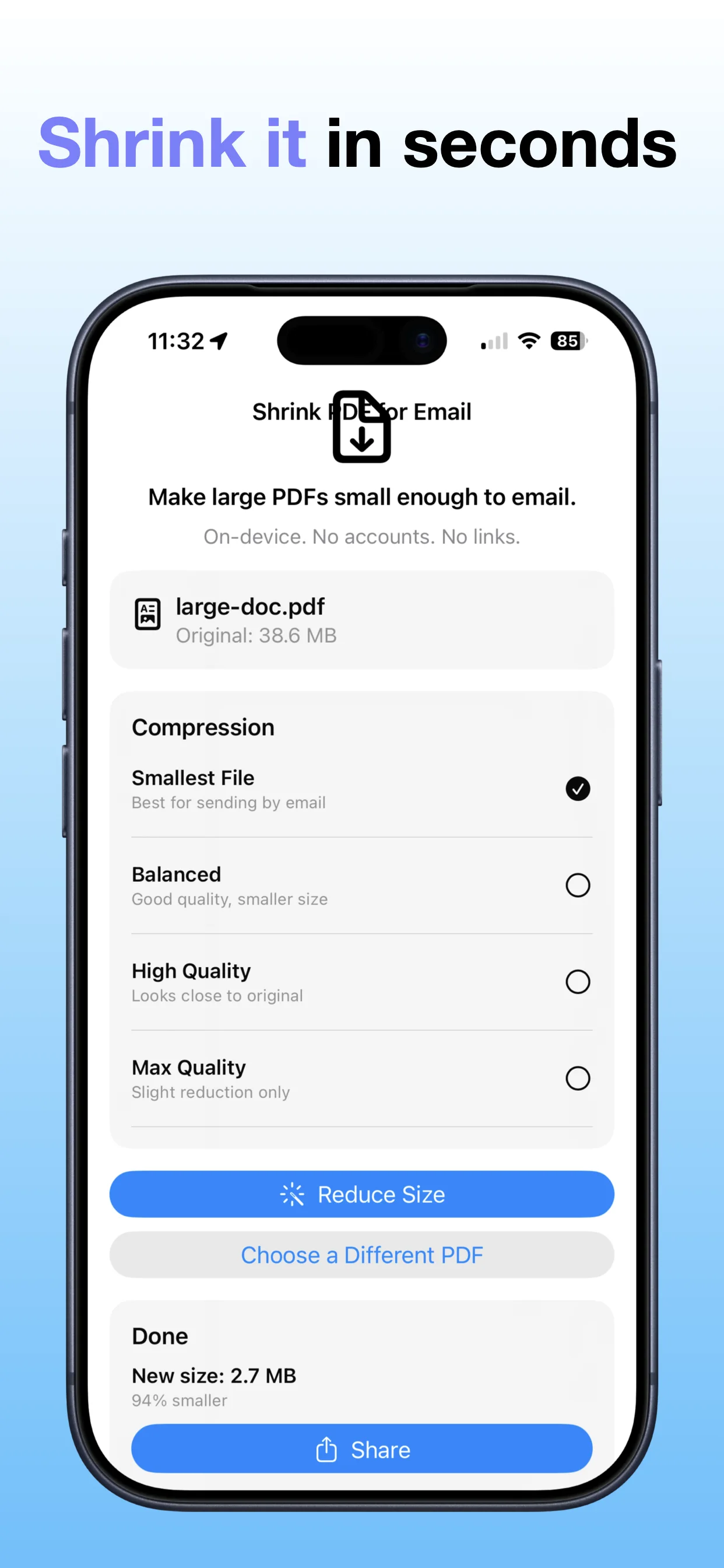
Choose a PDF fileCompress the documentReview the smaller fileEmail or save the result


Compress PDF files to make them easier to send, save, or share.
 Shrink PDF EmailOpsOh app
Shrink PDF Email compresses PDF files so they are small enough to email, upload, or share — without needing a desktop PDF editor.
A focused walkthrough of the app experience using App Store screenshots.
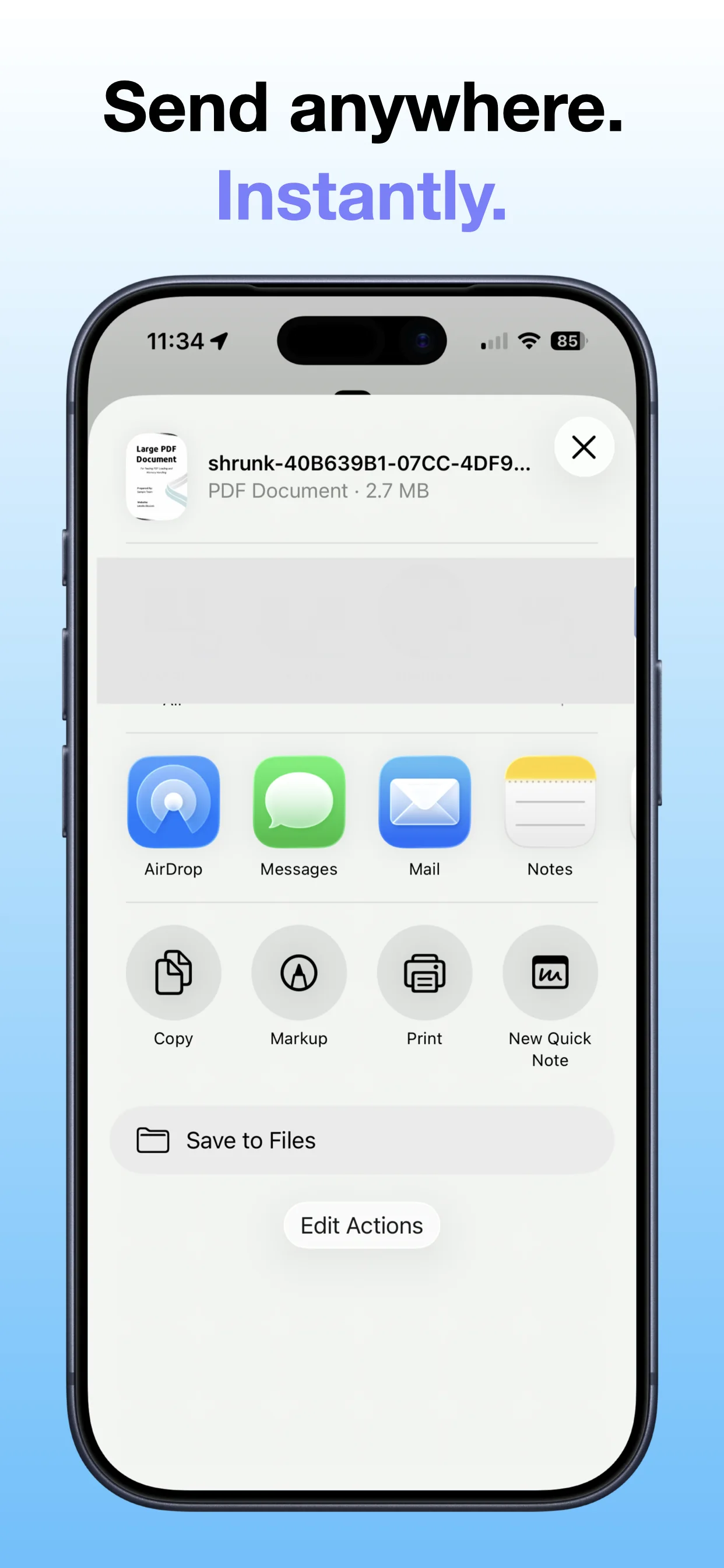
Open the App Store listing or OpsOh developer catalog.
Open →See related OpsOh apps grouped into workflow bundles.
Open →Get help with OpsOh apps and product questions.
Open →