PDF Tools

Create PDFs from photos.

Turn selected photos into PDF files for records, forms, sharing, or simple document workflows.

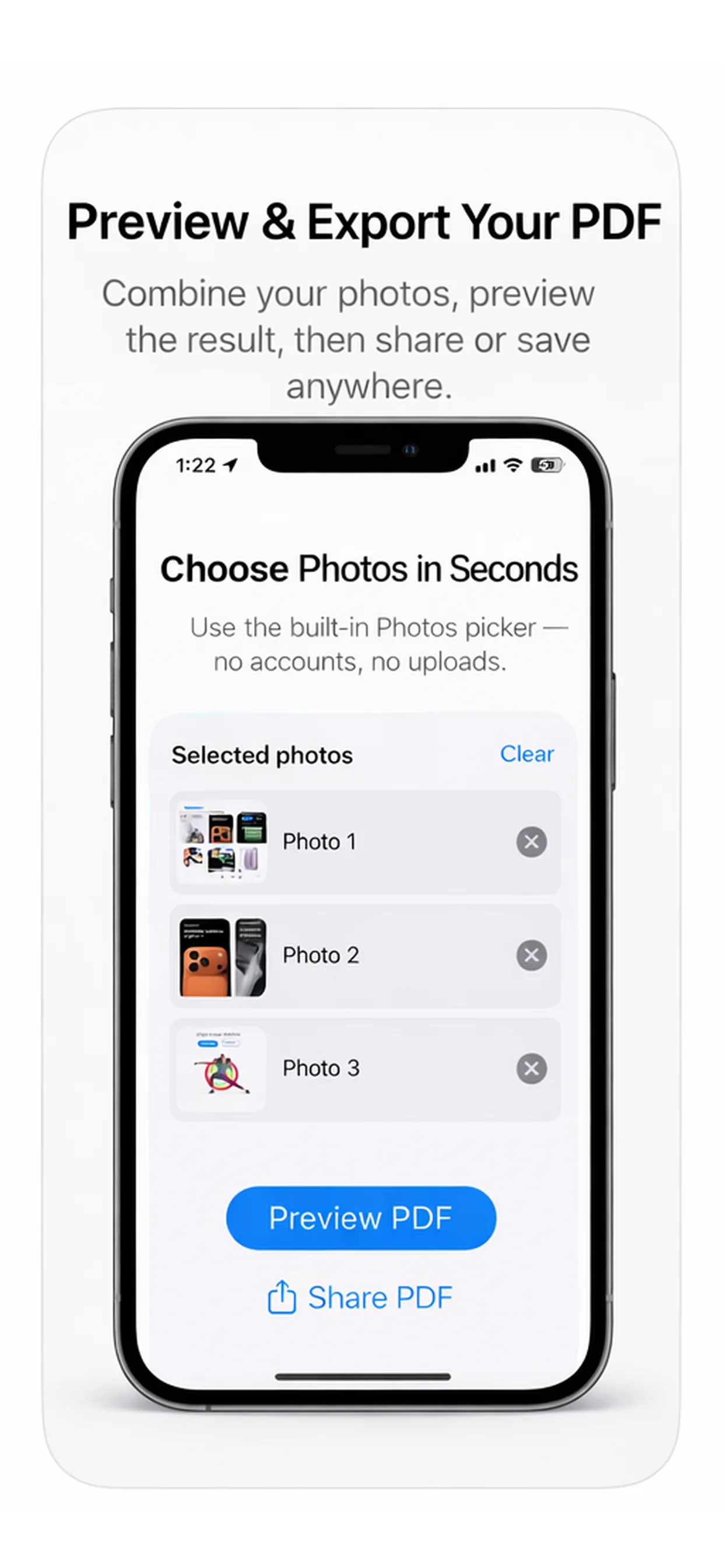
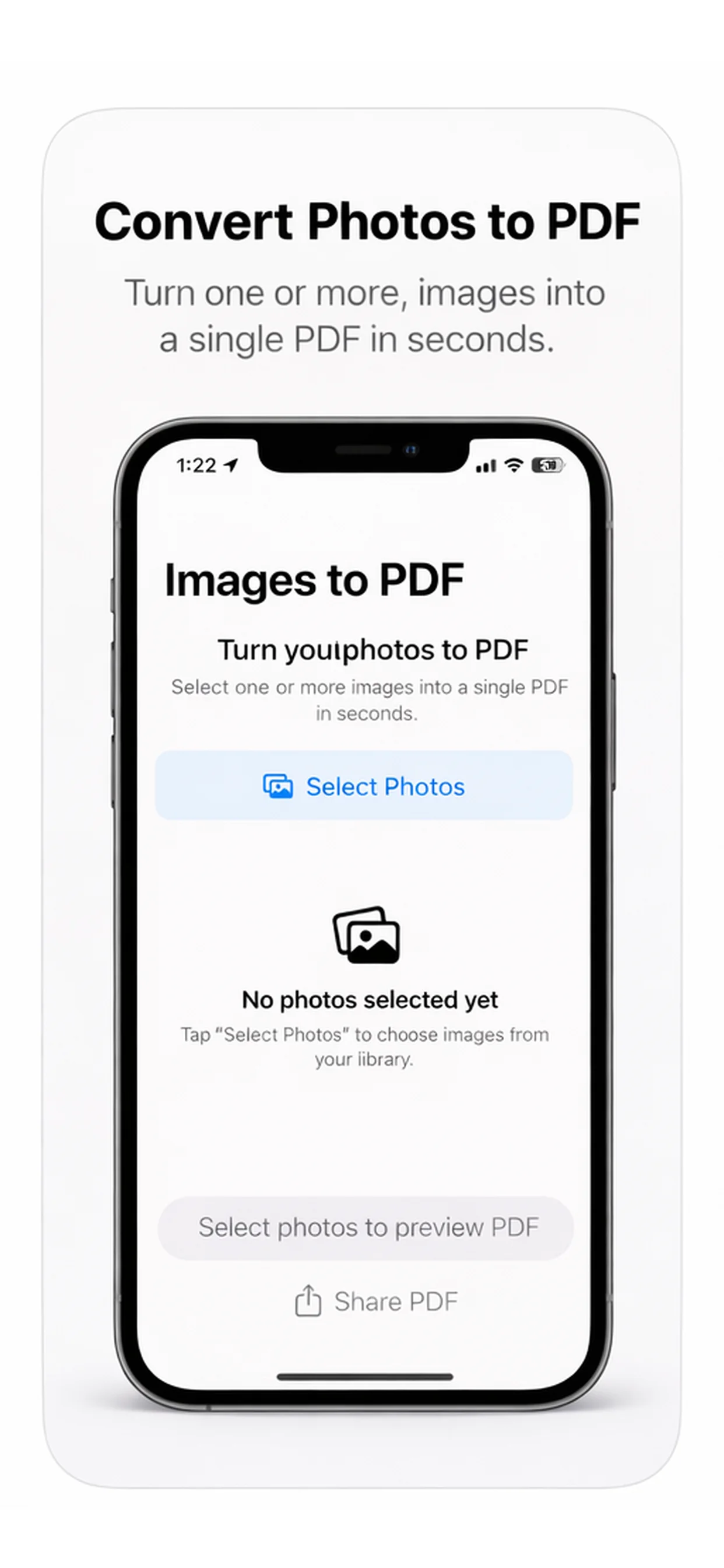
PhotoPDF Maker App Store screenshot preview
PhotoPDF Maker app iconPhotoPDF MakerOpsOh app
What it does

Built around one clear job.

Turn selected photos into PDF files for records, forms, sharing, or simple document workflows.

Choose photosCreate a PDF documentReview the generated fileShare or archive the PDF
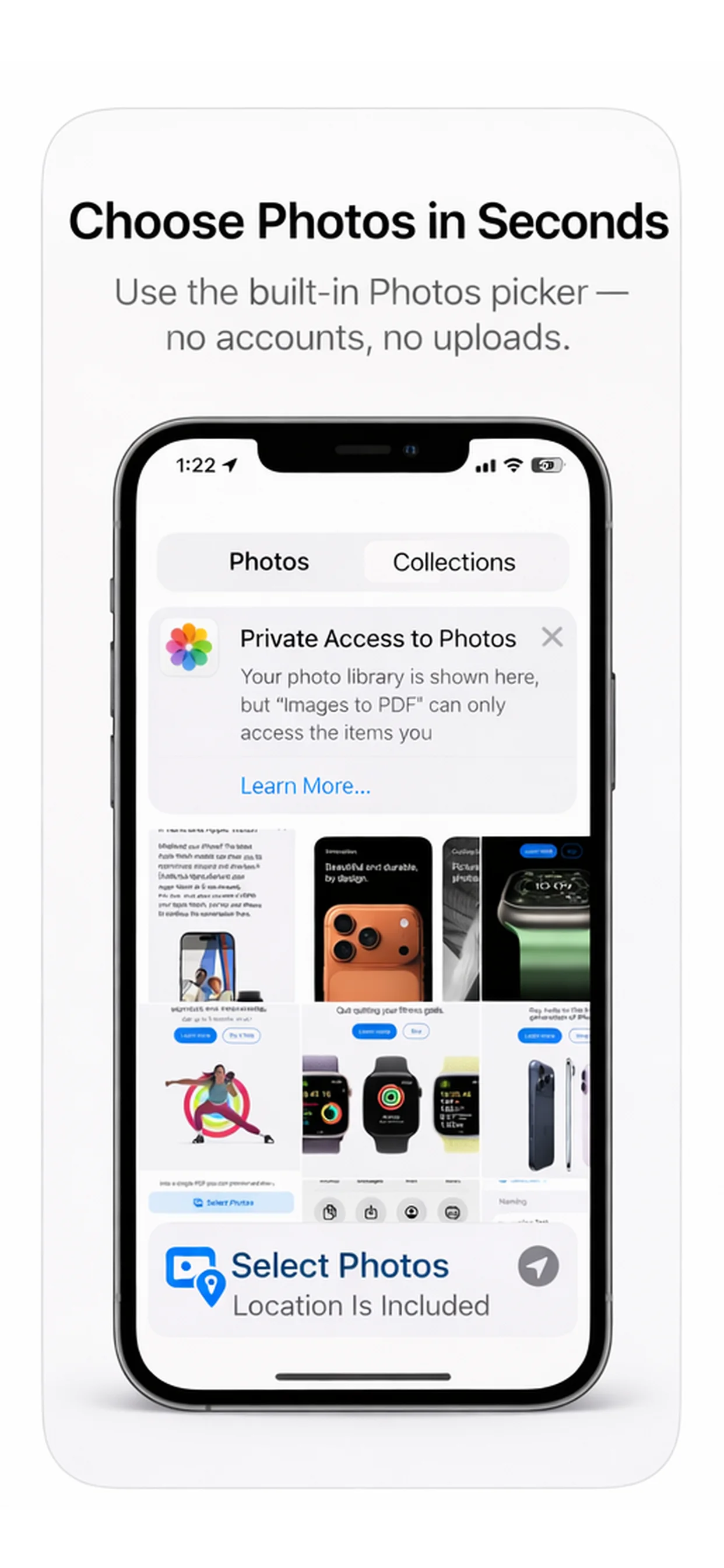
See PhotoPDF Maker in action.

A focused walkthrough of the app experience using App Store screenshots.

PhotoPDF Maker screenshot: Choose photos
Choose photos

Select the images you want to turn into a PDF.

PhotoPDF Maker screenshot: Build the PDF
Build the PDF

Create a document from selected photos.

PhotoPDF Maker screenshot: Review the document
Review the document

Check the generated PDF before saving.

PhotoPDF Maker screenshot: Share or archive
Share or archive

Use the PDF for records, forms, or sharing.

Get the app

Open the App Store listing or OpsOh developer catalog.

Open →

Browse bundles

See related OpsOh apps grouped into workflow bundles.

Open →

Contact support

Get help with OpsOh apps and product questions.

Open →