PDF Tools

Create text-focused PDFs from photos.

Convert photo-based content into PDF workflows for records and sharing.

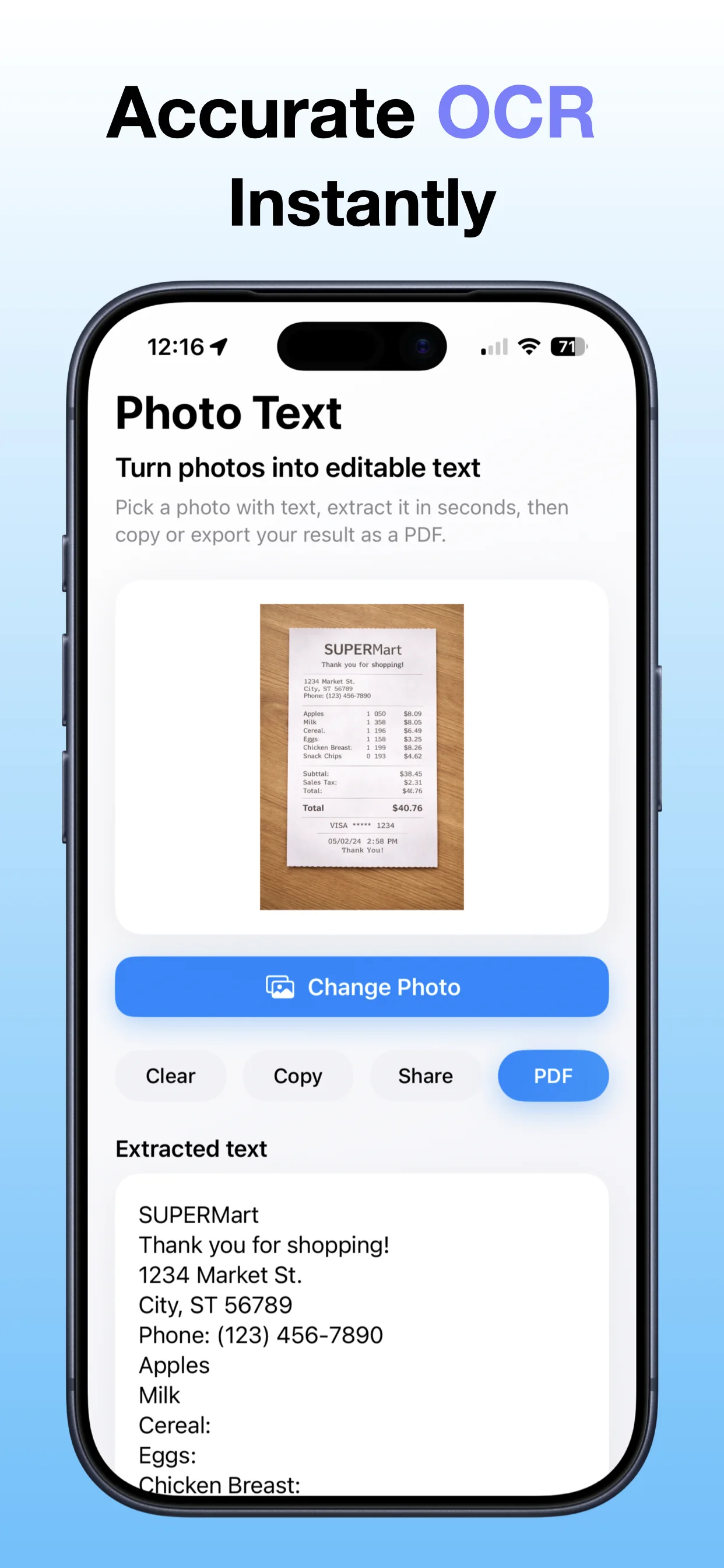
Photo To Text PDF App Store screenshot preview
Photo To Text PDF app iconPhoto To Text PDFOpsOh app
What it does

Built around one clear job.

Convert photo-based content into PDF workflows for records and sharing.

Choose photo contentCreate a PDF workflowReview the generated documentSave or share the file
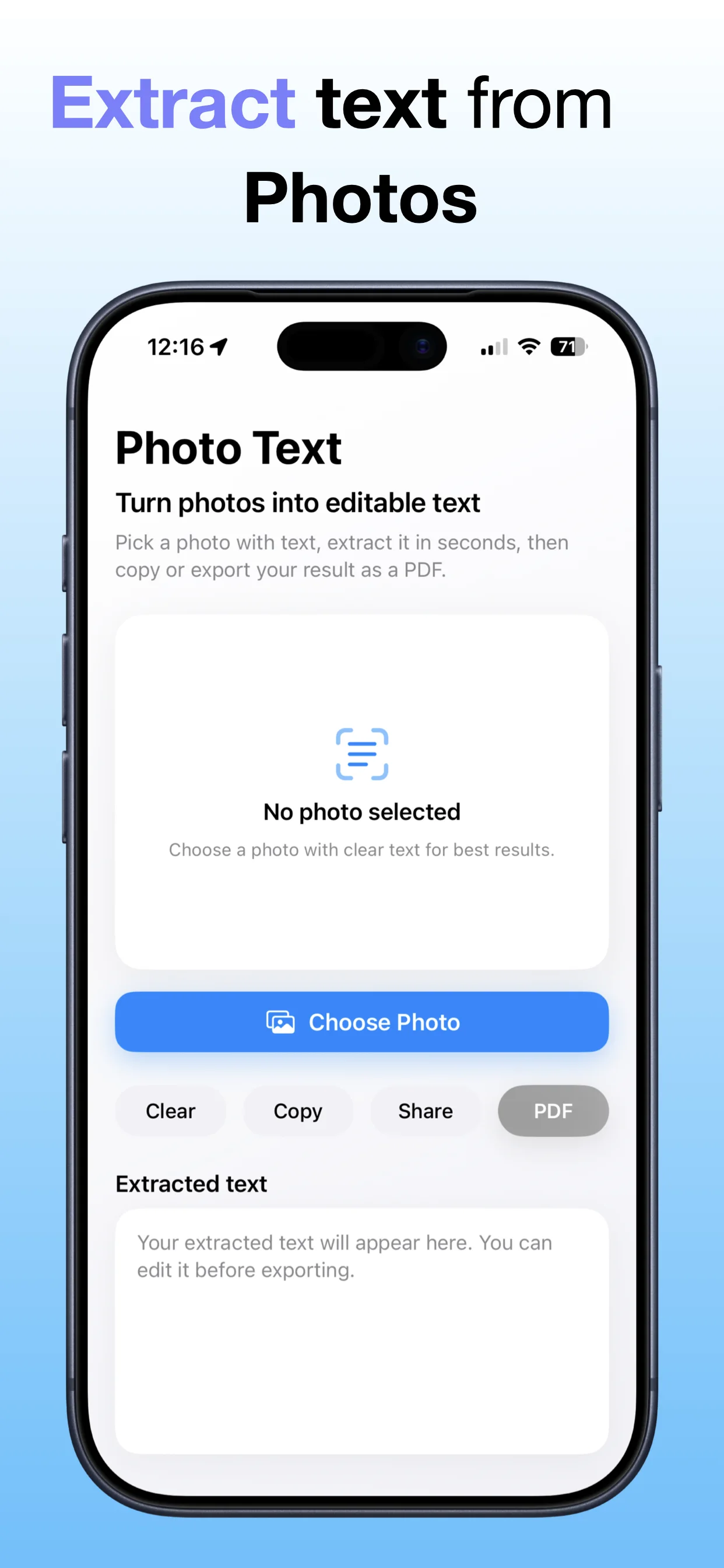
See Photo To Text PDF in action.

A focused walkthrough of the app experience using App Store screenshots.

Photo To Text PDF screenshot: Choose a photo
Choose a photo

Start from an image that needs to become a PDF.

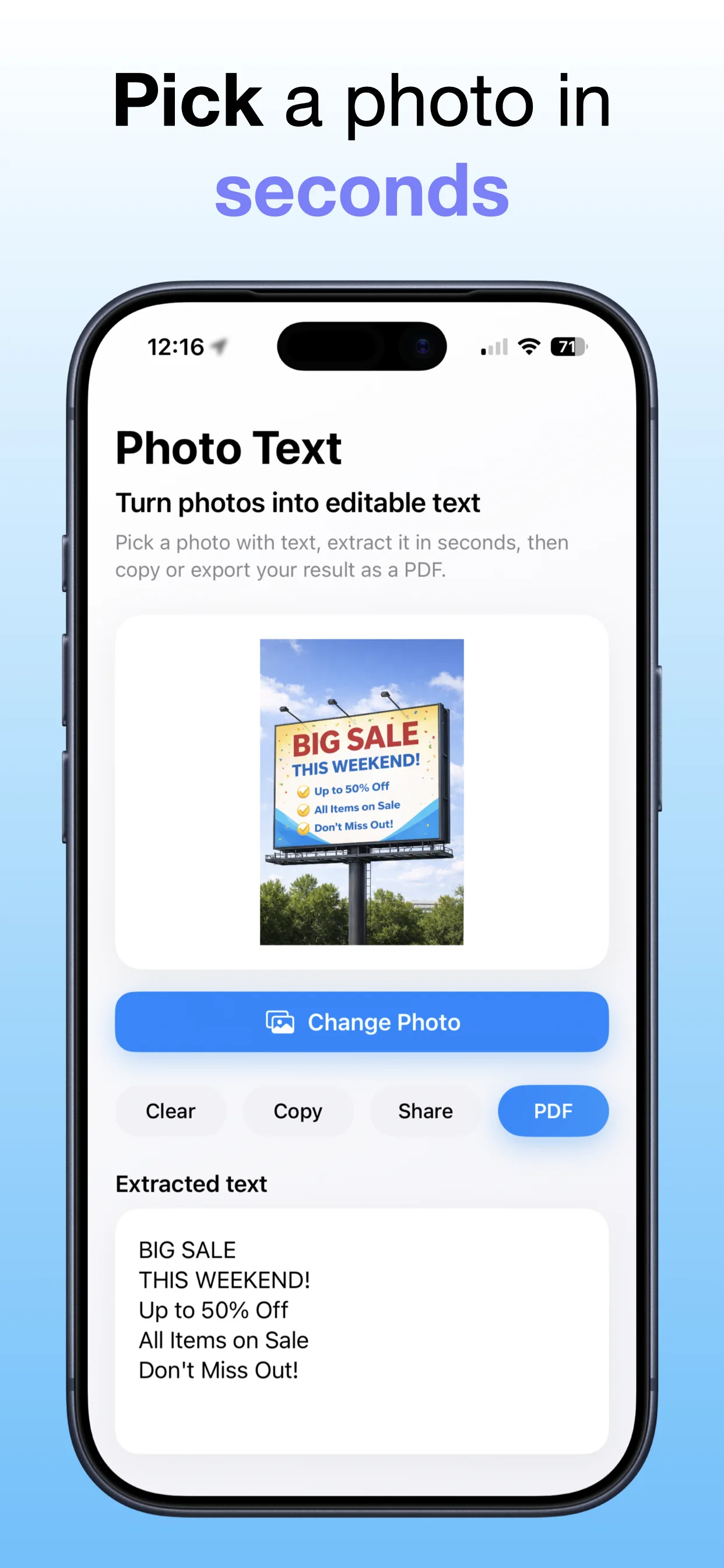
Photo To Text PDF screenshot: Create a text PDF
Create a text PDF

Turn photo-based content into a PDF workflow.

Photo To Text PDF screenshot: Review the result
Review the result

Check the output before saving or sharing.

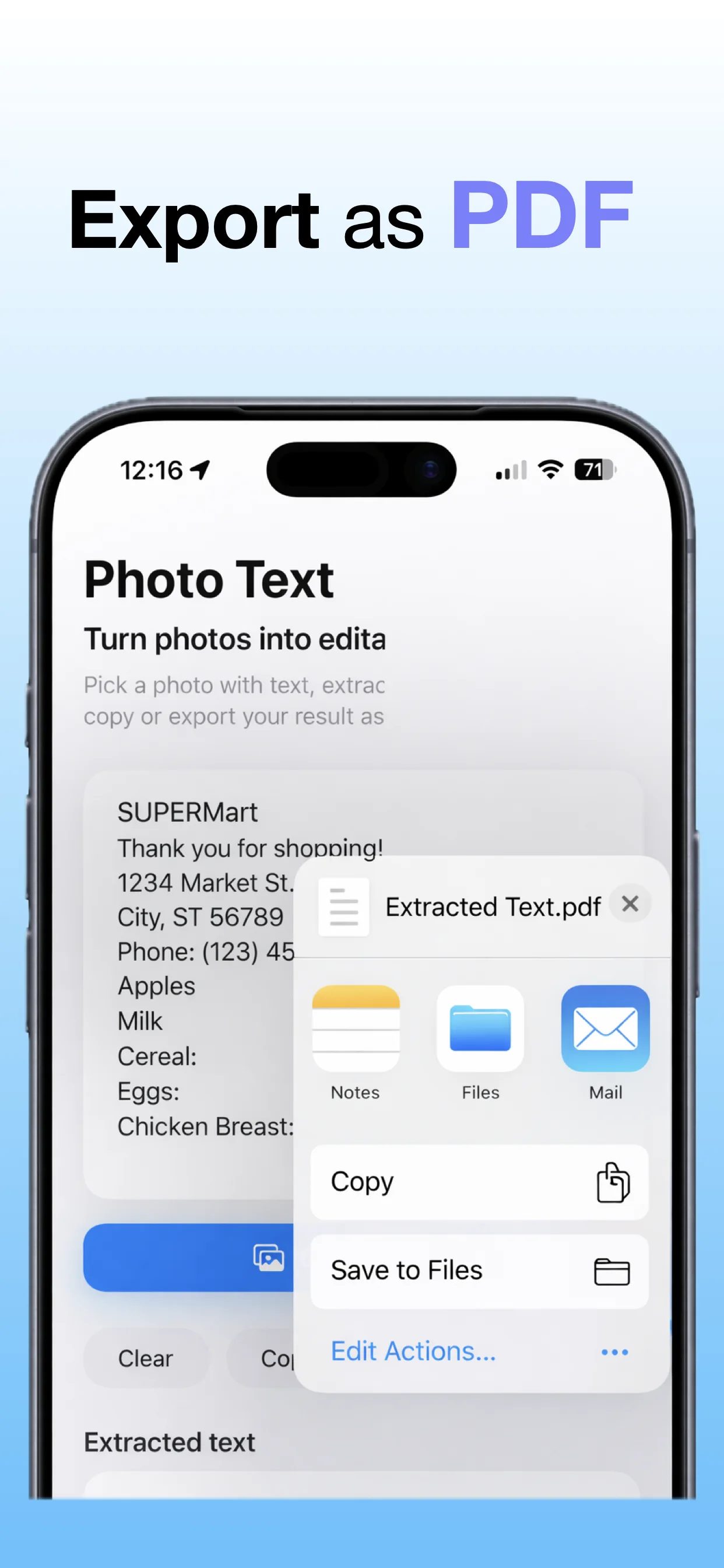
Photo To Text PDF screenshot: Save the PDF
Save the PDF

Keep the generated PDF for records or sharing.

Get the app

Open the App Store listing or OpsOh developer catalog.

Open →

Browse bundles

See related OpsOh apps grouped into workflow bundles.

Open →

Contact support

Get help with OpsOh apps and product questions.

Open →