Documents & Privacy

Redact sensitive details from PDF files.

Protect private information in documents before saving or sharing.

PDF Redactor app icon
PDF RedactorTop 30 days
PDF Redactor screenshot preview
What it does

Built around one clear job.

PDF Redactor helps protect private information by marking sensitive areas in a PDF before saving or sharing a cleaned copy.

  • Import a PDF for review
  • Mark sensitive information
  • Create a cleaner copy
  • Prepare documents before saving or sharing
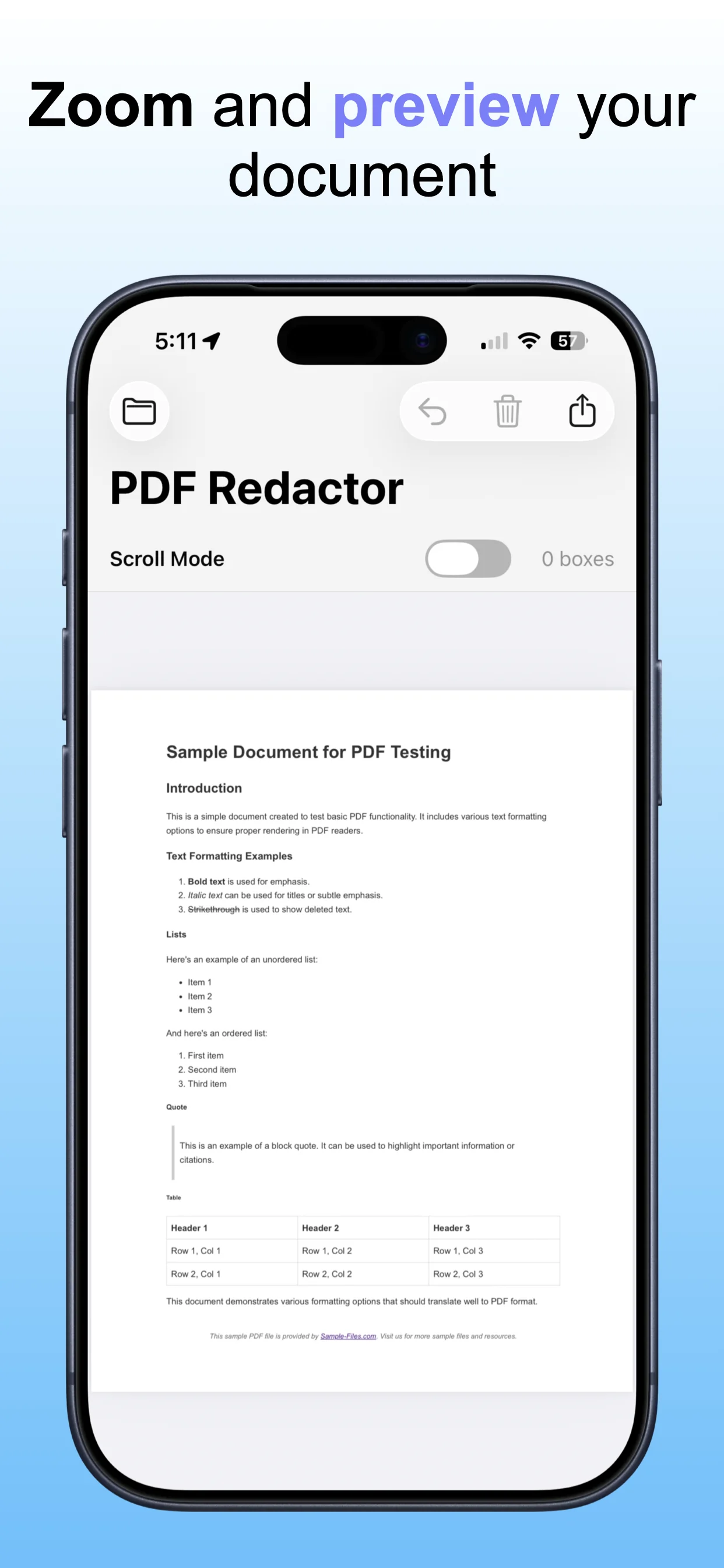
See PDF Redactor in action.

A focused look at importing a PDF, marking sensitive information, and saving a cleaned, protected copy.

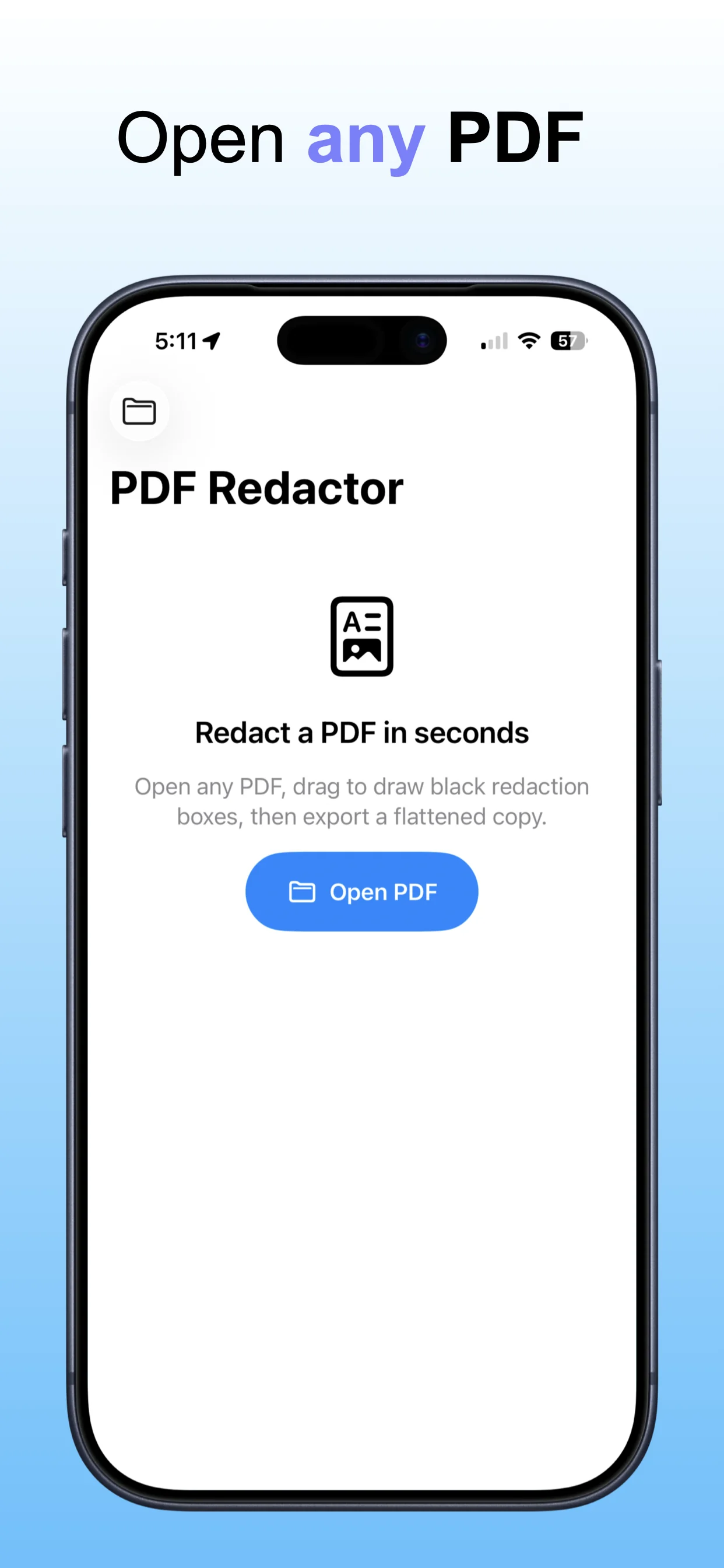
PDF Redactor screenshot 1: Import the PDF to review
Import the PDF to review

Start from the document that needs private information removed.

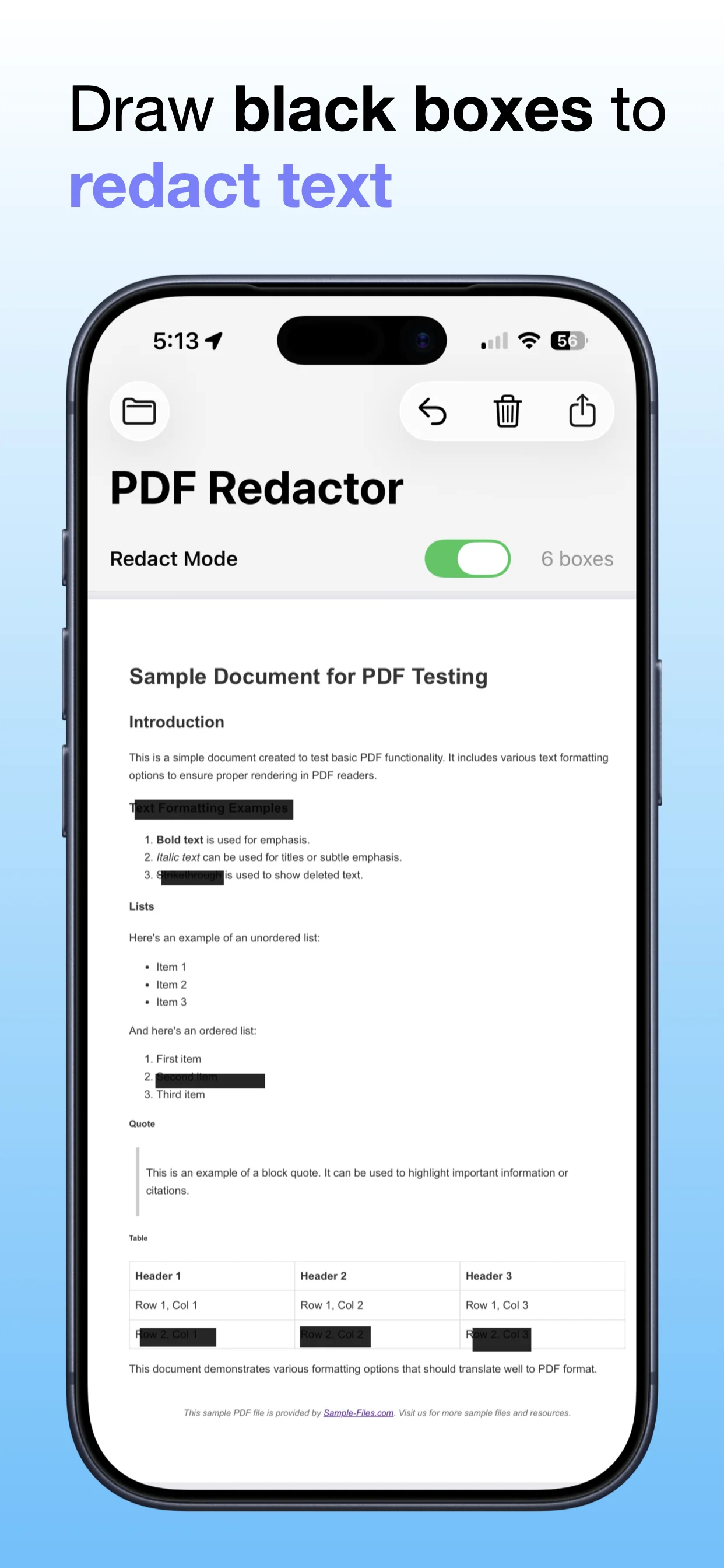
PDF Redactor screenshot 2: Mark sensitive information
Mark sensitive information

Highlight the text or sections that should be redacted.

PDF Redactor screenshot 3: Review the protected version
Review the protected version

Confirm the redactions before finishing the file.

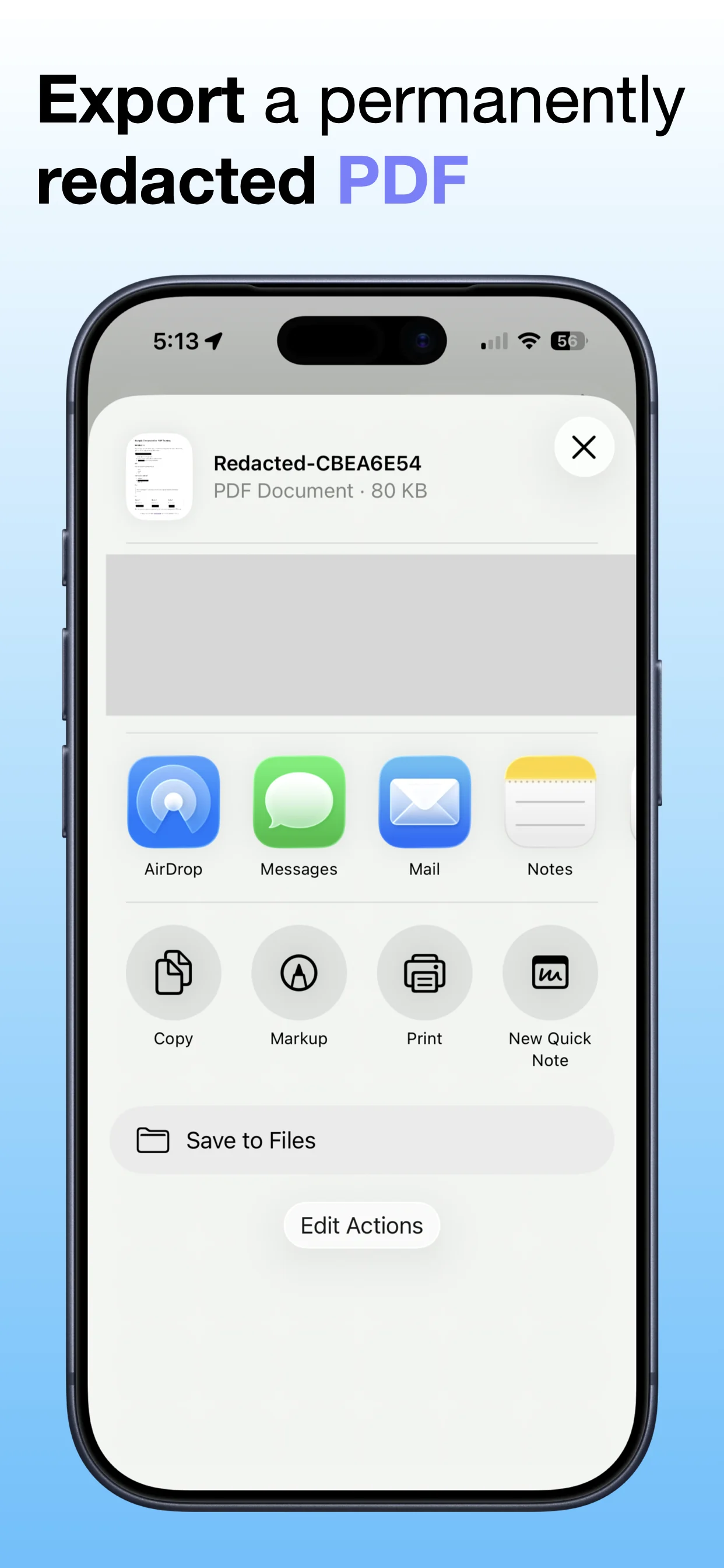
PDF Redactor screenshot 4: Save the cleaned PDF
Save the cleaned PDF

Export a more privacy-friendly copy ready to keep or share.

Get PDF Redactor

Download the app from the App Store.

Open →

Read the PDF redaction guide

Learn when redaction is useful and how to prepare cleaner PDF copies.

Open →

Explore PDF Tools Suite

Bundle related OpsOh tools for PDF and document workflows.

Open →
Who is PDF Redactor for?

PDF Redactor is for iOS users who want a focused, practical way to complete this workflow without unnecessary complexity.

Is this part of the OpsOh app catalog?

Yes. This app is part of the growing OpsOh catalog of focused iOS apps.

Where can I get support?

Use the support page for this app or email support@opsoh.com.