
Photos & Media

Move photos between iPhone albums.

Reorganize photo albums with a focused workflow for moving selected images where they belong.

Move Photos Between Albums App Store screenshot preview
Move Photos Between Albums app iconMove Photos Between AlbumsOpsOh app
What it does

Built around one clear job.

Reorganize photo albums with a focused workflow for moving selected images where they belong.

Choose photos from an albumMove images to another albumReview selected photos firstKeep albums organized
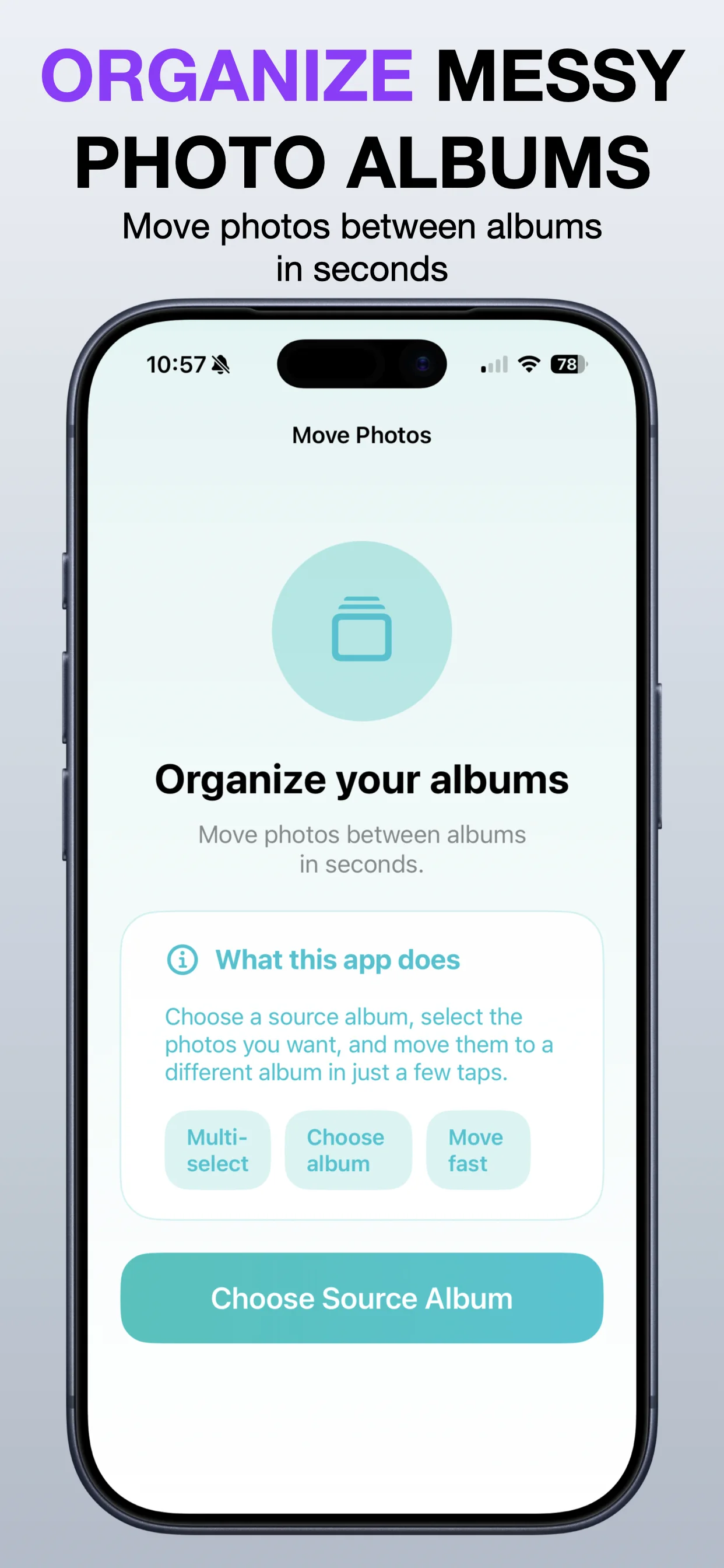
See Move Photos Between Albums in action.

A focused walkthrough of the app experience using App Store screenshots.

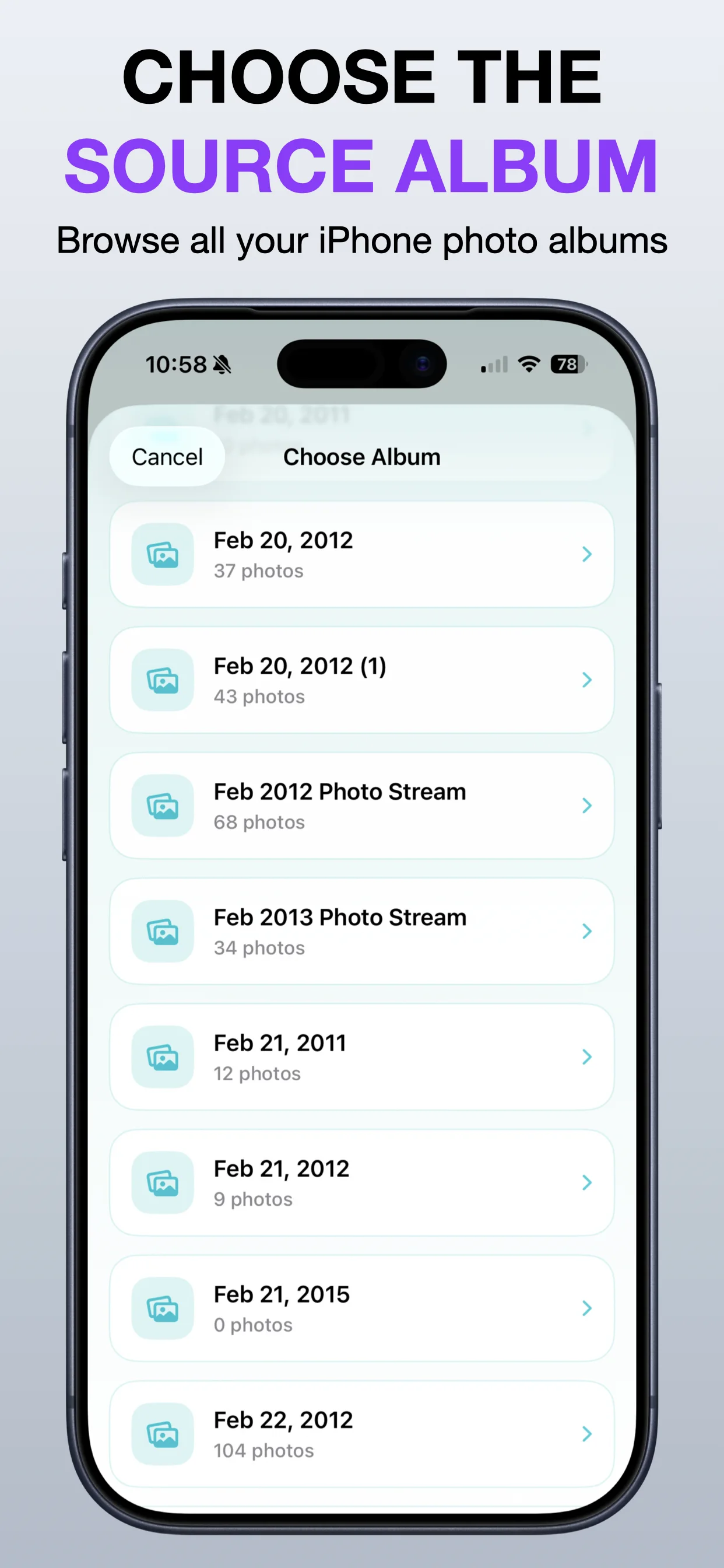
Move Photos Between Albums screenshot: Choose source photos
Choose source photos

Select photos from one album before moving them elsewhere.

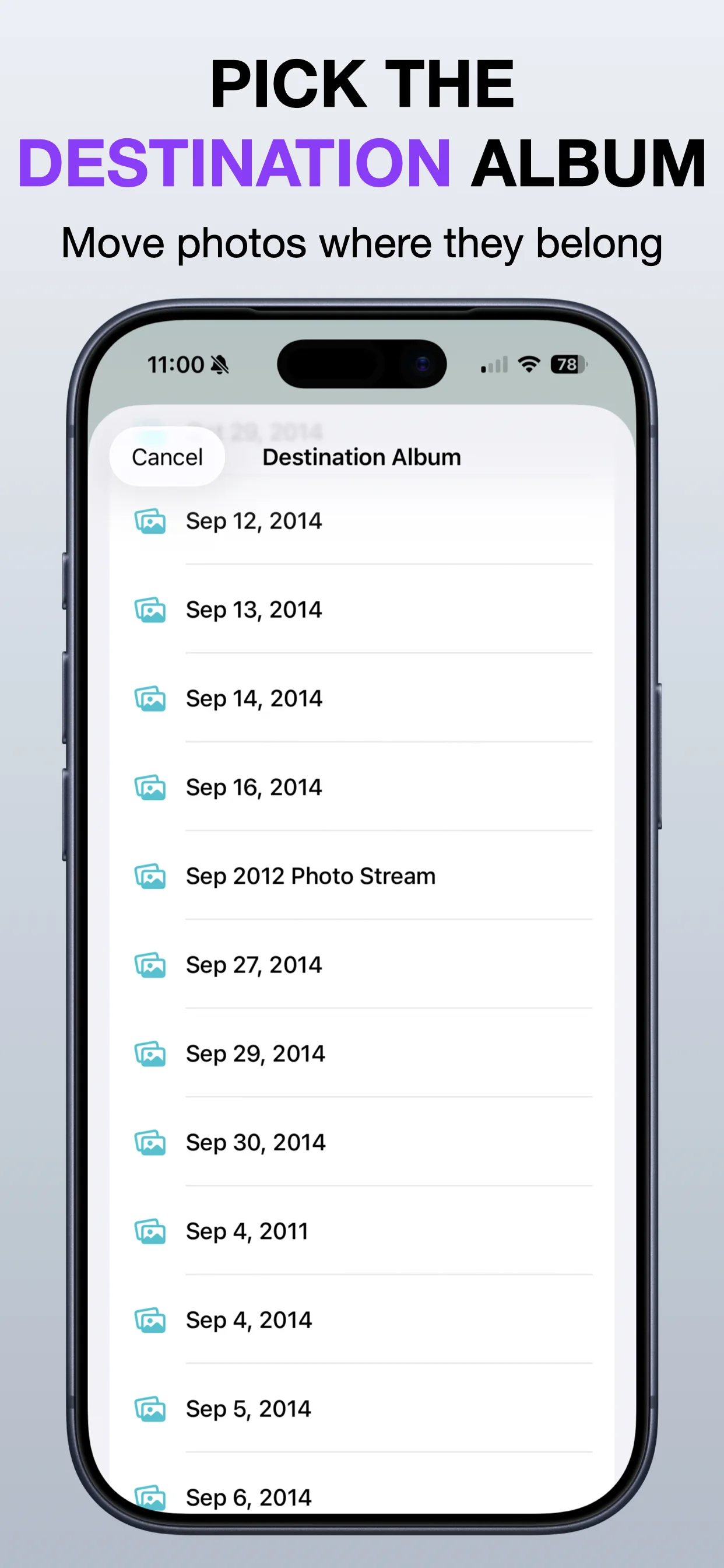
Move Photos Between Albums screenshot: Pick a destination
Pick a destination

Move selected images into the album where they belong.

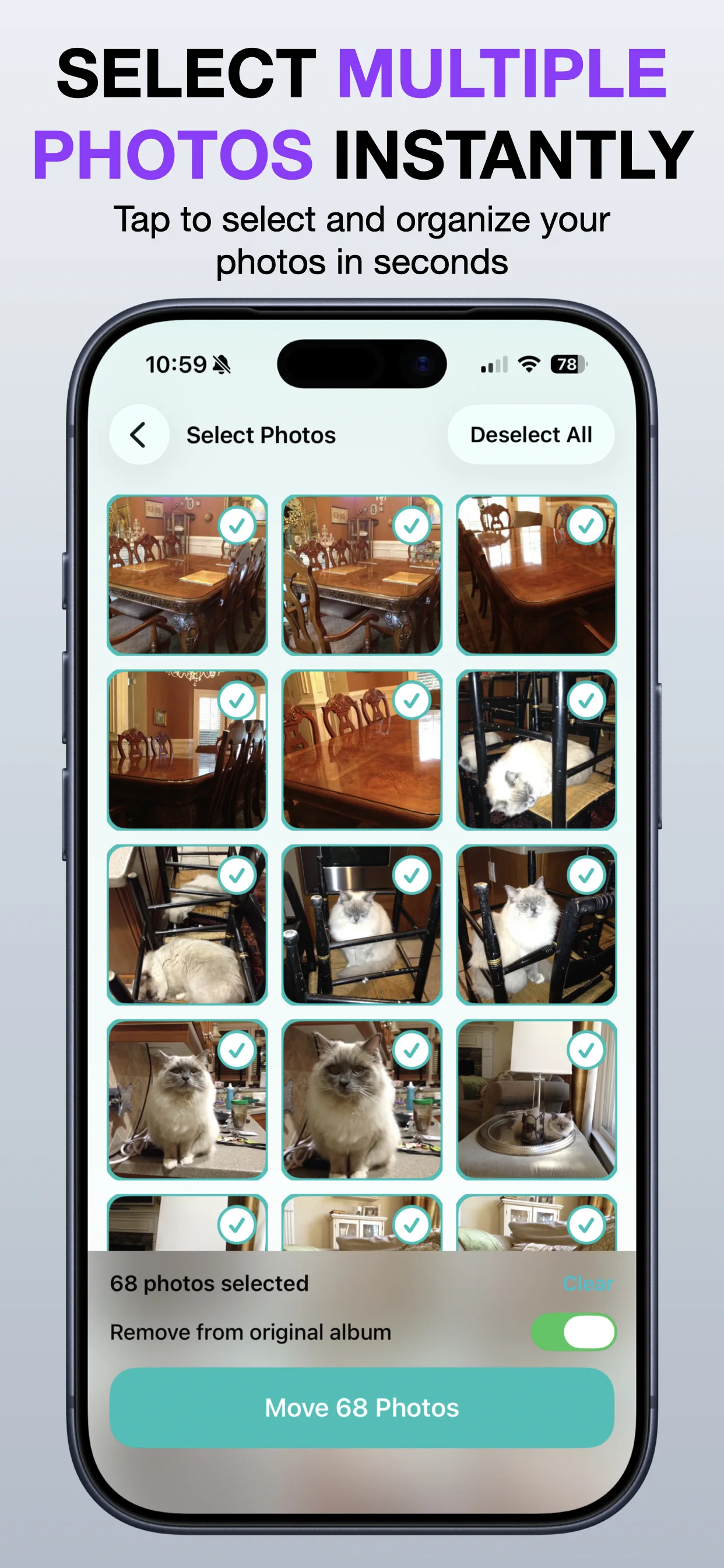
Move Photos Between Albums screenshot: Review before moving
Review before moving

Check the selected items before completing the change.

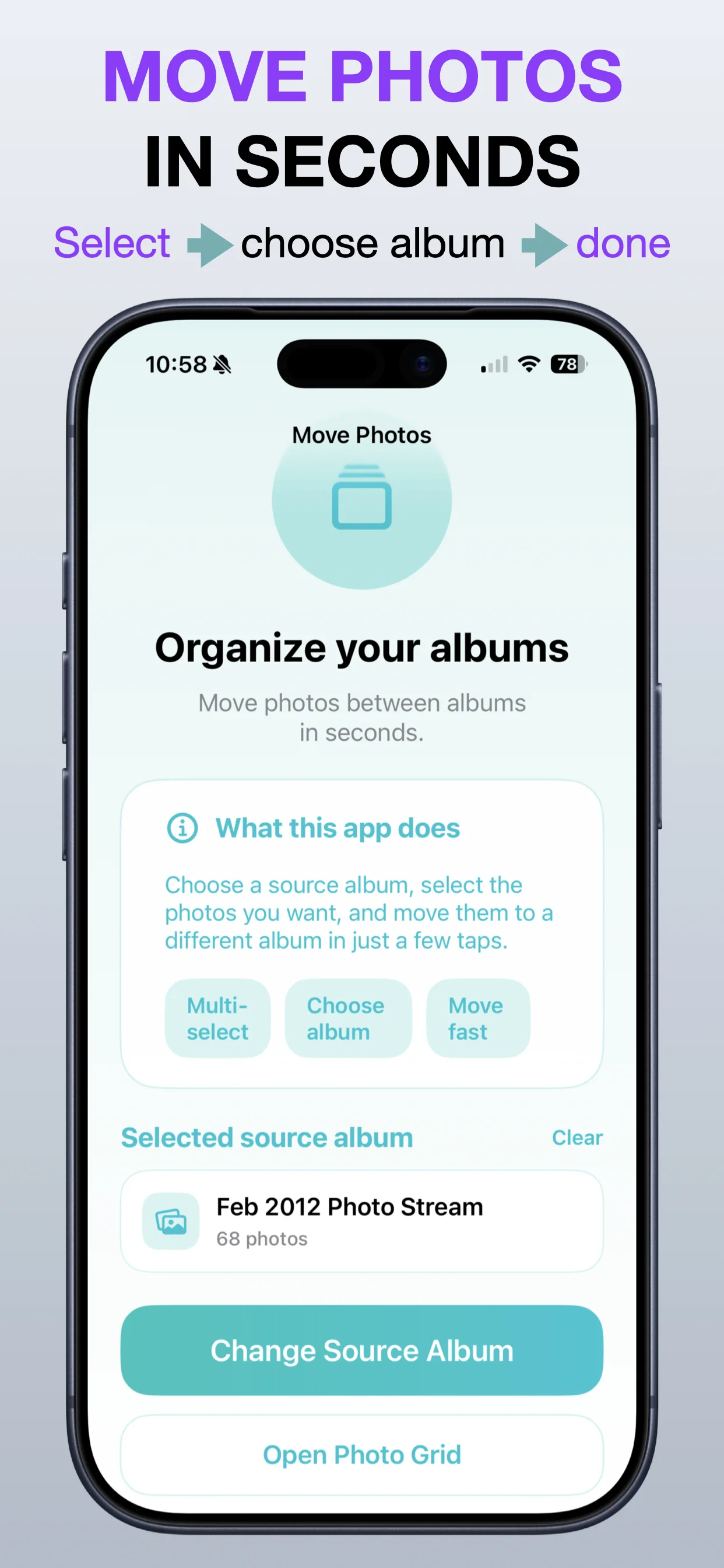
Move Photos Between Albums screenshot: Reorganize albums
Reorganize albums

Keep your photo library easier to browse.

Move Photos Between Albums screenshot: Finish the move
Finish the move

Complete the album transfer in a focused flow.

Get the app

Open the App Store listing or OpsOh developer catalog.

Open →

Browse bundles

See related OpsOh apps grouped into workflow bundles.

Open →

Contact support

Get help with OpsOh apps and product questions.

Open →