
Export & Productivity

Export photos into a ZIP file.

Package selected photos into a ZIP file for saving, sharing, or moving photo groups more easily.

Export Photos - ZIP & Share App Store screenshot preview
Export Photos - ZIP & Share app iconExport Photos - ZIP & ShareOpsOh app
What it does

Built around one clear job.

Package selected photos into a ZIP file for saving, sharing, or moving photo groups more easily.

Select photos to packageCreate a ZIP file from imagesKeep related photos togetherShare or save the photo archive
See Export Photos - ZIP & Share in action.

A focused walkthrough of the app experience using App Store screenshots.

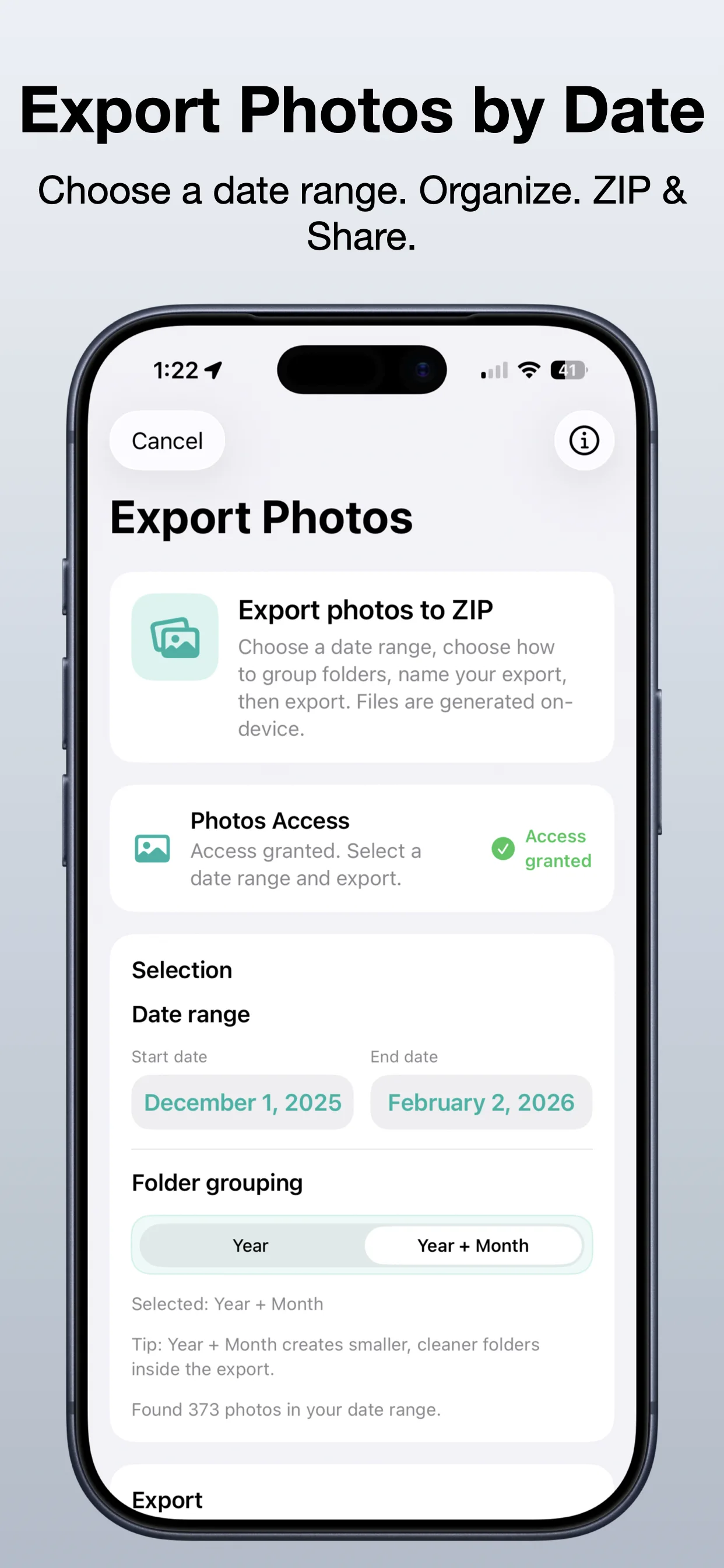
Export Photos - ZIP & Share screenshot: Select photos
Select photos

Choose the photo group you want to package.

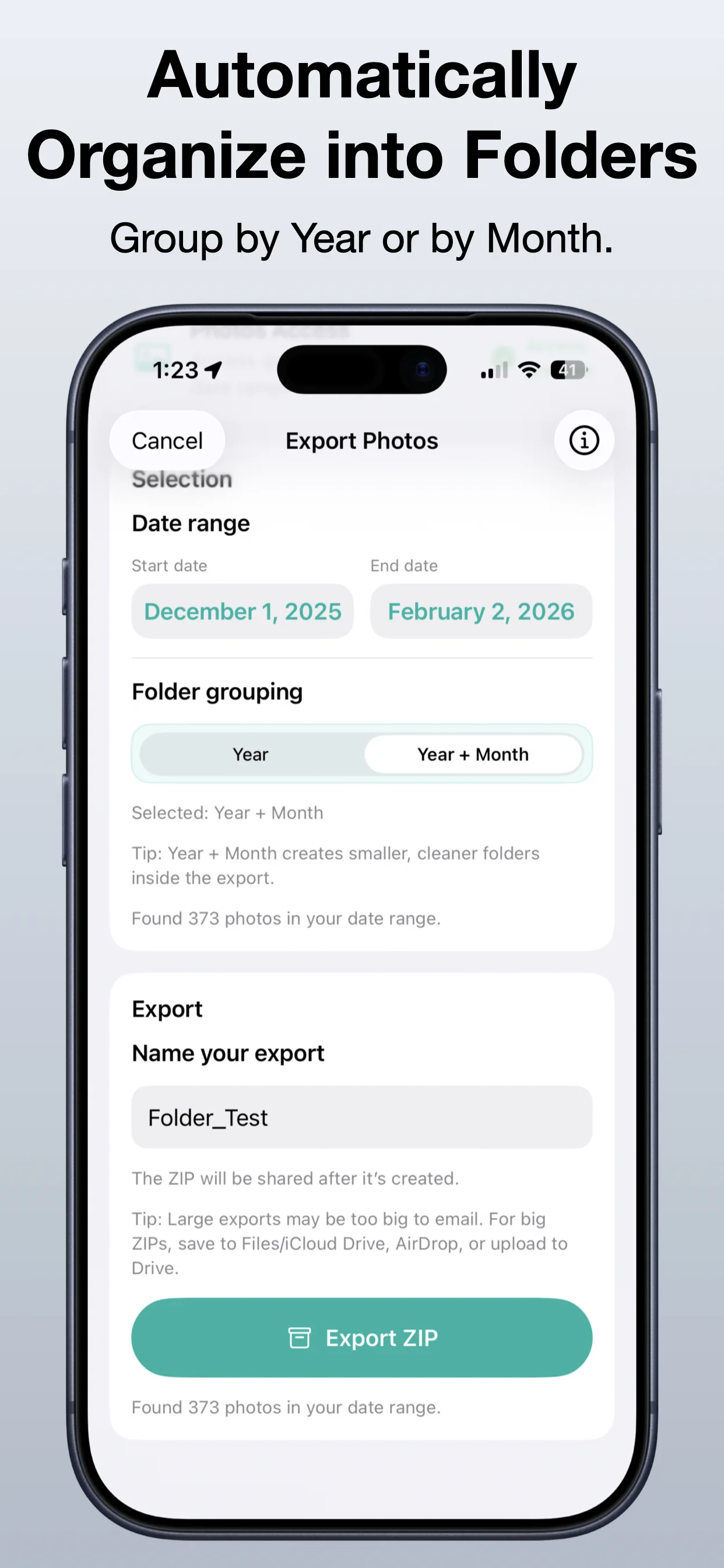
Export Photos - ZIP & Share screenshot: Create a ZIP file
Create a ZIP file

Bundle selected images into one shareable file.

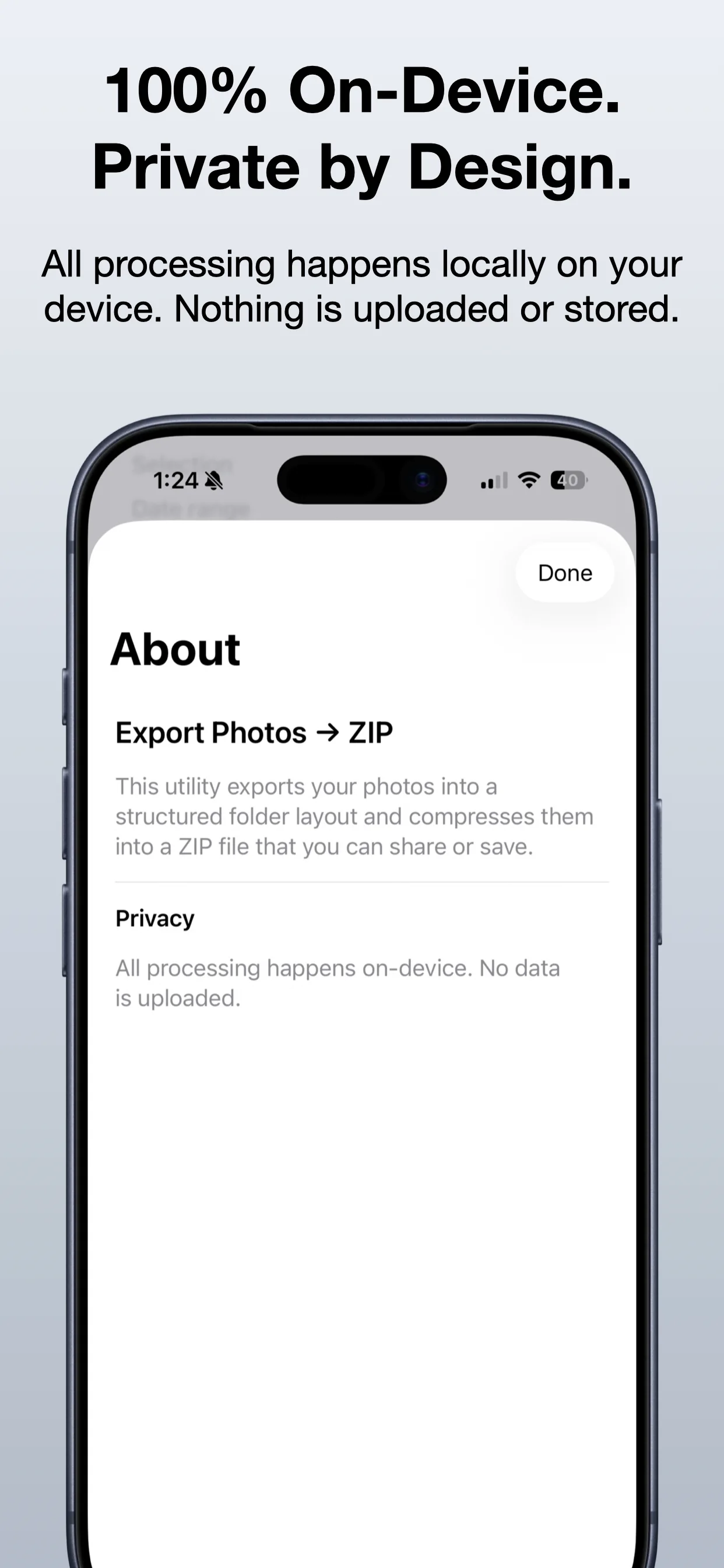
Export Photos - ZIP & Share screenshot: Review the export
Review the export

Keep photo sharing organized before sending.

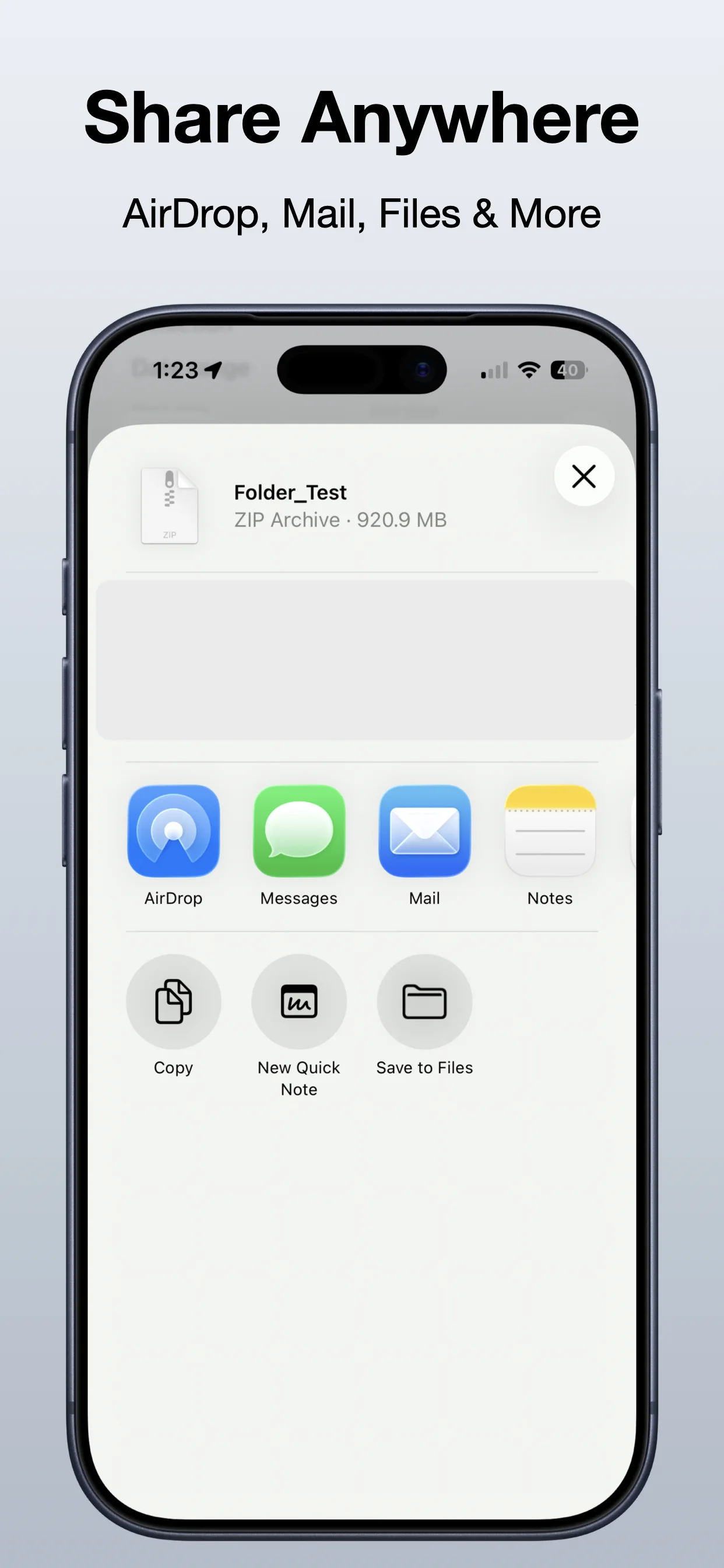
Export Photos - ZIP & Share screenshot: Share anywhere
Share anywhere

Save or send the ZIP file from your iPhone.

Get the app

Open the App Store listing or OpsOh developer catalog.

Open →

Browse bundles

See related OpsOh apps grouped into workflow bundles.

Open →

Contact support

Get help with OpsOh apps and product questions.

Open →