
Photos & Media

Combine multiple iPhone photos into one image.

Place selected photos together into one combined image for sharing, comparison, layouts, or simple visual records.

Combine Photos Side by Side screenshot preview
Combine Photos Side by Side app iconCombine Photos Side by SideOpsOh app
What it does

Built around one clear job.

Place selected photos together into one combined image for sharing, comparison, layouts, or simple visual records.

Combine multiple photosCreate one shareable imageUse side-by-side layoutsSave or share the final result
See Combine Photos Side by Side in action.

A focused walkthrough of the app experience using App Store screenshots.

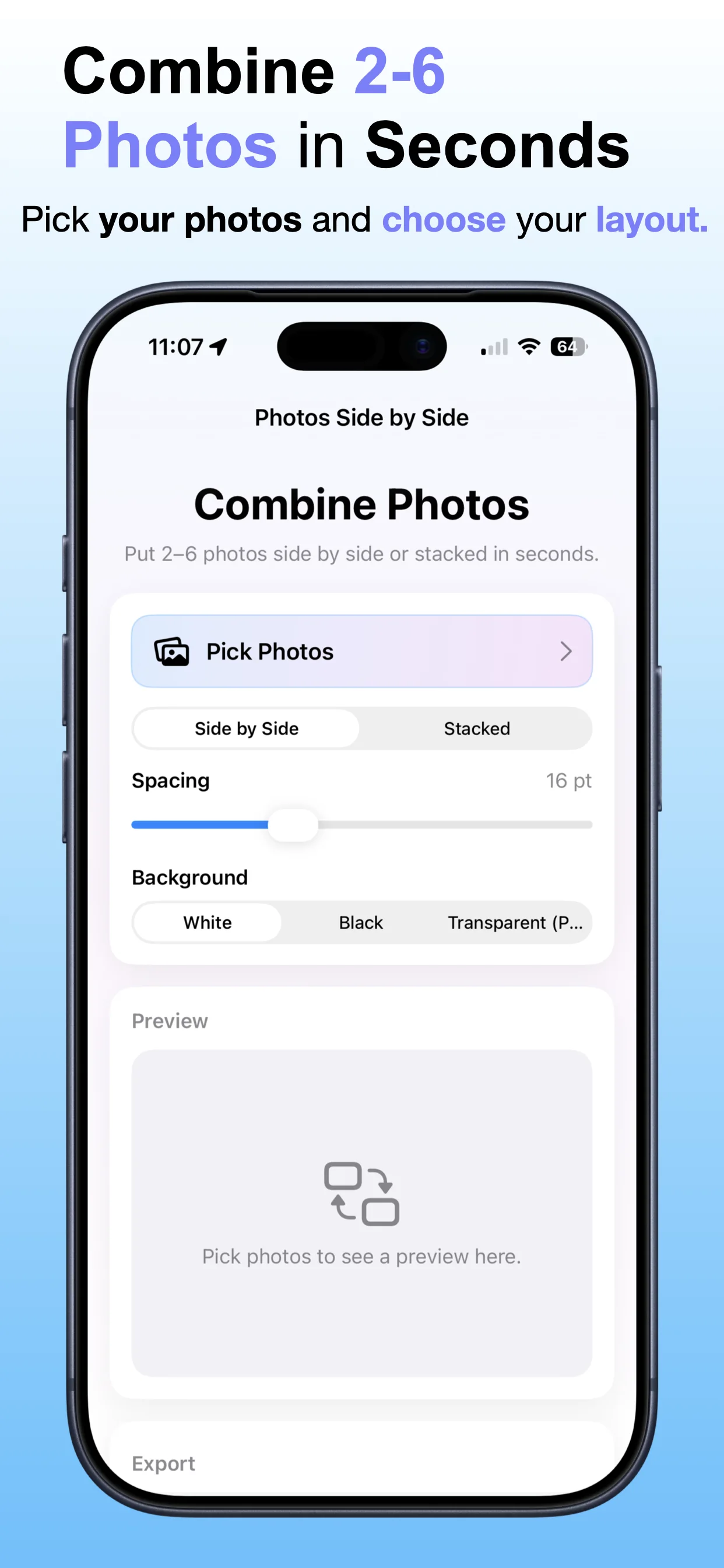
Combine Photos Side by Side screenshot: Choose photos to combine
Choose photos to combine

Select the images you want to place together in one final layout.

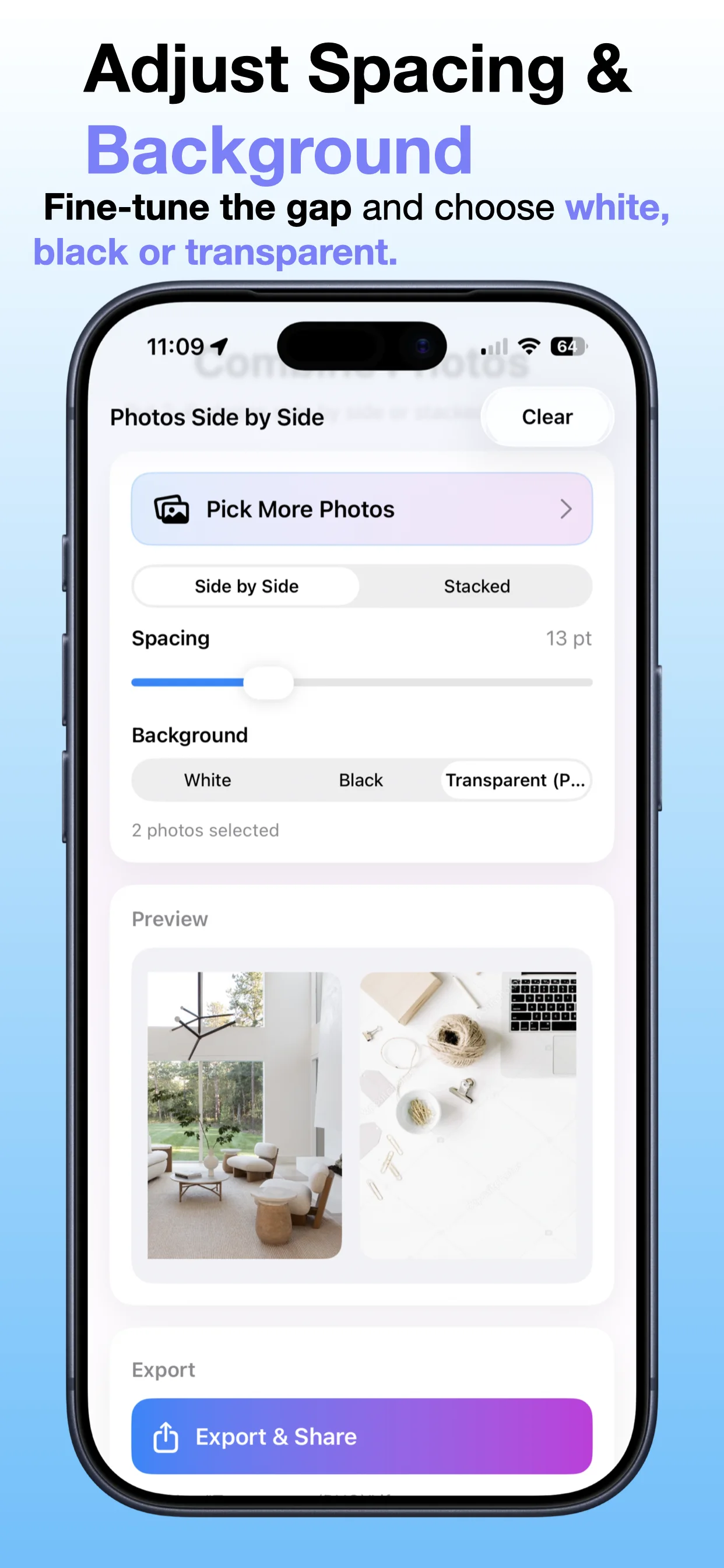
Combine Photos Side by Side screenshot: Create one combined image
Create one combined image

Turn multiple photos into a single shareable image.

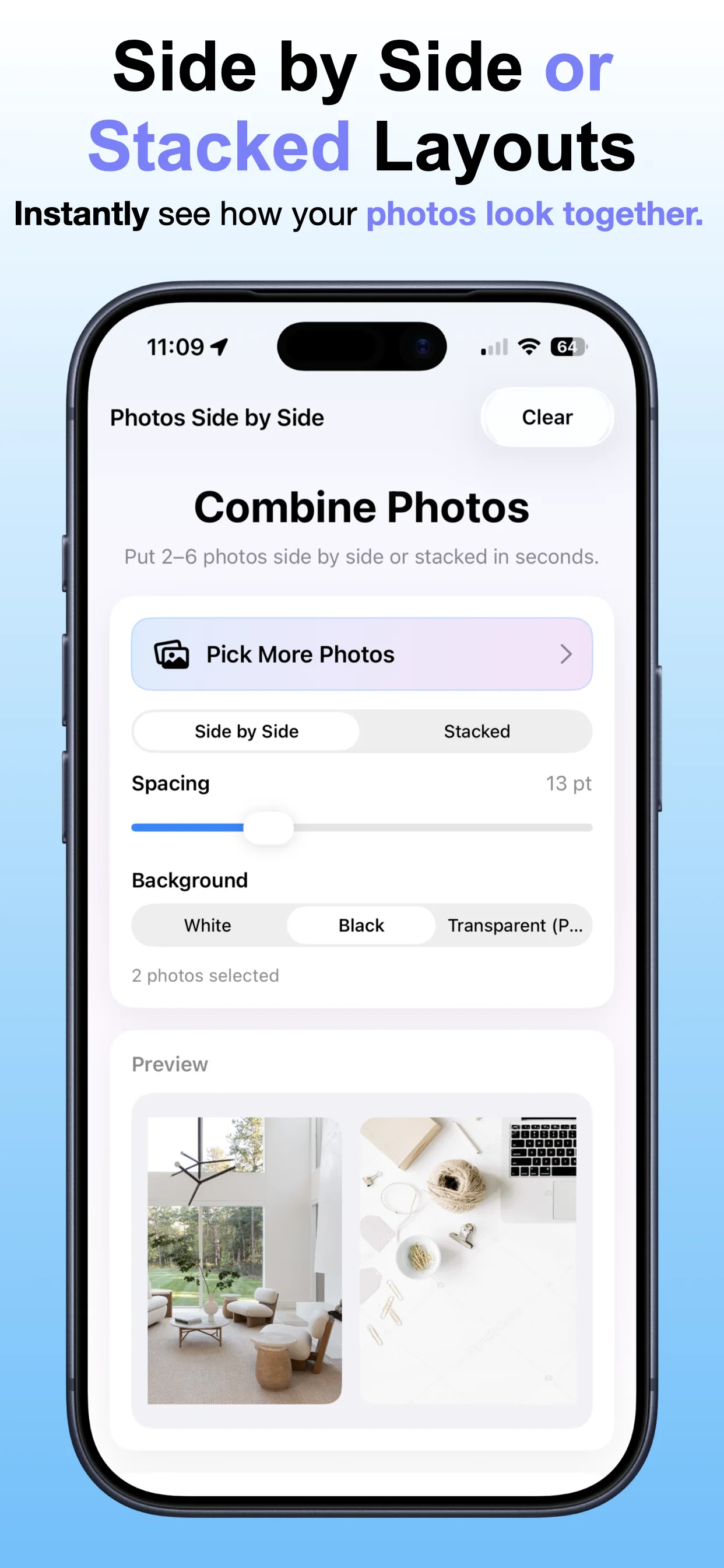
Combine Photos Side by Side screenshot: Pick a clean layout
Pick a clean layout

Use side-by-side composition for comparisons, records, or quick sharing.

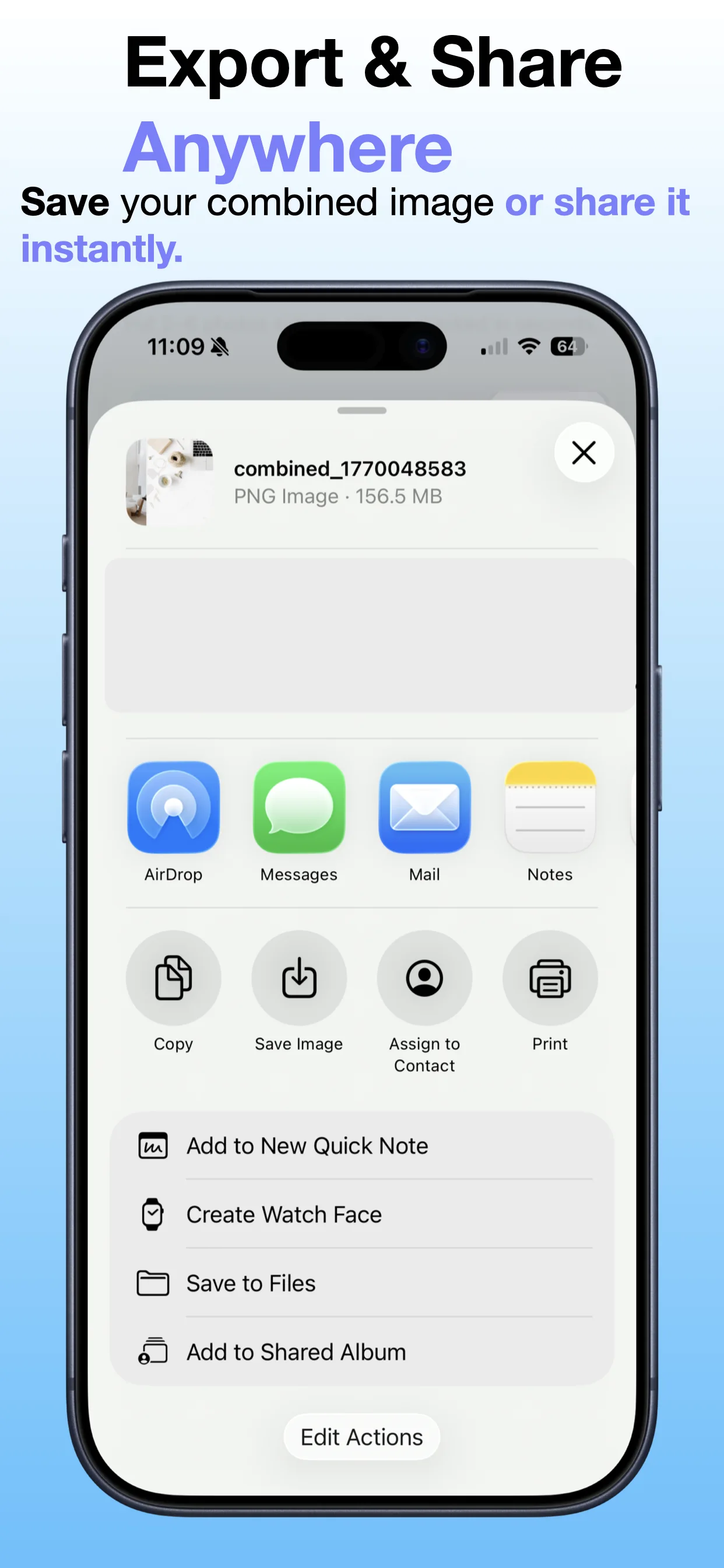
Combine Photos Side by Side screenshot: Save or share the result
Save or share the result

Export the combined image from your iPhone.

Get the app

Open the App Store listing.

Open →

Watch videos

Watch app demos and workflow videos.

Open →

Contact support

Get help with OpsOh apps.

Open →